AI Wedding Photo Generator
Turn photos you already have into a wedding shoot. Upload a clear photo of the two of you, or one portrait of each person, and pick a scene; the style sets the location, wardrobe and lighting.
It is for couples looking for engagement photo ideas or planning a pre-wedding photoshoot who want to see themselves in a gown and suit before booking a photographer, couples who married without a proper shoot, and anyone putting together an anniversary gift. The styles range from Chinese, Korean and Japanese wedding looks to Western church, beach and castle scenes.
People use the results on save-the-date cards, invitations, wedding websites, welcome signs and reception slideshows. The styles keep both faces and change clothing, hair and setting, so one photo can be tried in many looks.
50 styles
Your photo is never used to train AI models.
Choose a style
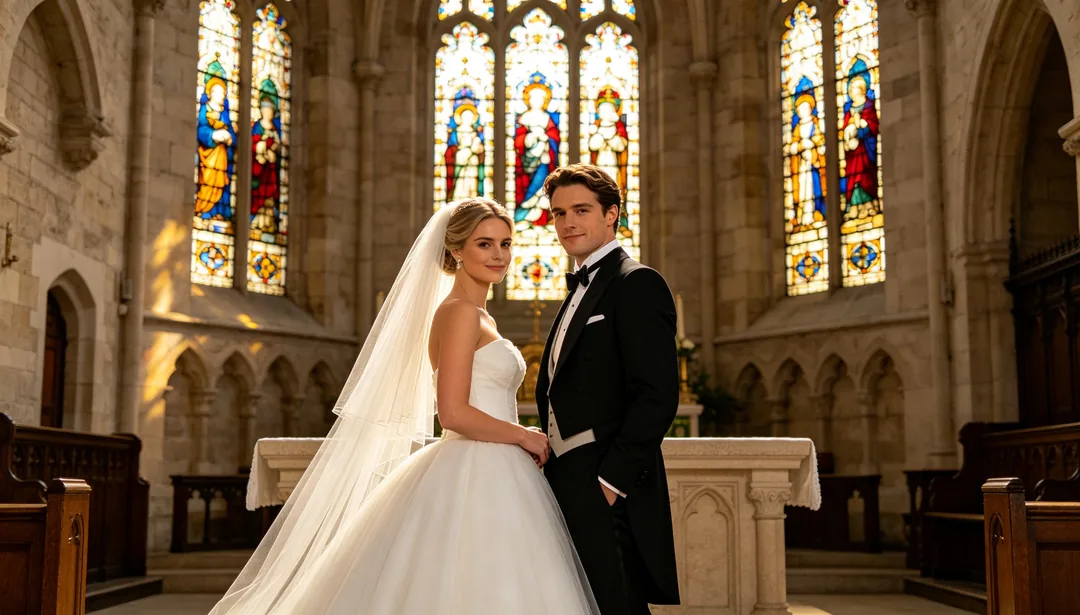
White Gown & Church
A classic white ball gown at a stone church altar beneath stained-glass light for a solemn, sacred mood.
Details: White Gown & Church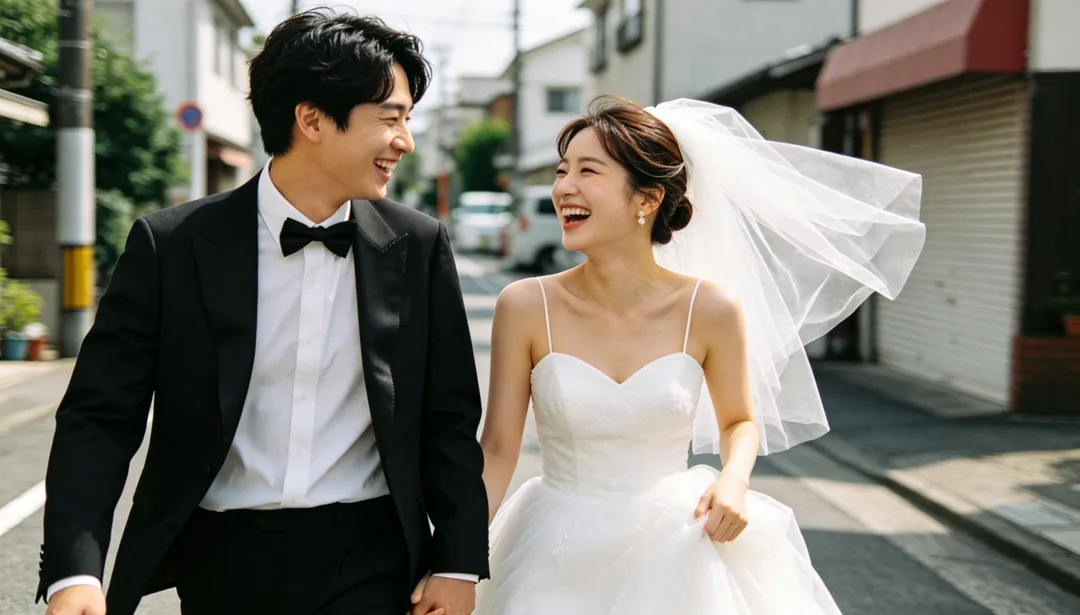
Documentary Realism
A photojournalistic candid style that captures genuine unposed moments and natural interaction between the couple.
Details: Documentary Realism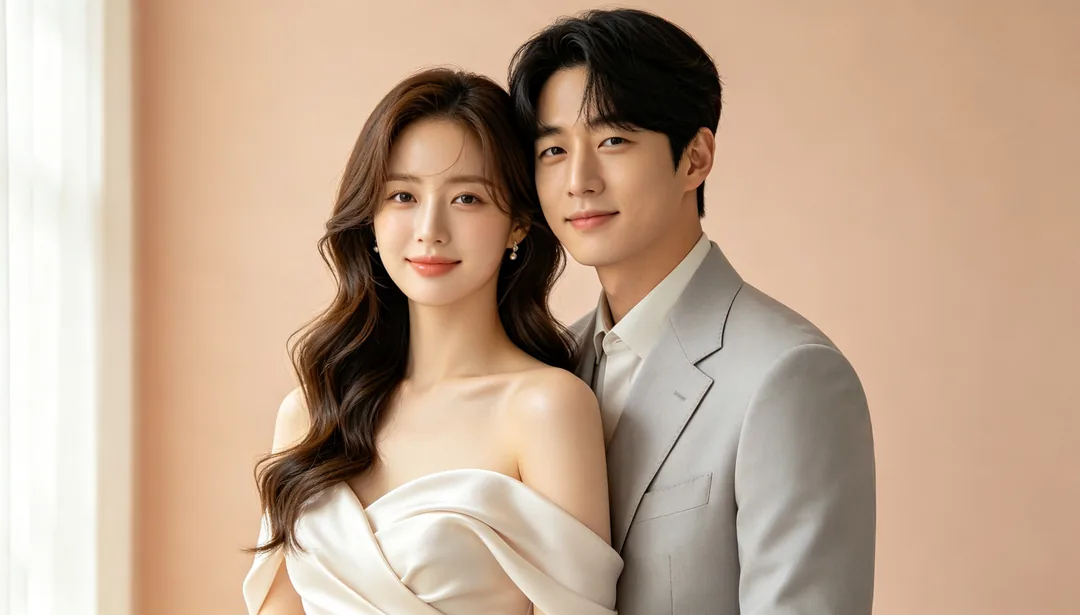
Korean Simplicity
A softly draped satin gown with dewy natural makeup against a plain pastel backdrop for a clean Korean studio look.
Details: Korean Simplicity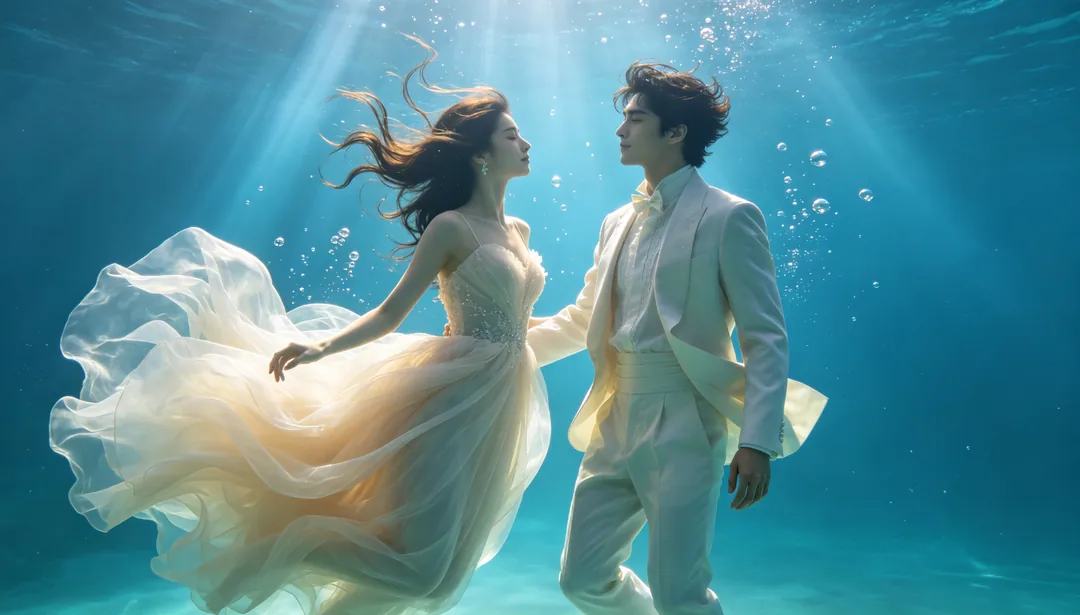
Underwater Dream
Weightless billowing gowns suspended amid blue light beams, bubbles, and coral silhouettes for a surreal underwater effect.
Details: Underwater Dream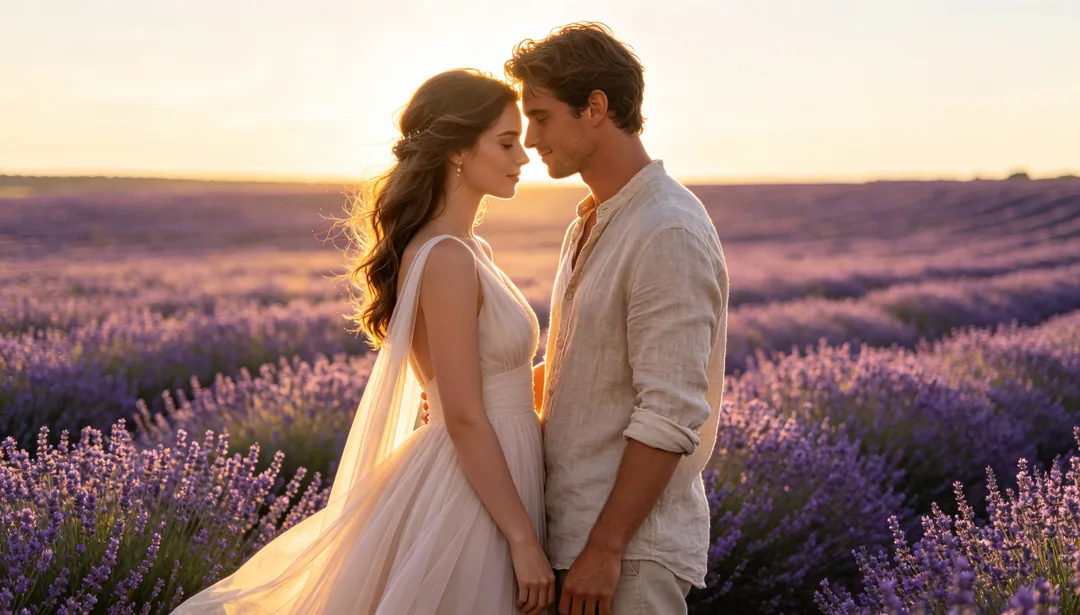
Flower Field Romance
A flowing gown amid an expansive lavender or sunflower field glowing under golden-hour light.
Details: Flower Field Romance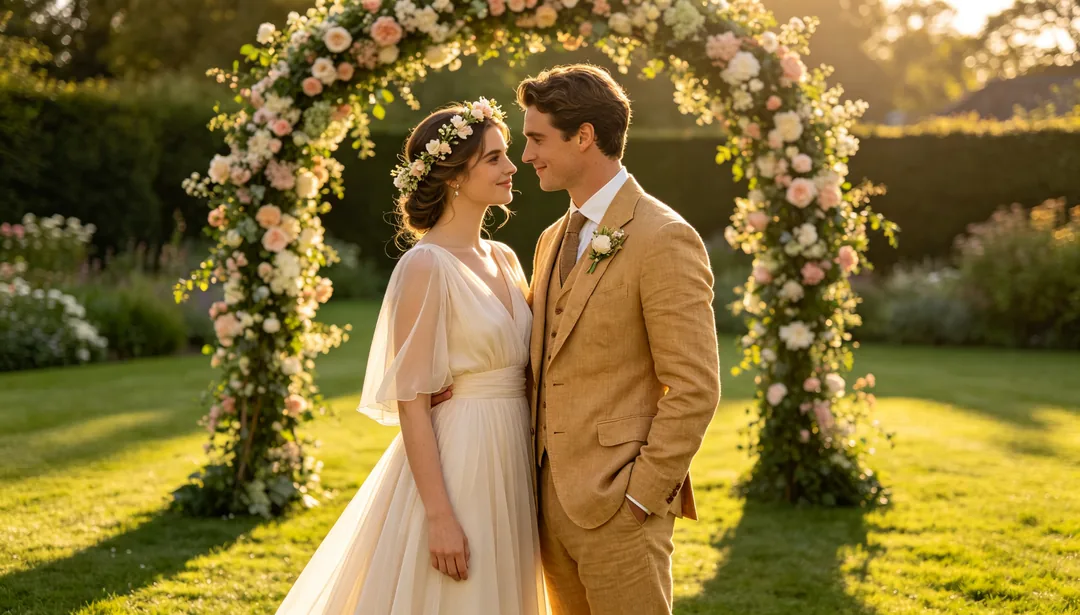
Garden Lawn Wedding
A flowing chiffon gown beneath a floral arch on a manicured English lawn in soft afternoon light.
Details: Garden Lawn Wedding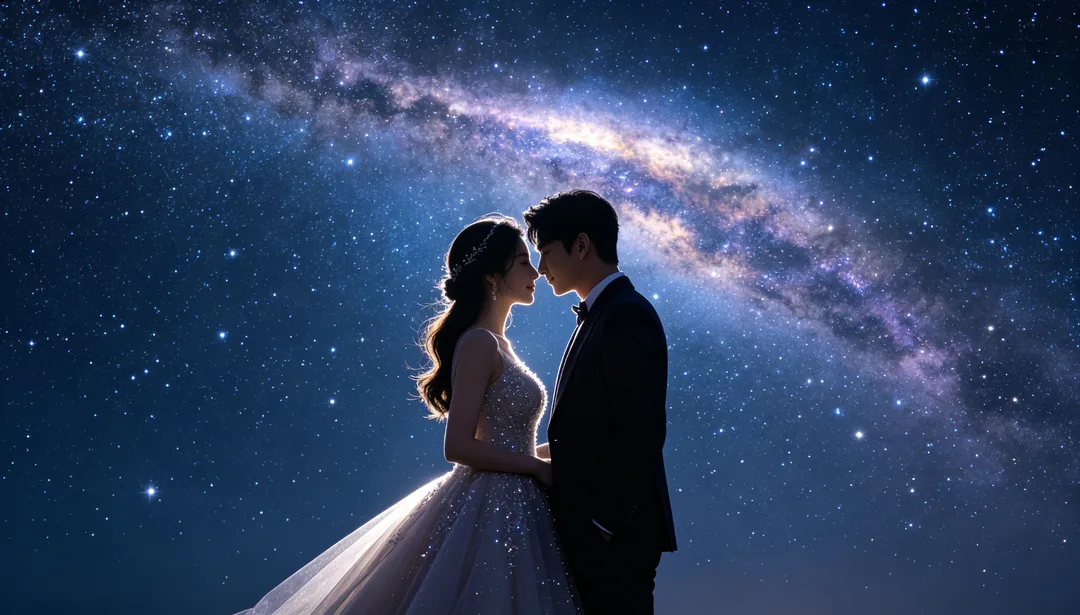
Starry Universe
A sparkling gown beneath a glowing galaxy band and scattered nebula colors for a cosmic fantasy portrait.
Details: Starry Universe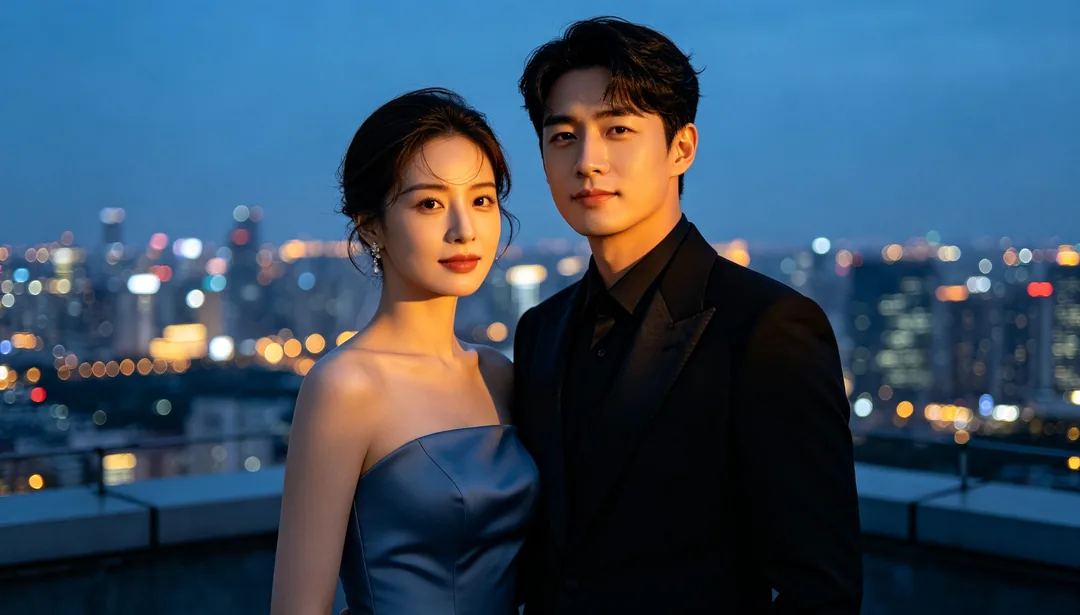
City Night Lights
A sleek modern gown against a glittering city skyline in a cool blue-and-amber night palette.
Details: City Night Lights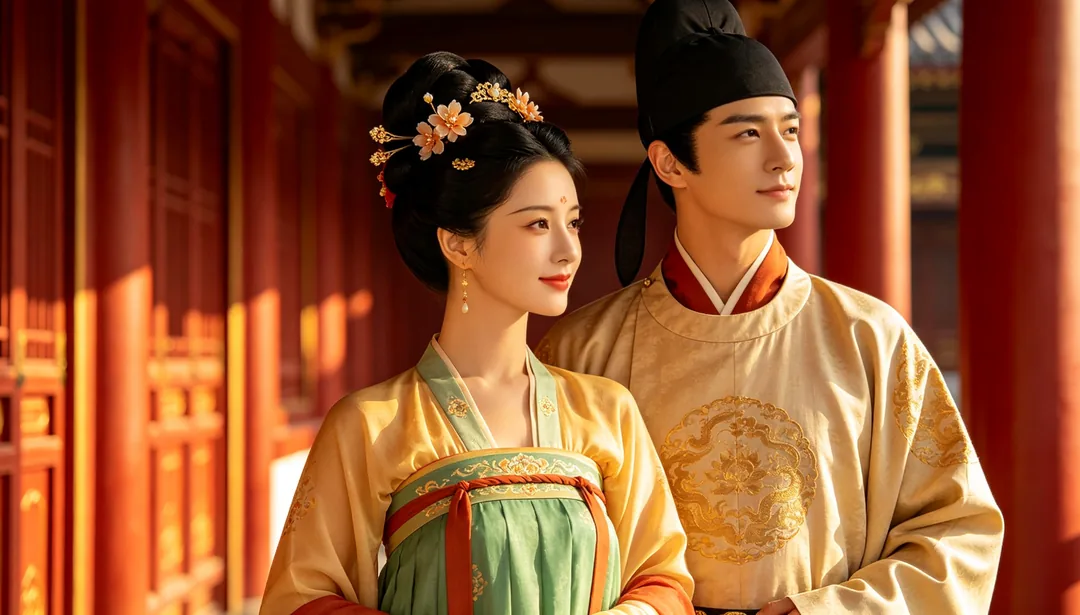
Tang Dynasty Splendor
Empire-waist Tang-dynasty robes and ornate hair combs inside a grand red-pillared Tang palace hall.
Details: Tang Dynasty Splendor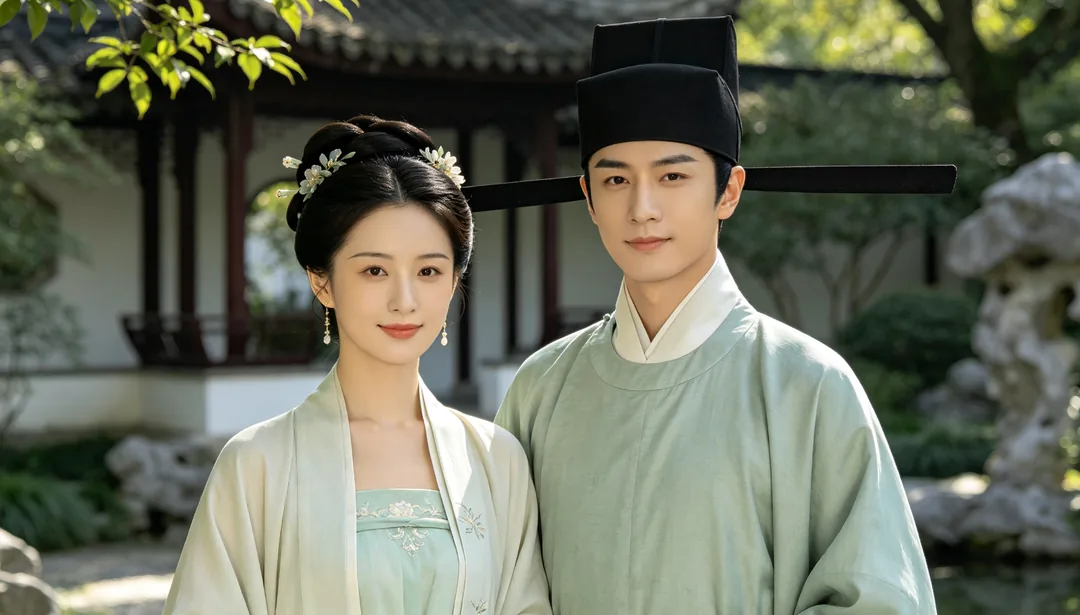
Song Dynasty Elegance
Narrow-sleeved Song-dynasty beizi and understated styling in a tranquil scholar's garden for an elegant, restrained look.
Details: Song Dynasty Elegance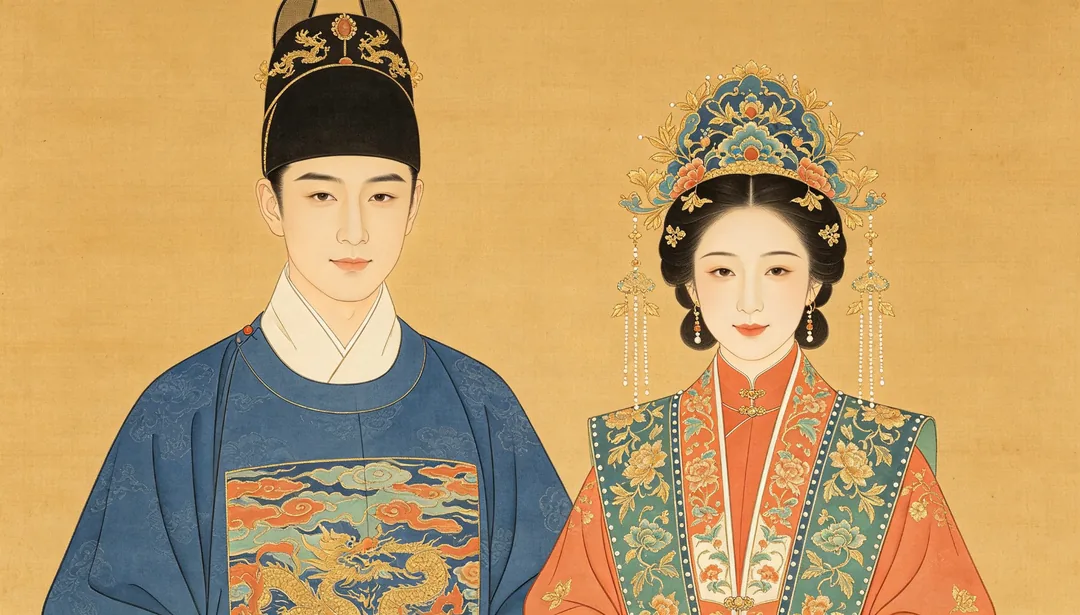
Gongbi Fine-Line Painting
A meticulous gongbi fine-line painting treatment turns the couple's Hanfu portrait into a traditional Chinese court painting.
Details: Gongbi Fine-Line Painting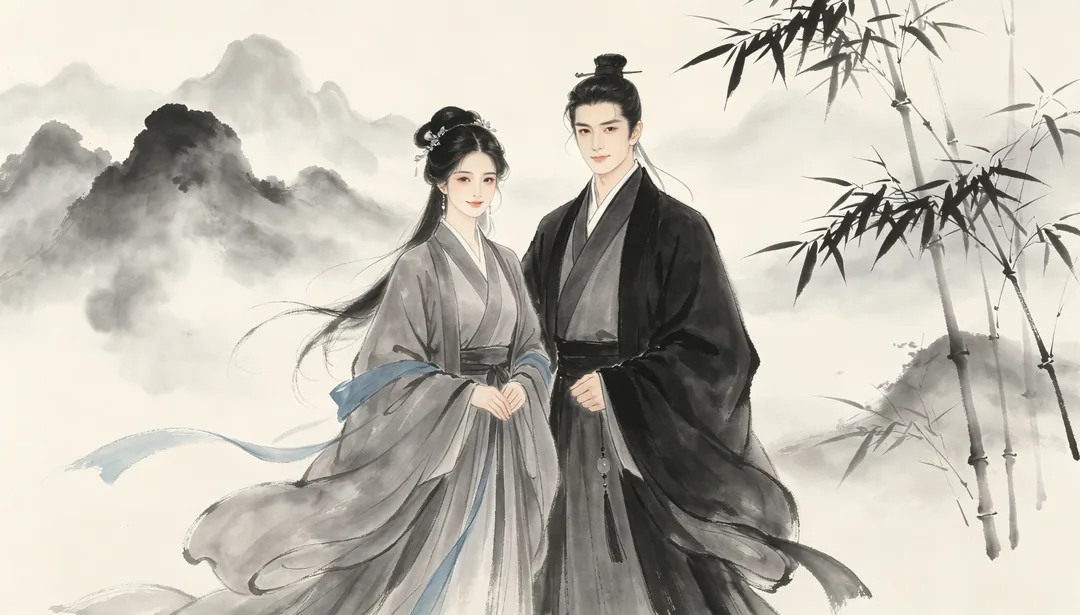
Ink Wash Chinoiserie
Muted-tone Hanfu against a misty ink-wash landscape backdrop for a painterly Chinese aesthetic.
Details: Ink Wash Chinoiserie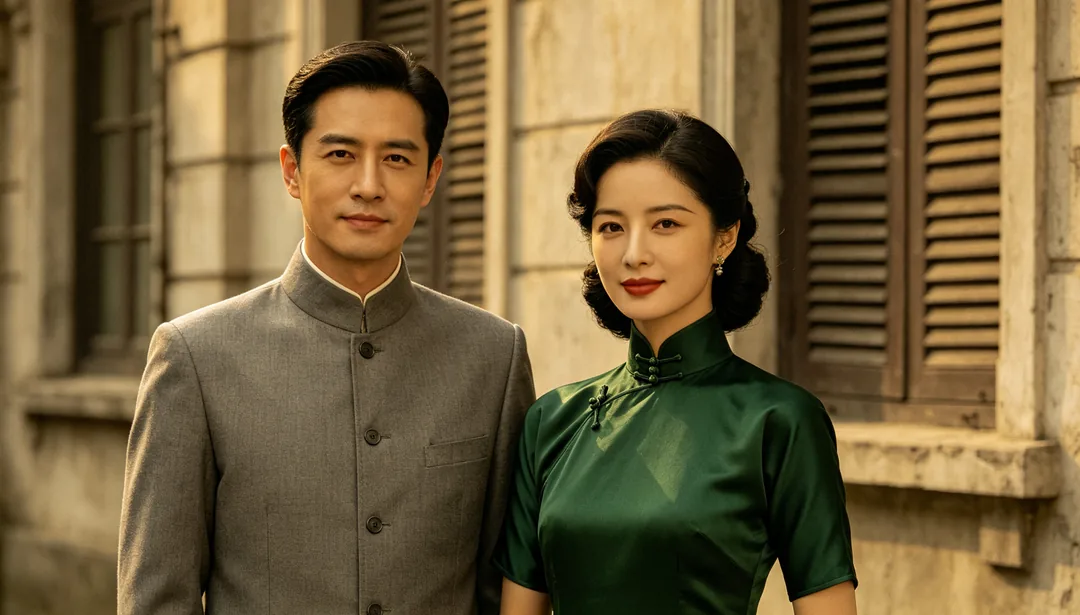
Zhongshan Suit & Old Shanghai
Zhongshan suit paired with a fitted qipao against an old-Shanghai facade for a 1930s film-toned look.
Details: Zhongshan Suit & Old Shanghai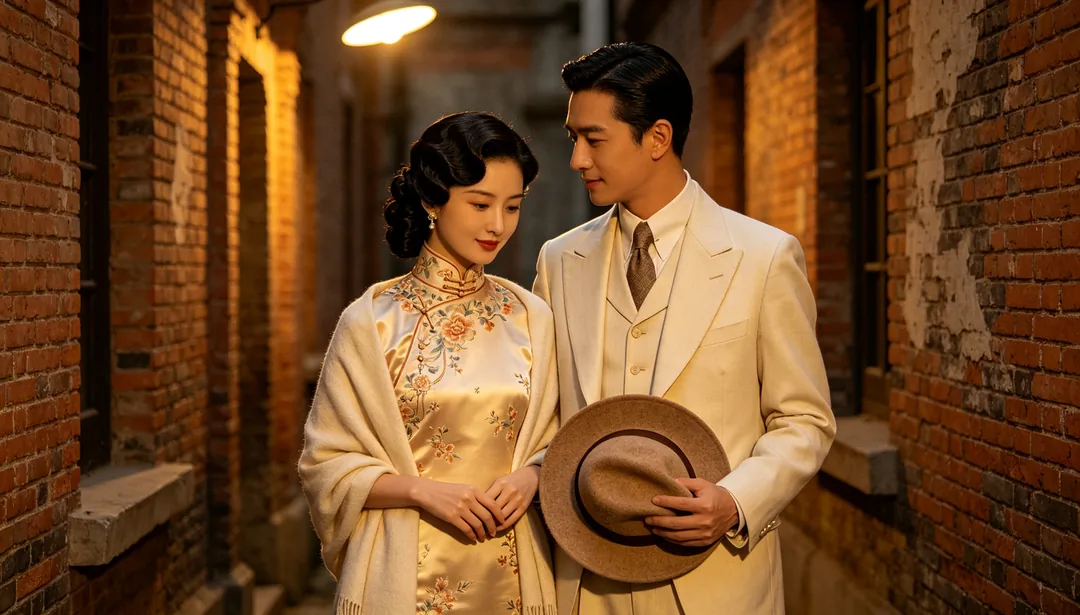
Republican-Era Romance
Republican-era qipao and a three-piece suit in a nostalgic studio or alley setting with warm tungsten light.
Details: Republican-Era Romance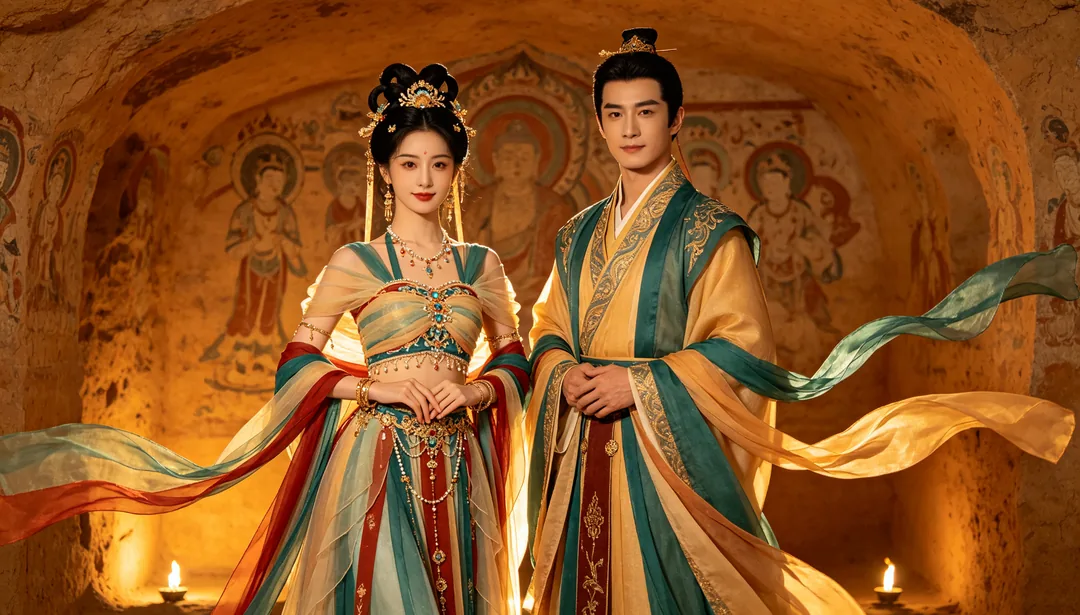
Dunhuang Apsara
Flowing ribboned apsara costume inspired by Dunhuang cave murals against a warm ochre grotto backdrop.
Details: Dunhuang Apsara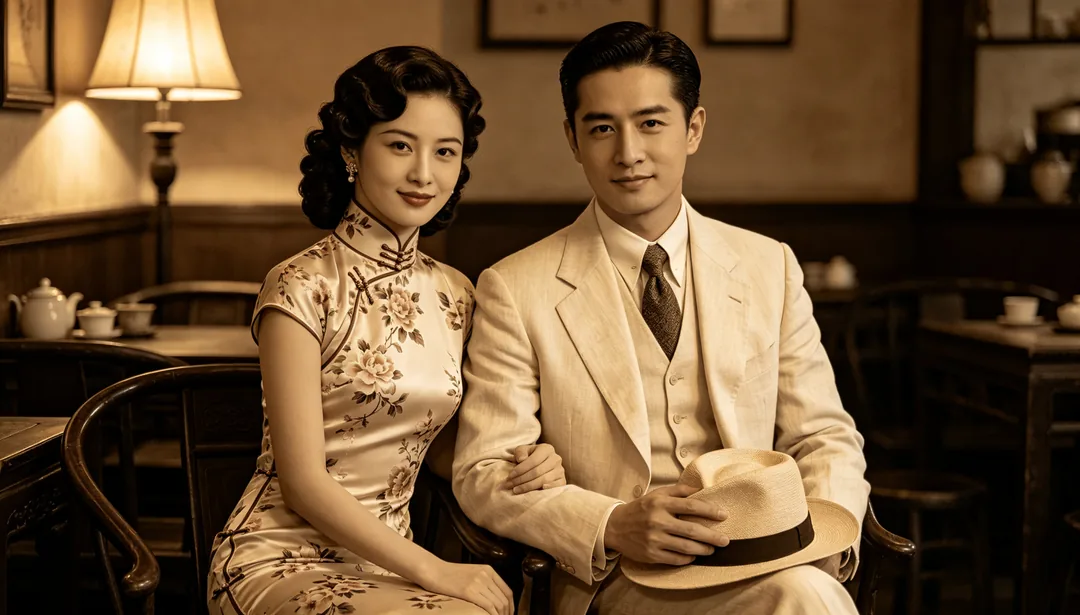
Vintage Cheongsam
Classic fitted cheongsam with 1930s finger-wave hair and warm film tones for a nostalgic retro portrait.
Details: Vintage Cheongsam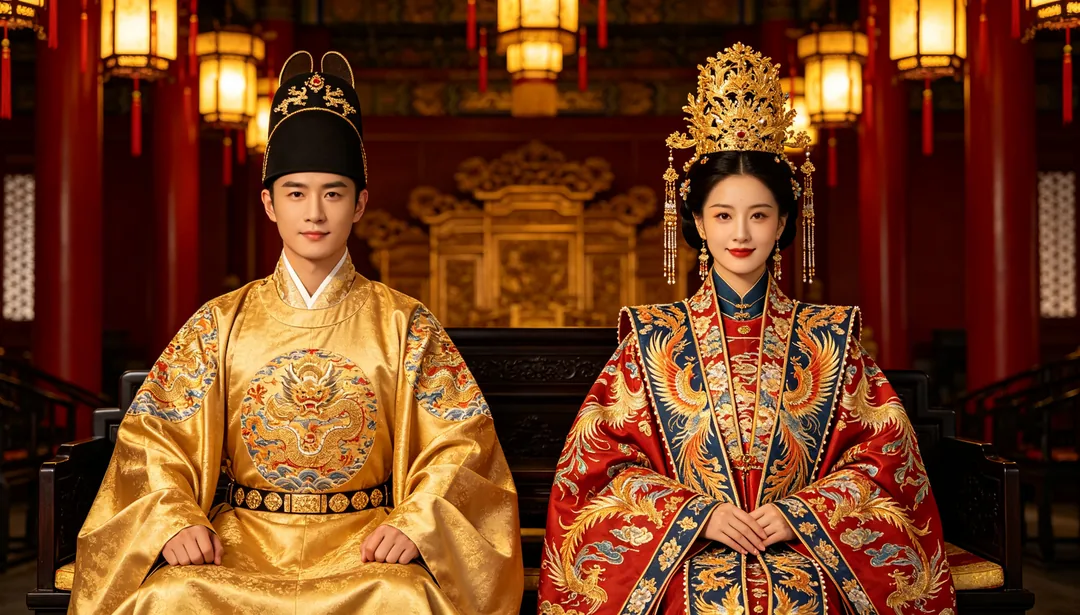
Emperor & Empress
Imperial dragon-and-phoenix court robes in a grand palace setting.
Details: Emperor & Empress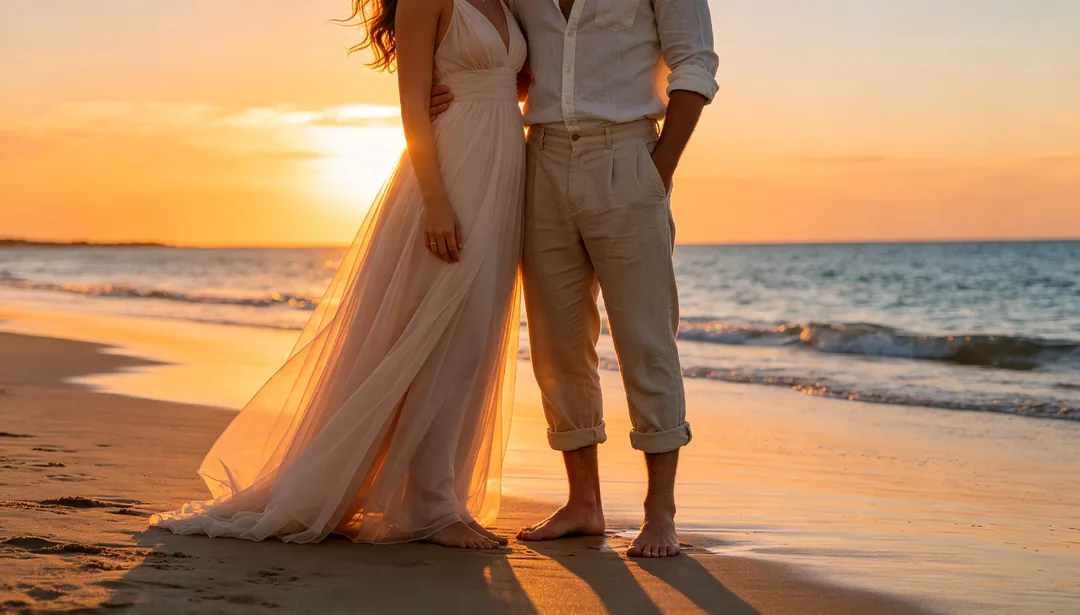
Beach Sunset
Barefoot silhouettes at the shoreline as the sun sets low, bathed in warm orange and pink backlight.
Details: Beach Sunset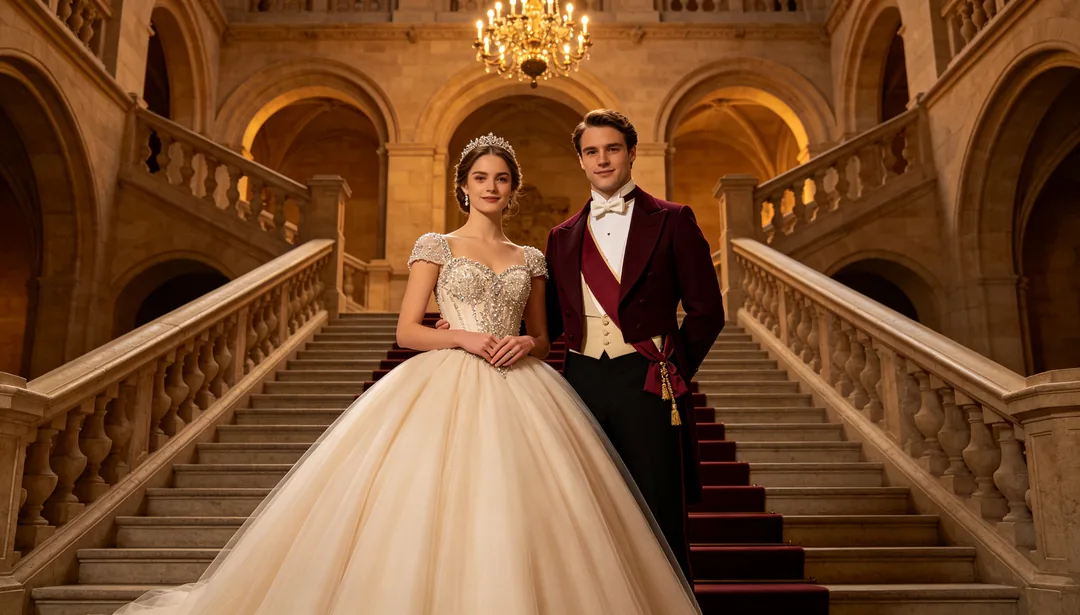
Castle & Palace
A voluminous ball gown on a grand stone staircase beneath vaulted ceilings and crystal chandeliers.
Details: Castle & Palace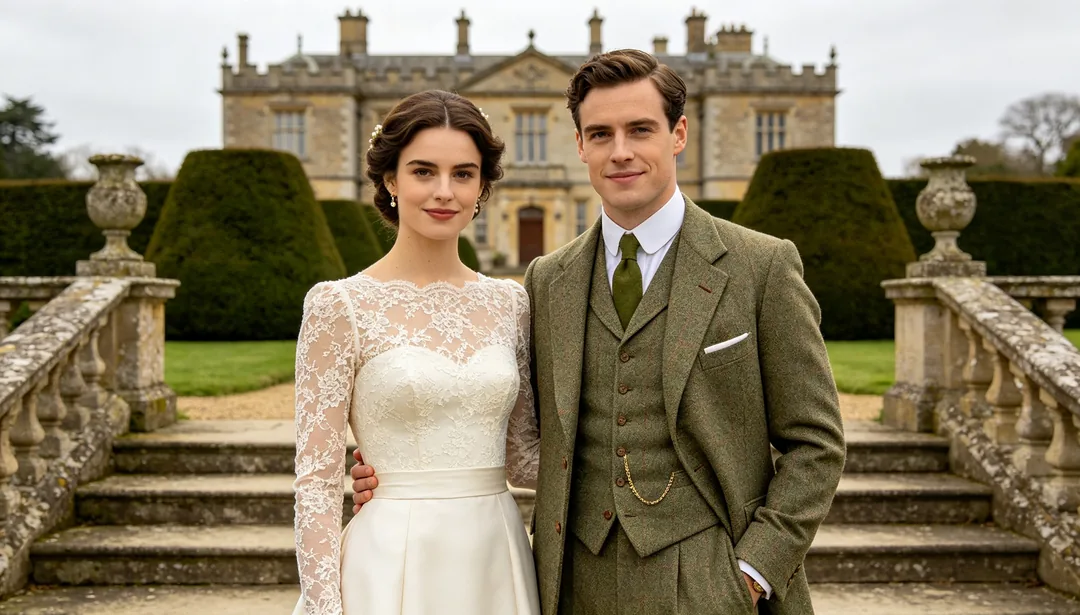
Manor Estate
A tailored lace gown and tweed suit on the steps of a stately English manor under countryside light.
Details: Manor Estate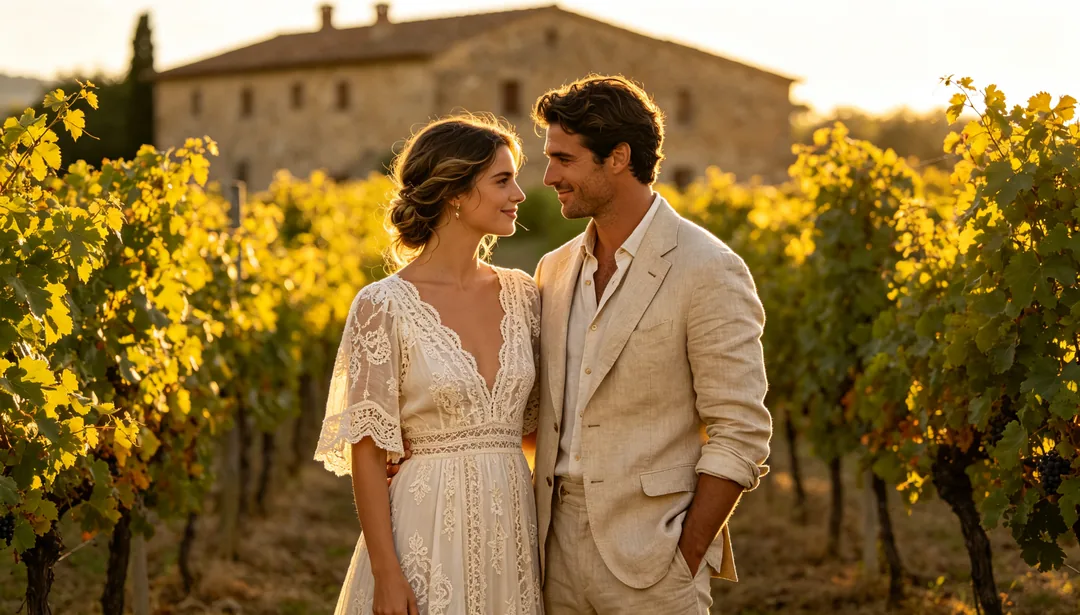
Tuscan Vineyard
Relaxed bohemian attire among sun-drenched Tuscan grapevine rows glowing under late-afternoon golden light.
Details: Tuscan Vineyard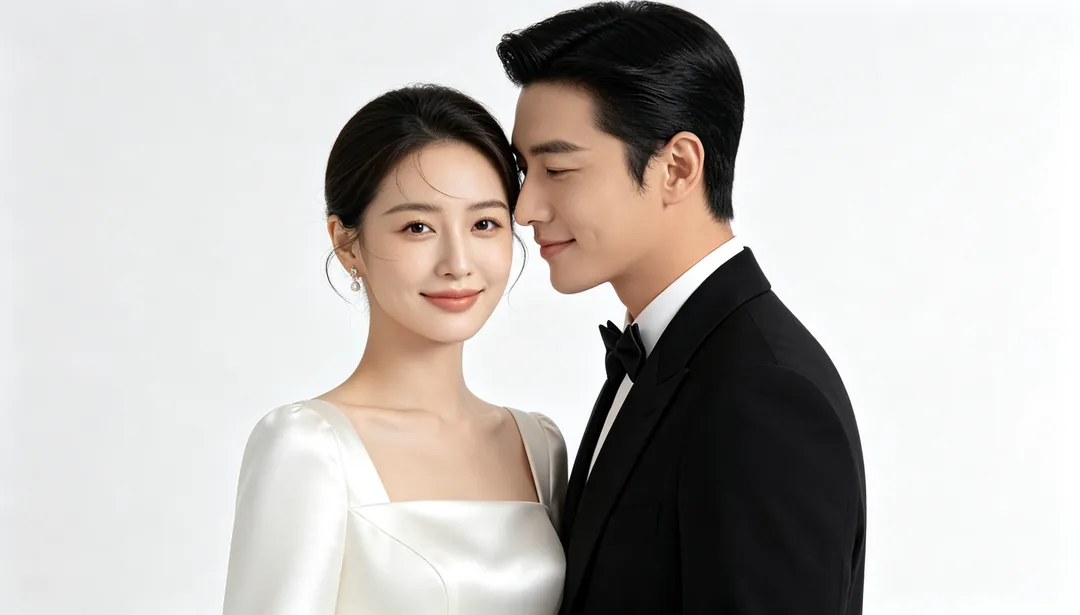
Minimal White Gown
A sleek minimalist satin gown against a seamless white backdrop, keeping focus purely on the couple.
Details: Minimal White Gown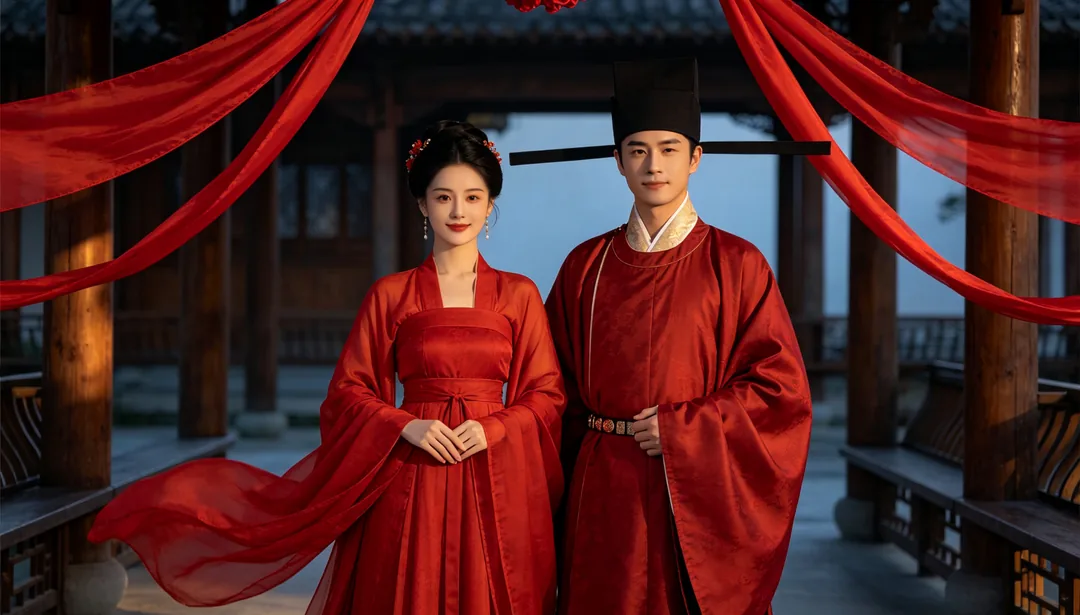
Hanfu Wedding
Zhou- or Ming-style Hanfu ceremonial robes in a timber courtyard for a classical Han-Chinese wedding look.
Details: Hanfu Wedding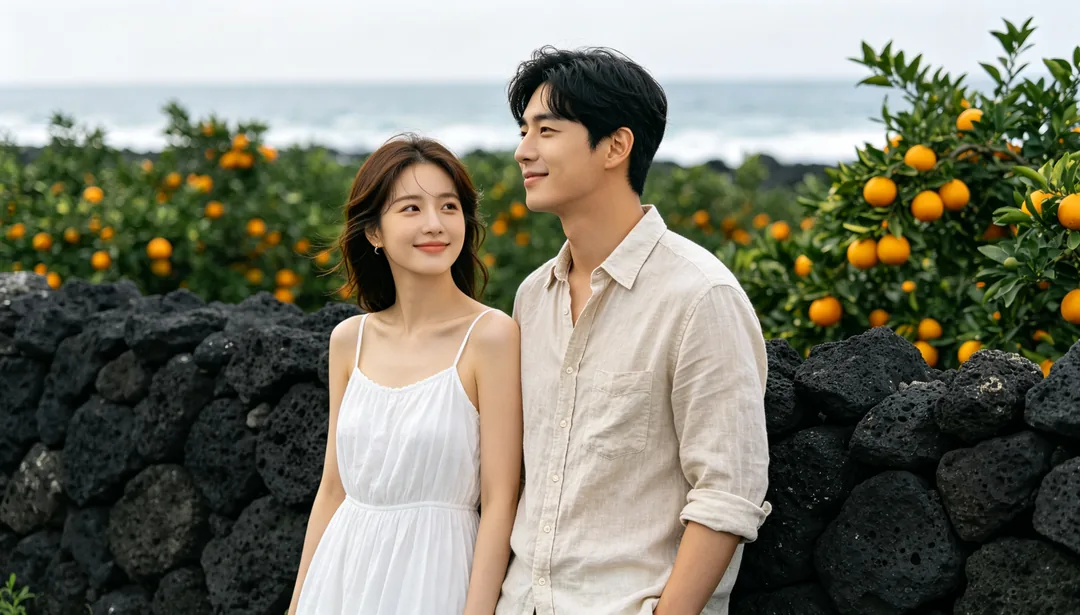
Jeju Island
A breezy sundress beside a black volcanic stone wall and citrus orchard with the Jeju coastline behind.
Details: Jeju Island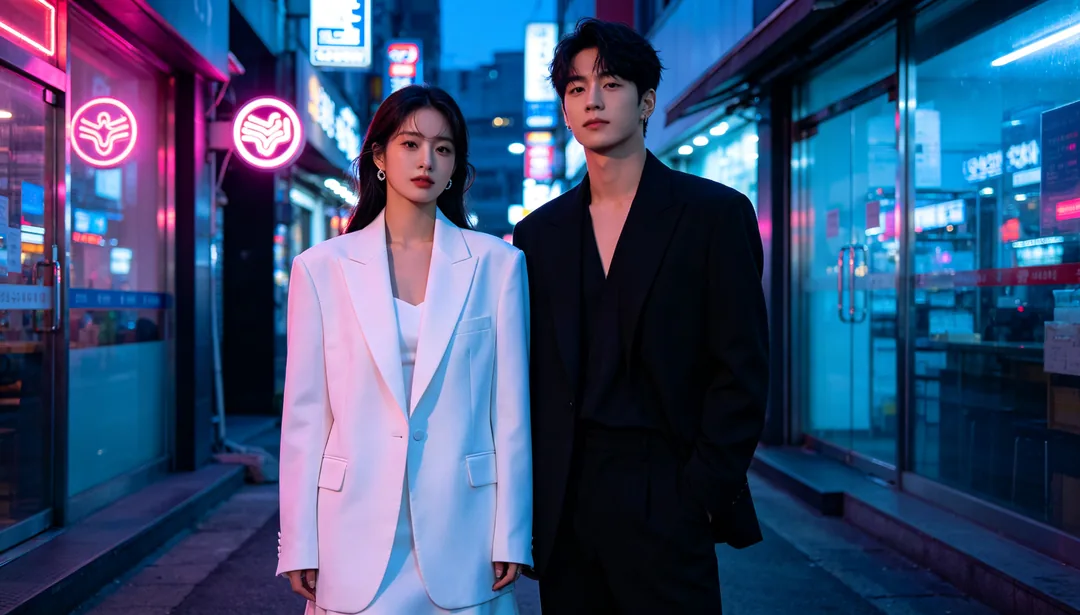
Seoul Street Style
Contemporary streetwear-formal fusion on a bustling Seoul sidewalk with neon signage and cool evening light.
Details: Seoul Street Style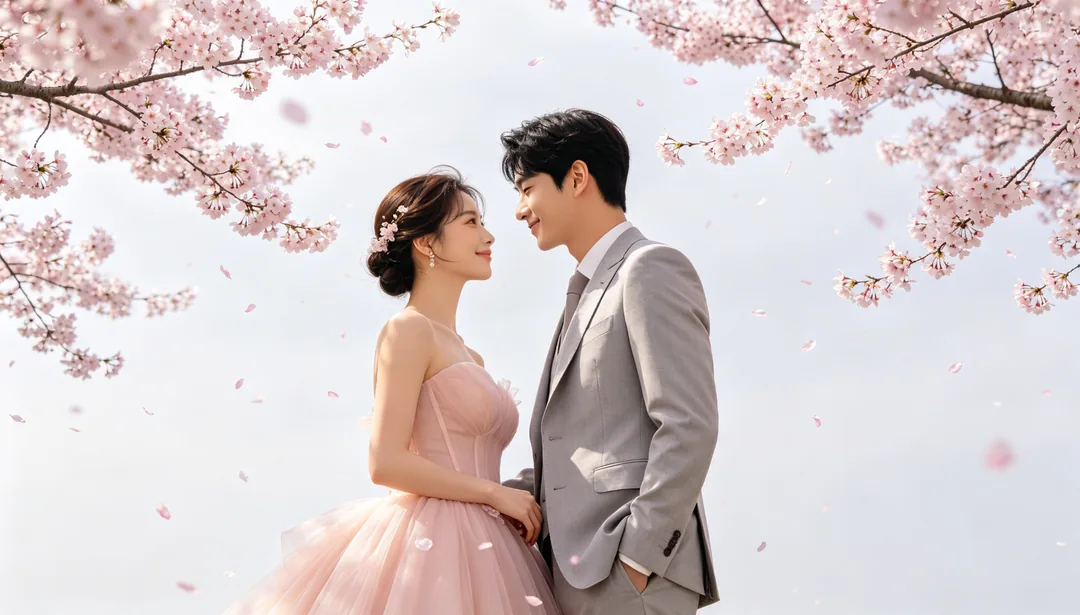
Cherry Blossom Fresh
A pastel-pink gown beneath blooming cherry-blossom branches with drifting petals in soft spring light.
Details: Cherry Blossom Fresh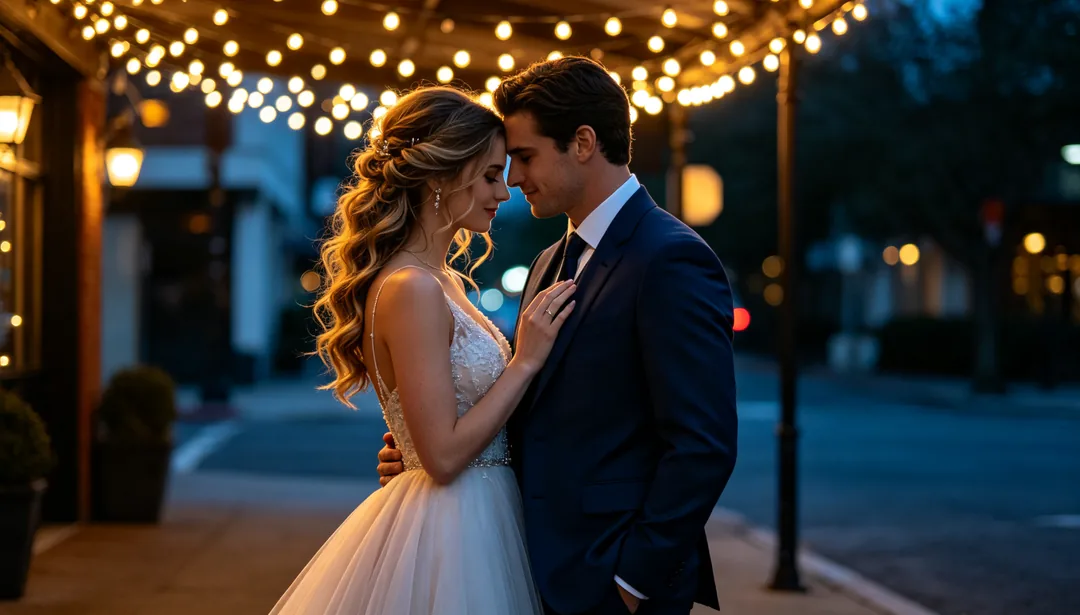
Drama-Style Romance
A flowing gown beneath a glowing string-light canopy with soft cinematic bokeh for a tender drama-style romance.
Details: Drama-Style Romance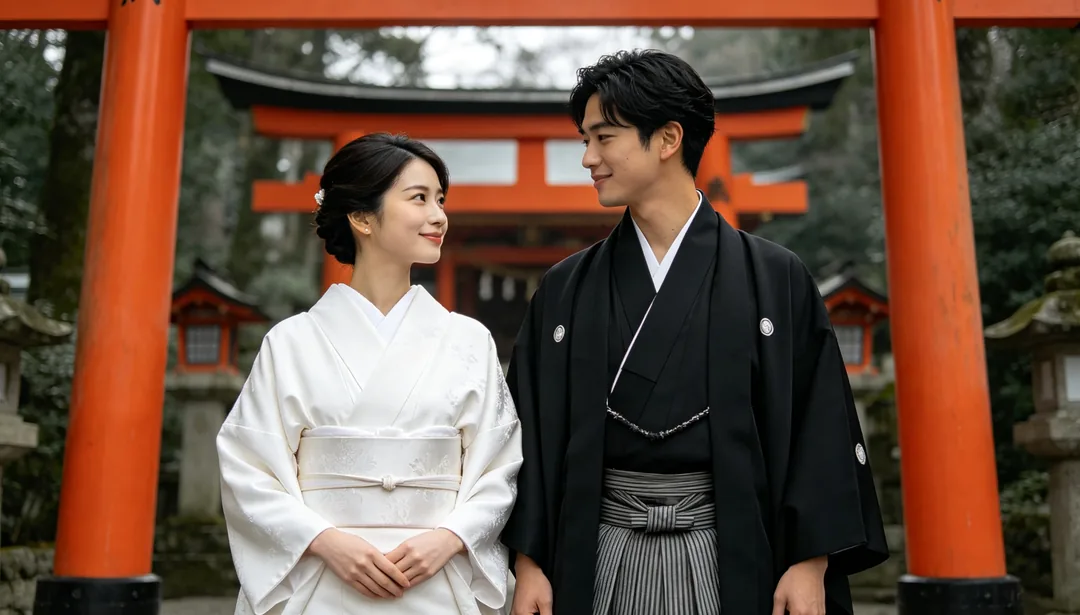
Kimono & Shrine
White shiromuku and black montsuki kimono beneath a vermillion torii gate at a quiet shrine.
Details: Kimono & Shrine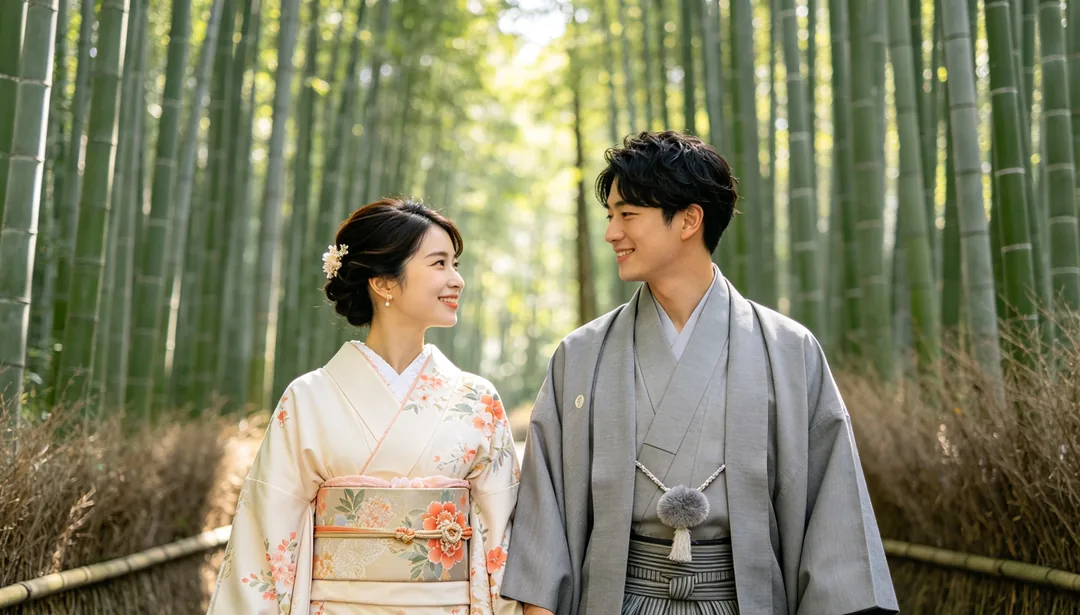
Kyoto Bamboo Grove
A refined furisode kimono walking through a towering bamboo grove with dappled filtered sunlight.
Details: Kyoto Bamboo Grove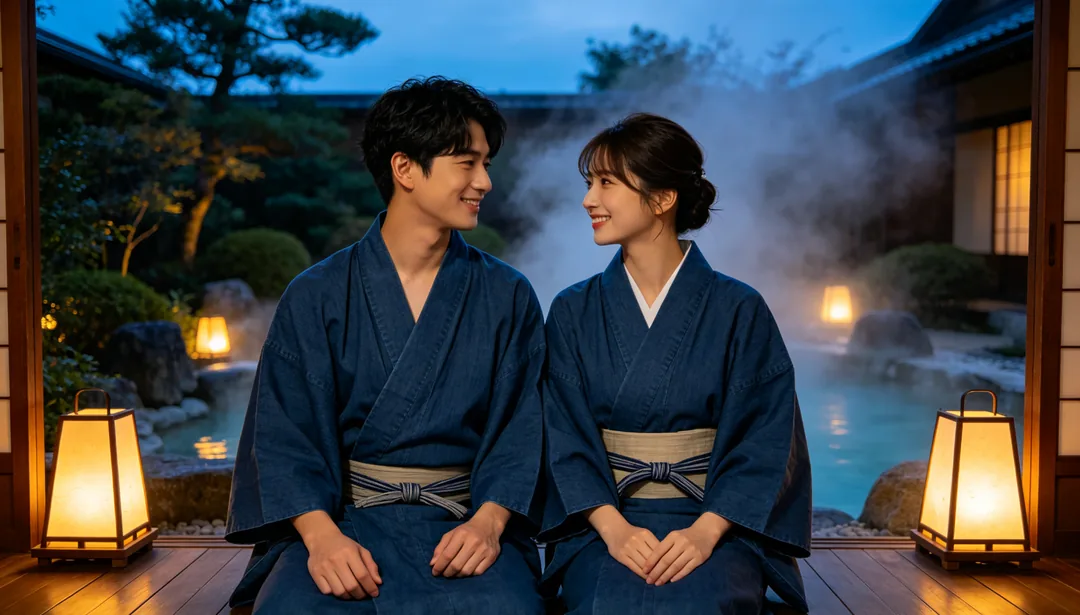
Onsen Ryokan
Matching yukata robes on a wooden veranda beside a steaming hot-spring bath and stone lanterns.
Details: Onsen Ryokan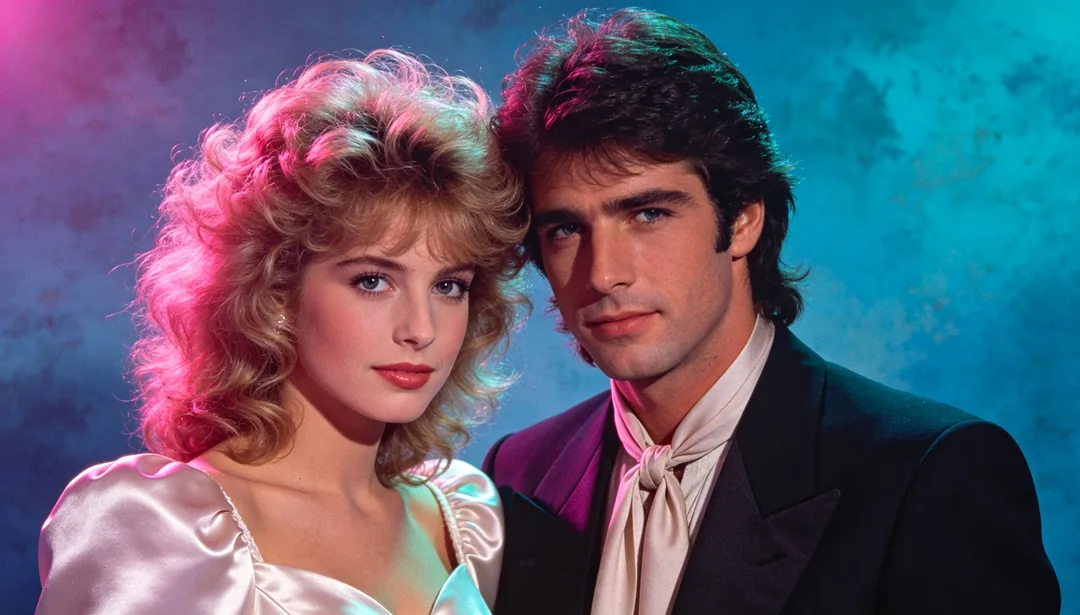
80s Retro
Voluminous permed hair and shoulder-padded satin under dramatic magenta-and-teal gel lighting for an 80s photo-studio look.
Details: 80s Retro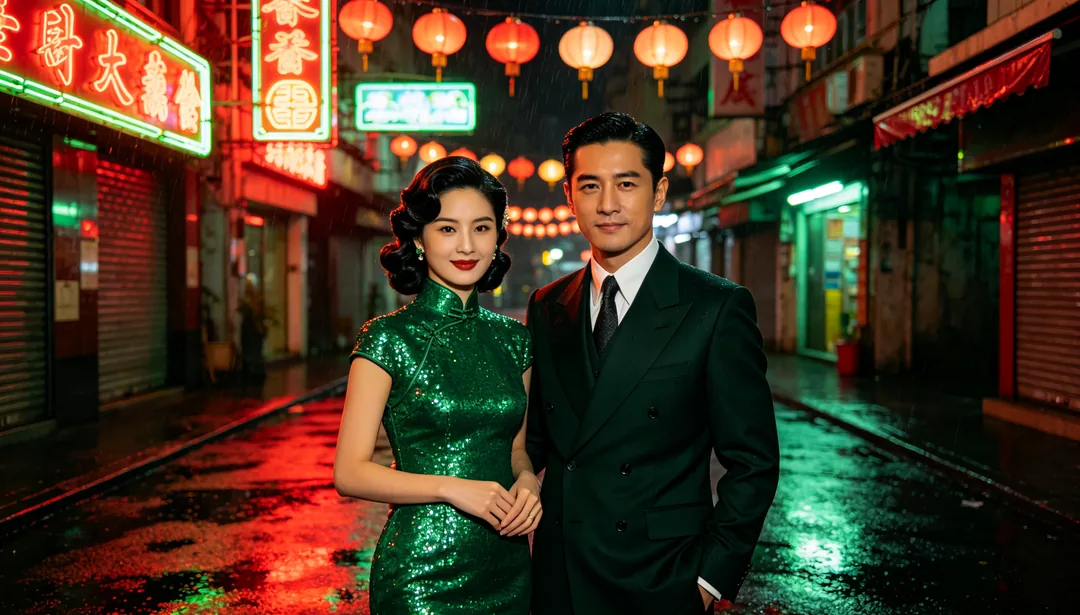
Hong Kong Vintage
A sequined qipao on a rain-slicked neon-lit Hong Kong street for a moody vintage cinematic mood.
Details: Hong Kong Vintage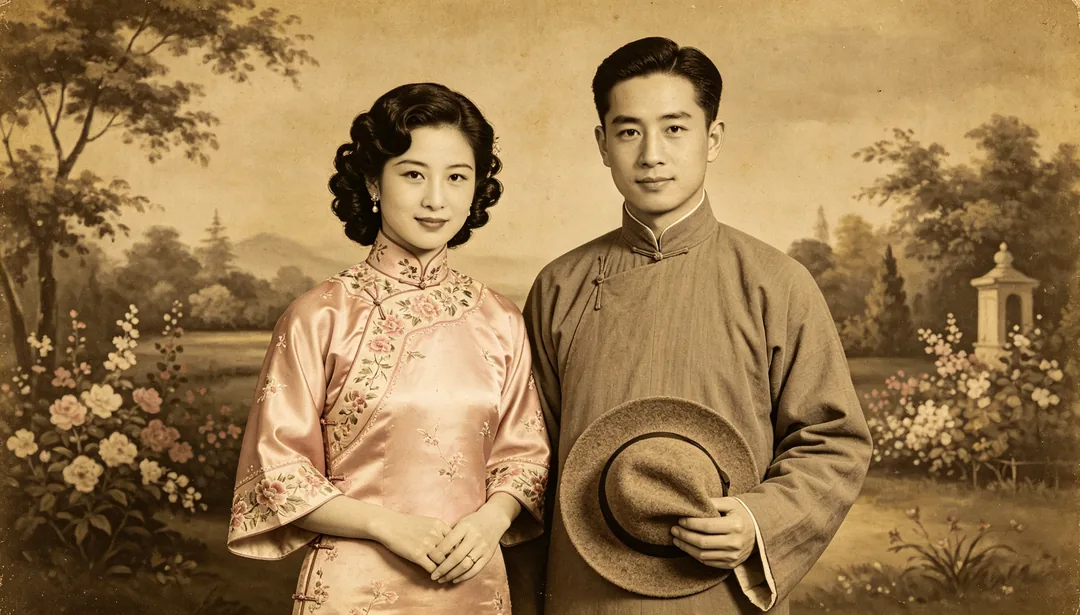
Republican-Era Film
Embroidered qipao and a changshan robe inside an old-fashioned painted-backdrop studio with a yellowed sepia tone.
Details: Republican-Era Film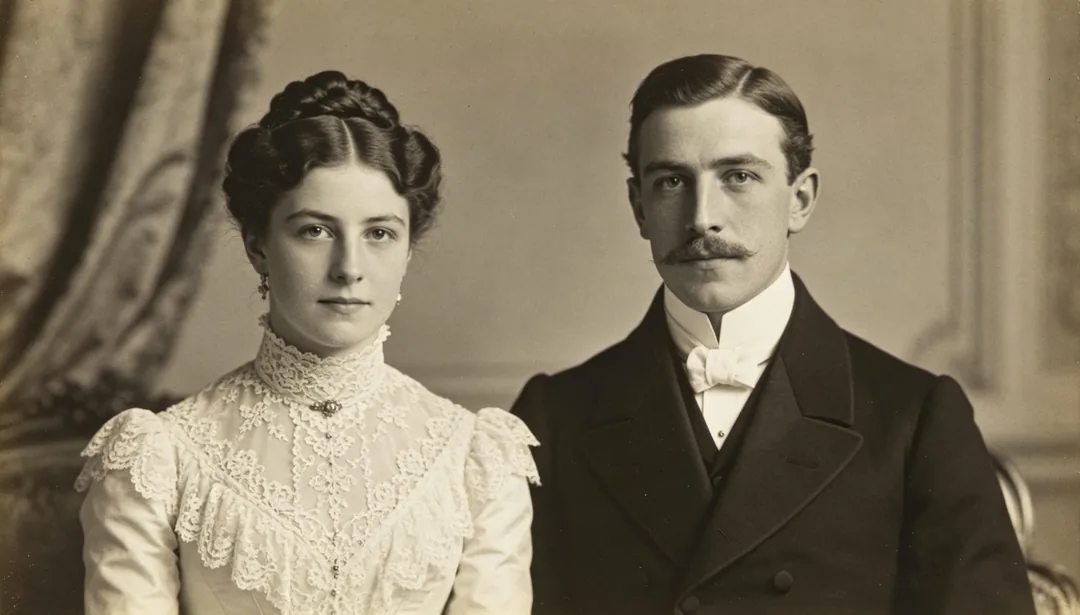
European Old Photograph
A high-necked Victorian lace gown in a classical drawing room, rendered in muted antique black-and-white tones.
Details: European Old Photograph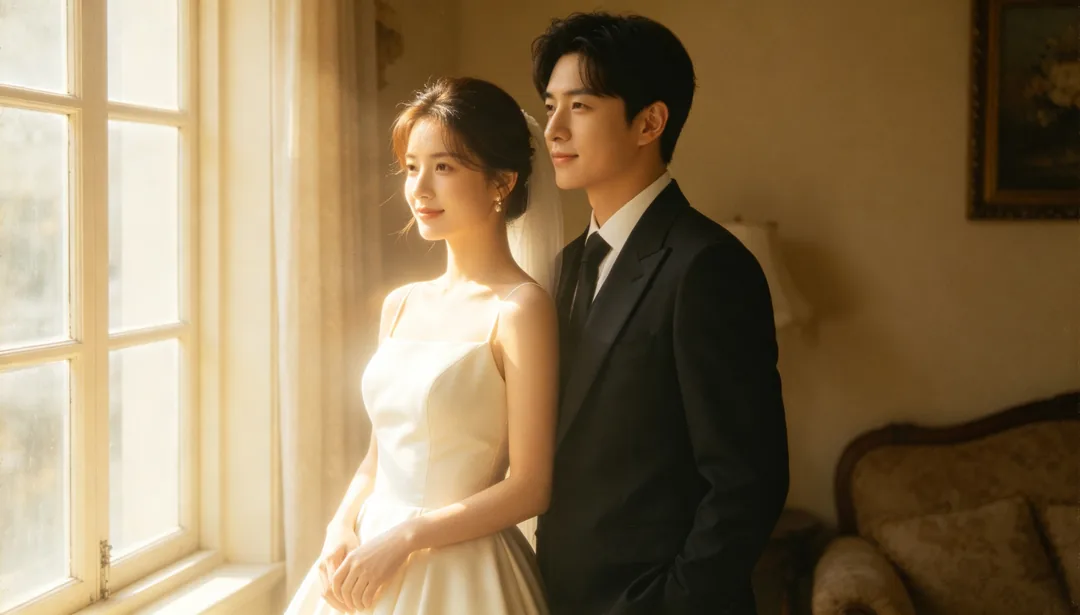
Analog Film Grain
Timeless wedding attire rendered with visible analog film grain and a warm faded color-cast.
Details: Analog Film Grain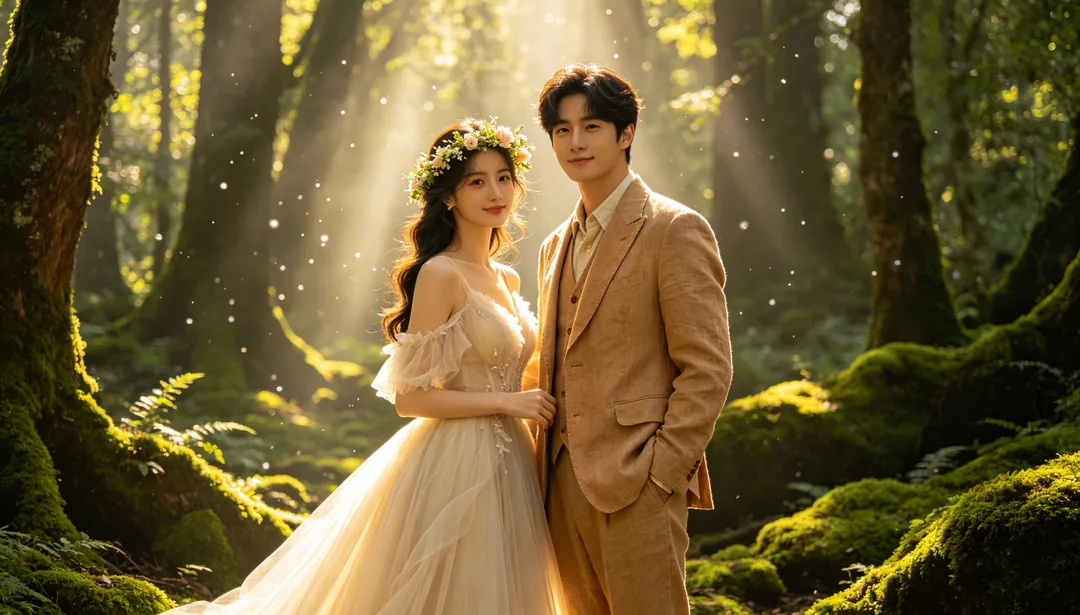
Enchanted Forest
An ethereal floral-crowned gown in a sun-dappled mossy forest clearing for a dreamy fairy-tale mood.
Details: Enchanted Forest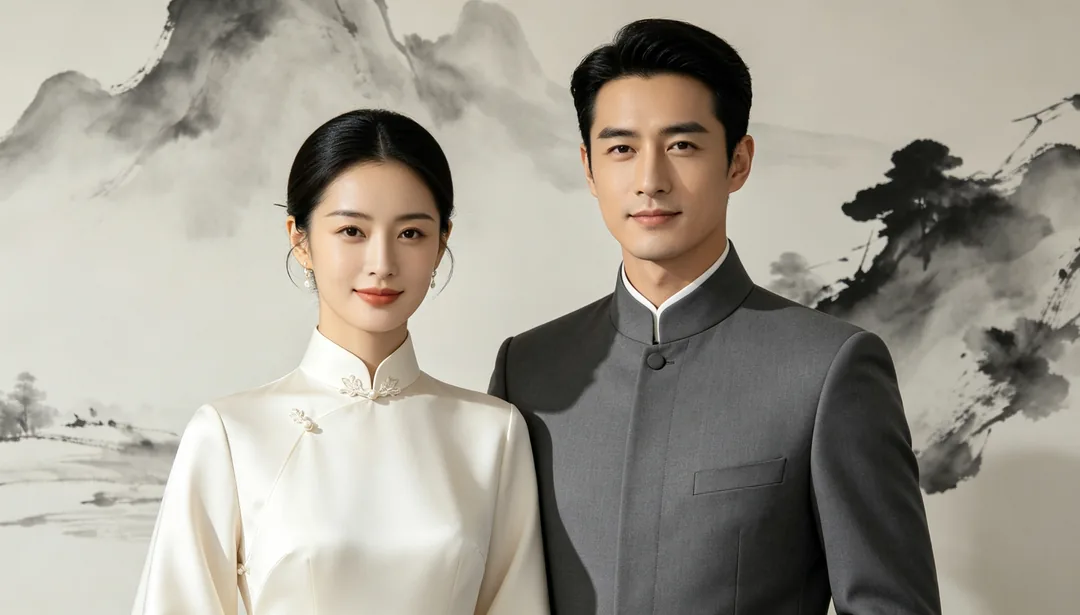
Neo-Chinese Elegance
Traditional silhouettes reduced to clean modern lines against a minimalist ink-wash backdrop for a contemporary guochao look.
Details: Neo-Chinese Elegance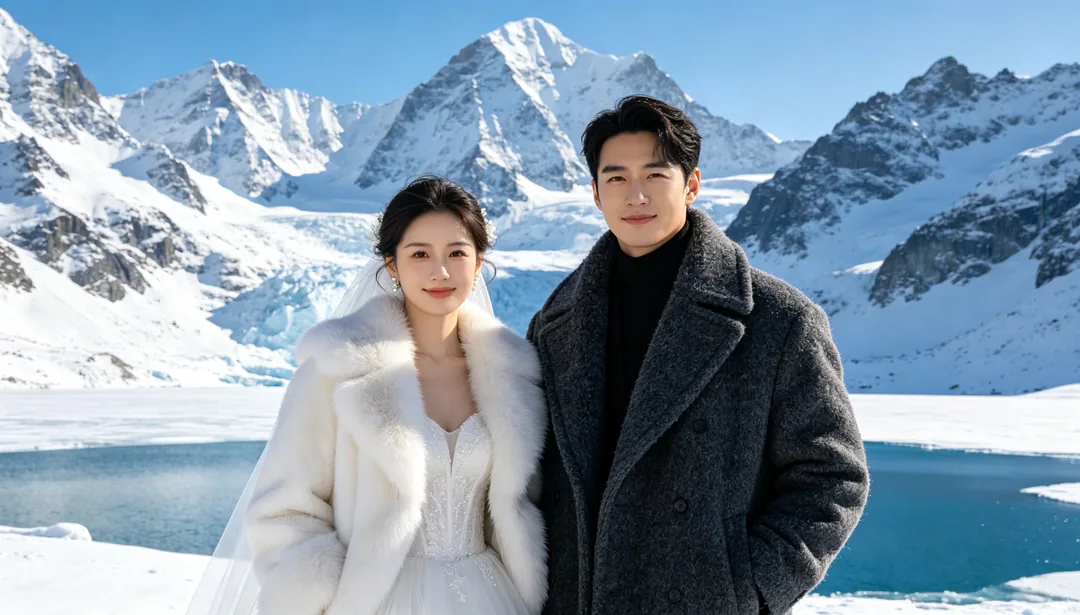
Snow Mountain
Fur-trimmed winter attire against towering snow-capped peaks and a glacier lake under crisp alpine light.
Details: Snow Mountain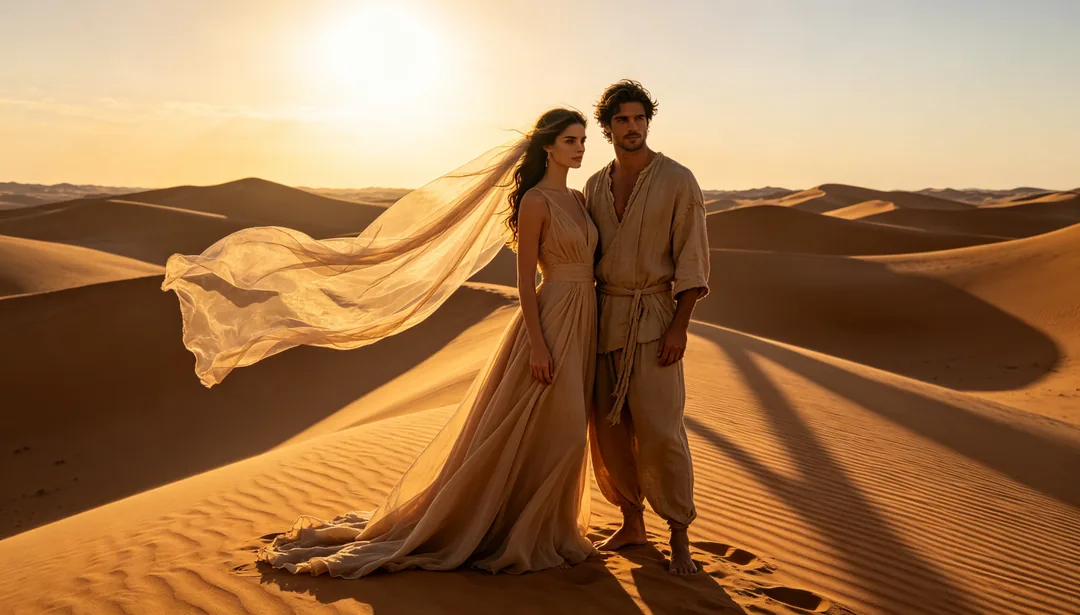
Desert Wilderness
A sand-toned flowing gown atop rippled dunes under a vast sky with dramatic low-sun shadows.
Details: Desert Wilderness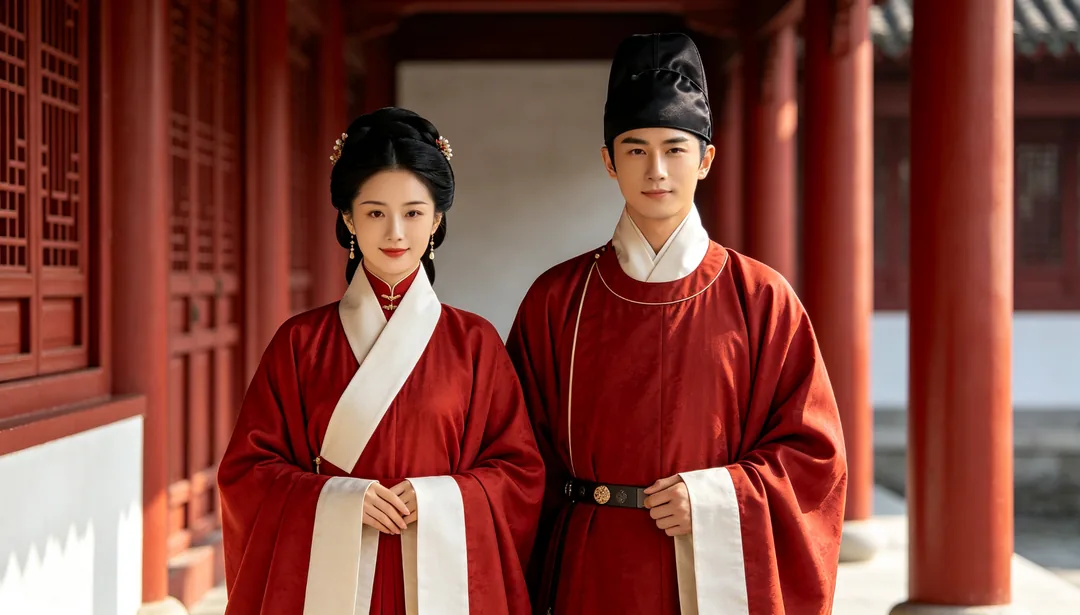
Ming Dynasty Poise
Stand-collar Ming-dynasty robes with diagonal closures in a formally symmetrical courtyard for a dignified look.
Details: Ming Dynasty Poise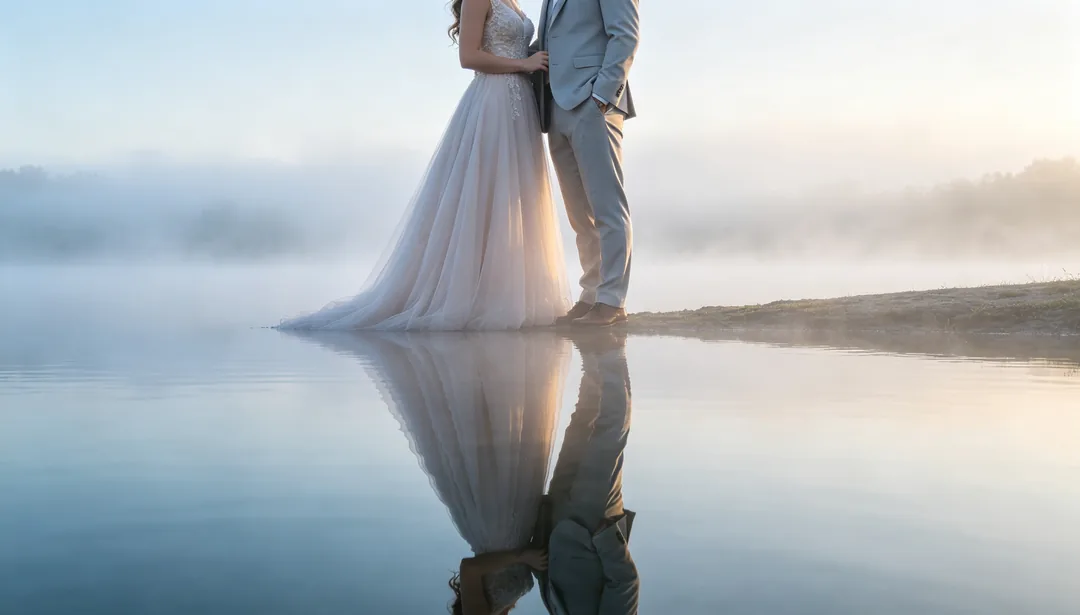
Lake Mirror Reflection
A flowing gown by a still dawn lake with perfect mirror reflections and gentle hovering mist.
Details: Lake Mirror Reflection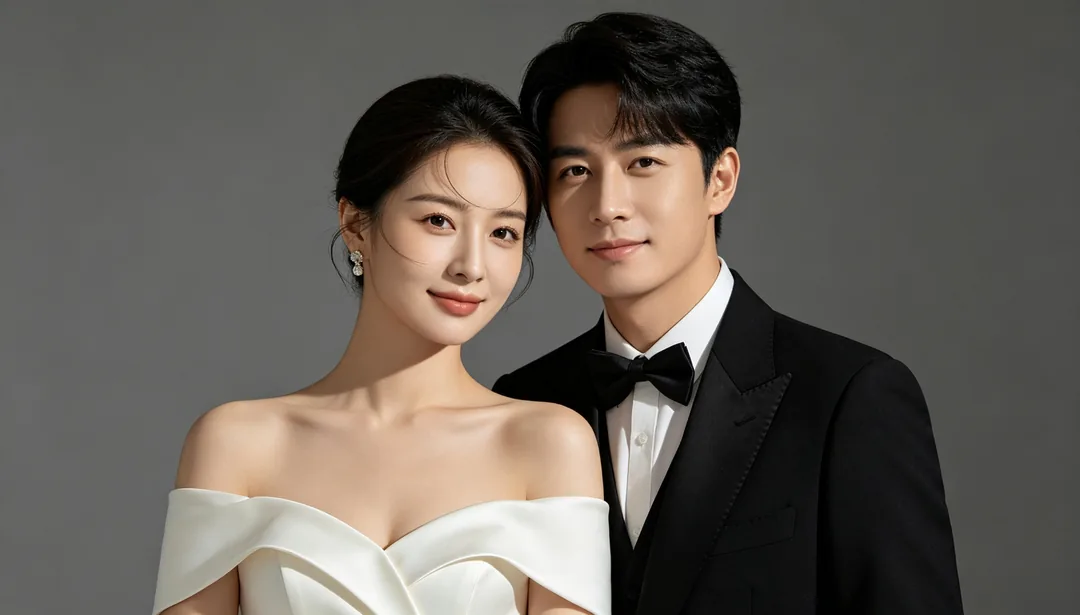
Studio Grey
Tailored formal attire against a seamless charcoal-grey backdrop with sculpted softbox lighting for an editorial look.
Details: Studio Grey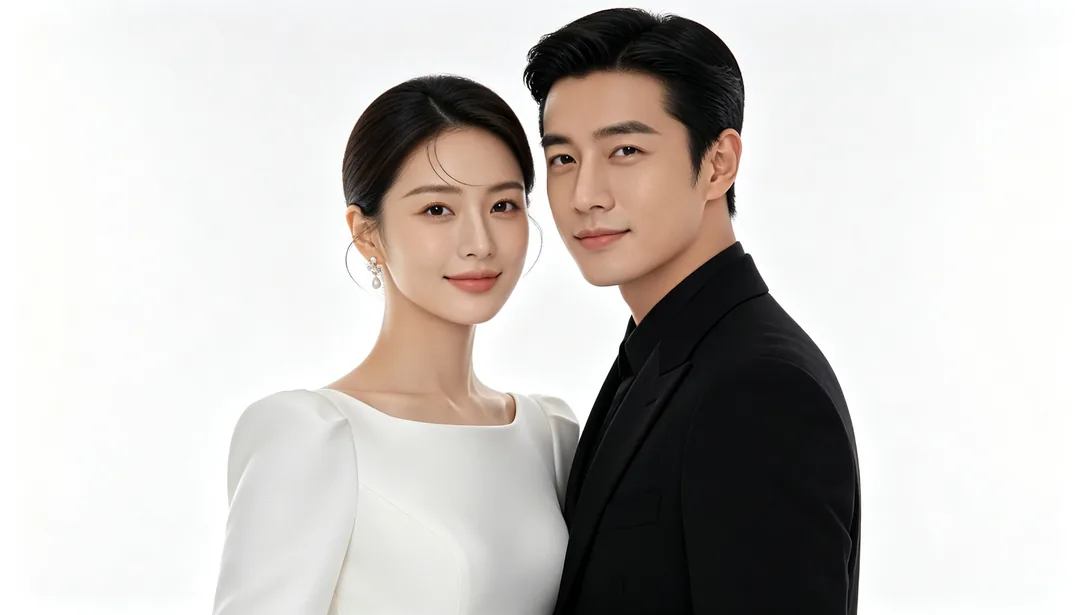
Pure White Minimal
A clean structured gown against an all-white seamless backdrop with bright even lighting for an uncluttered focus.
Details: Pure White Minimal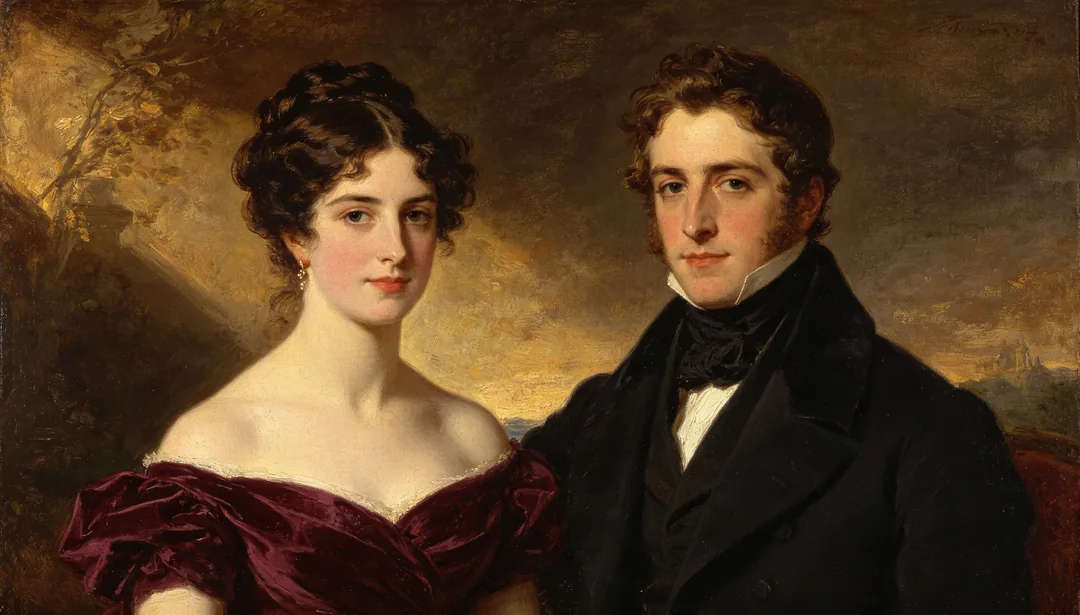
Oil Painting Set
Richly textured period formalwear against a hand-painted oil-canvas backdrop with warm chiaroscuro lighting.
Details: Oil Painting Set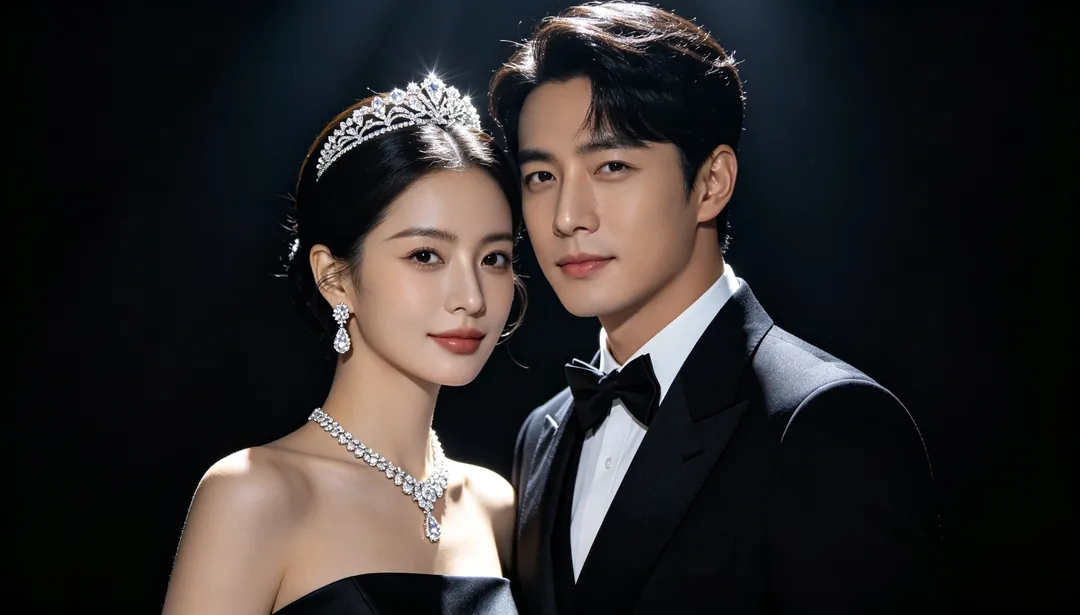
Jewelry Glamour
Statement diamond jewelry and dramatic rim lighting against a dark backdrop for a glamorous, luxurious look.
Details: Jewelry Glamour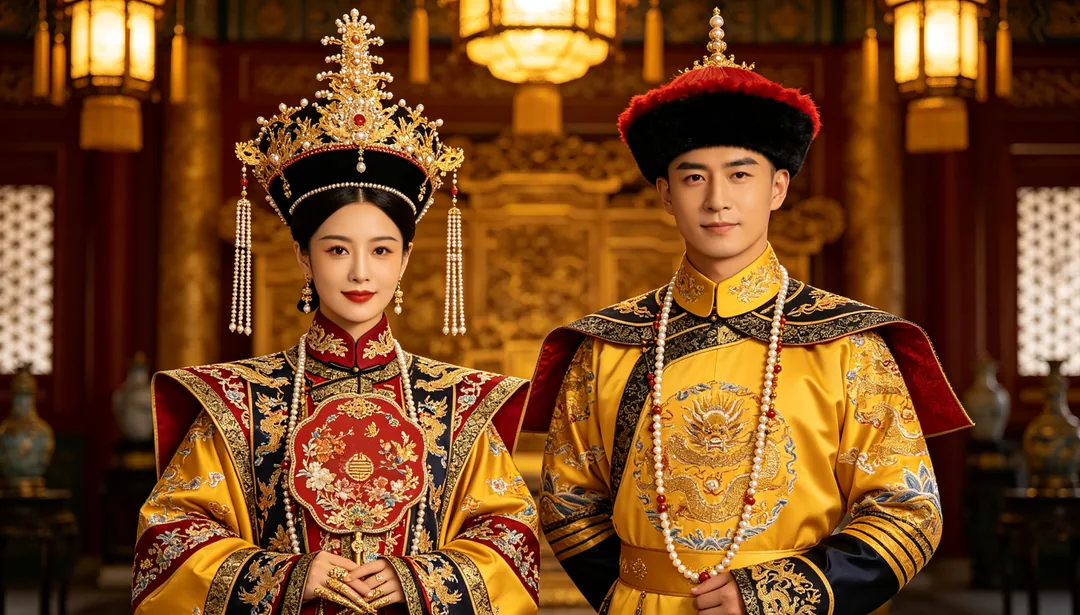
Qing Palace Grandeur
Manchu qizhuang robes, a pearled headdress, and flower-pot shoes inside a resplendent Qing palace hall.
Details: Qing Palace Grandeur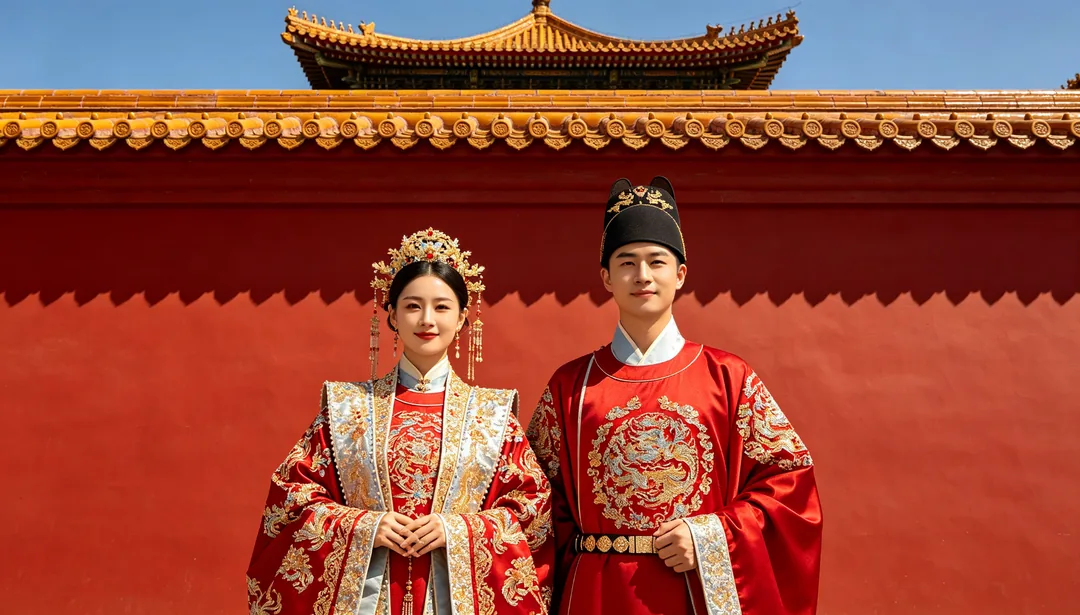
Forbidden City Red Walls
Crimson-and-gold ceremonial robes set against the towering vermillion walls and golden roof tiles of a palace complex.
Details: Forbidden City Red Walls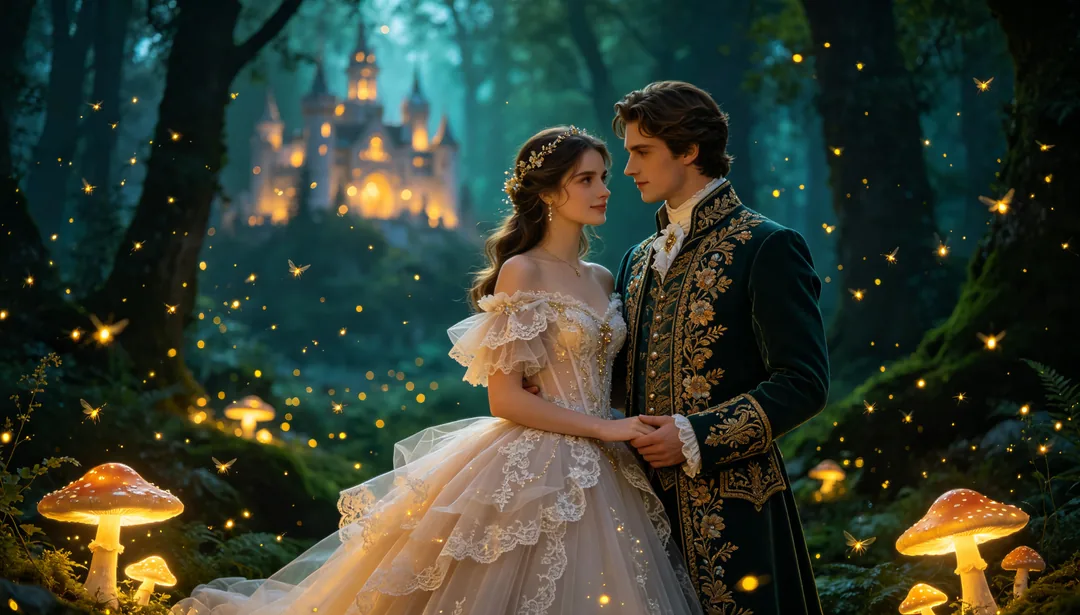
Fairy-Tale Forest
A whimsical lace gown before a glowing magical forest castle with fireflies and luminous mushrooms.
Details: Fairy-Tale Forest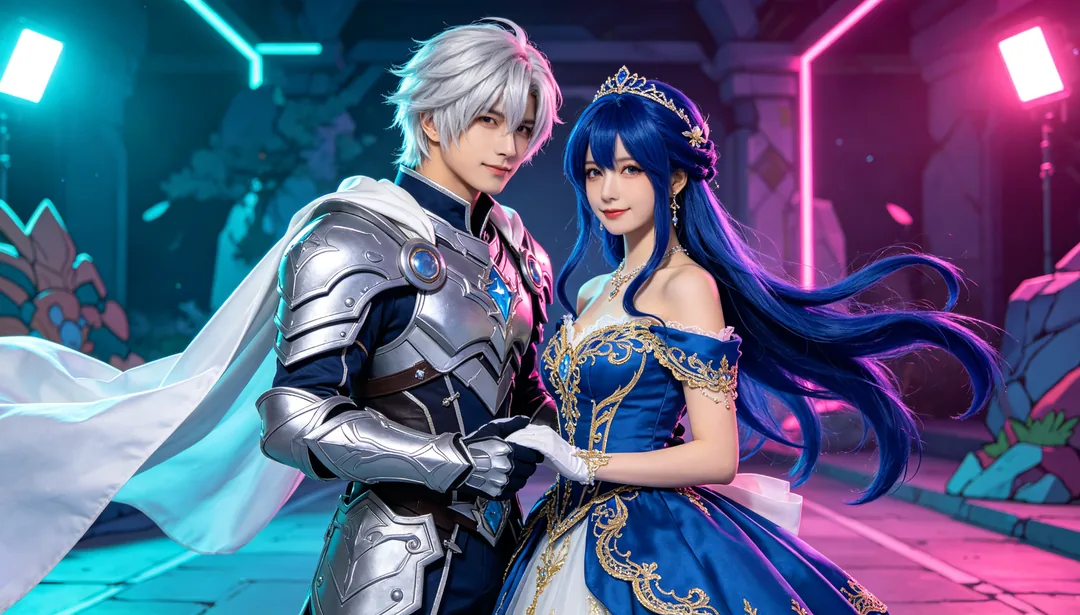
Cosplay Wedding
Wardrobe and styling reimagined to match a chosen character design for an anime-inspired cosplay wedding look.
Details: Cosplay Wedding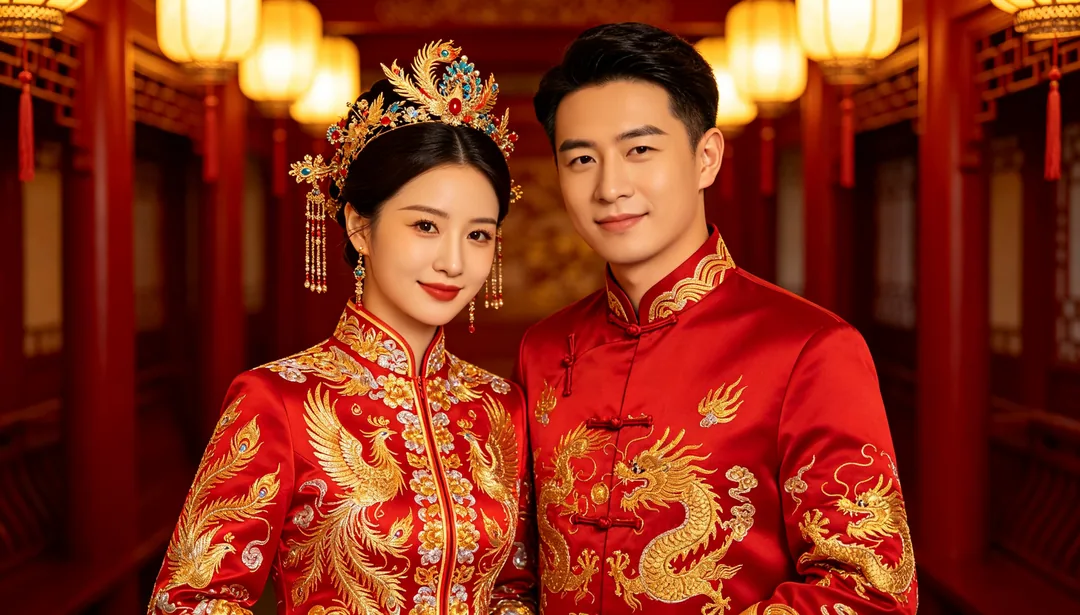
Xiuhe Gown & Phoenix Crown
Vivid red Xiuhe gown paired with a jeweled phoenix crown and shoulder cape for a festive traditional Chinese wedding look.
Details: Xiuhe Gown & Phoenix CrownAI wedding photo ideas
Pre-wedding photos with AI
Pre-wedding shoots are mostly about places. Try Tuscan Vineyard, Jeju Island, Kyoto Bamboo Grove or Snow Mountain with the same photo to see which setting suits you before you plan a real trip.
Try on wedding dresses and suits
Every style dresses you differently: a ball gown and veil in White Gown & Church, a xiuhe gown and phoenix crown, hanfu, a qipao, a kimono or a minimal gown. Add a line such as "lace sleeves" or "navy suit" in the prompt box to adjust the outfit within a style.
Period and vintage wedding portraits
Tang, Song, Ming and Qing dynasty looks, Republican-Era Film, 80s Retro, Hong Kong Vintage and European Old Photograph recreate older wedding portraits, some with the grain and fading of a scanned print.
Photo tips for AI wedding photos
- Pick a photo where both faces are sharp, facing the camera and not covered by hair, sunglasses or hands.
- Daylight or even indoor light works best. Strong backlight, heavy filters and beauty-app smoothing carry over into the result.
- No photo together? Upload one portrait of each person; the wedding styles are written to place two separately uploaded people in one frame.
- Only upload photos of people who have agreed to it.
How it works
1
Upload your photos
Add one photo of the two of you, or one clear portrait of each person.
2
Pick a wedding style
Choose a scene, from a church ceremony to a hanfu wedding. Add a line in the prompt box if you want a different dress or suit.
3
Generate and download
Generate a few versions and download the ones you like. The same photos work with every other wedding style.