Background Replace Photo Filter

Your photo is never used to train AI models.
Cuts the person out cleanly and composites them into a new well-matched scene
Tags
- background replace
- cutout
- new scene
- composite
How it works
1
Upload a portrait
Add a clear photo of the face you want to retouch.
2
Pick a look
Choose what to change: skin, makeup, lighting, colour, face shape or hair.
3
Generate and compare
Generate, compare the result with your original and download the one you want.
More styles in Beauty Retouch
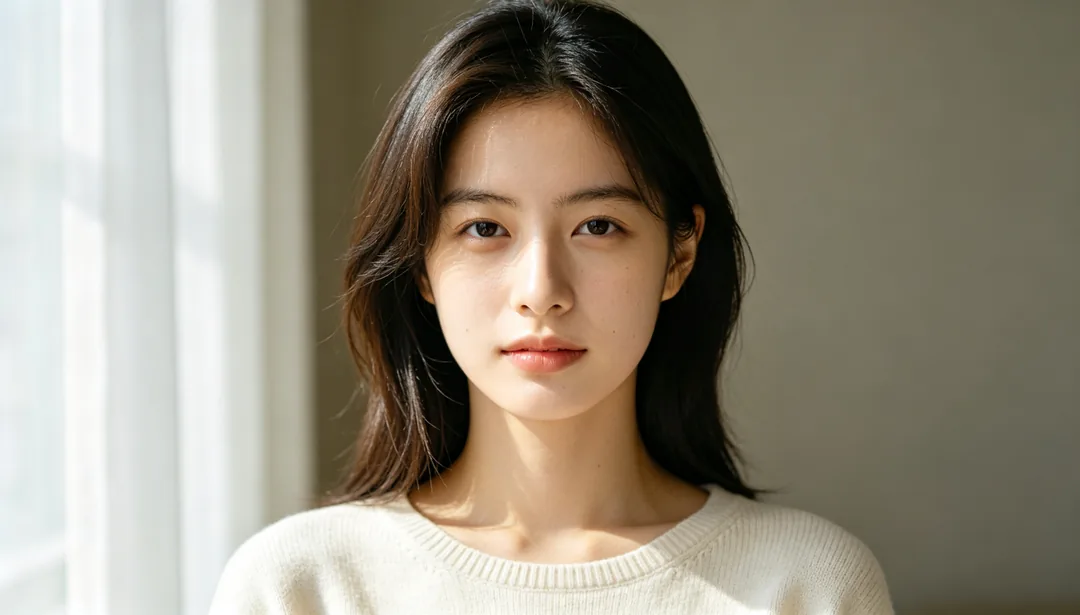
Natural Subtle
Light skin smoothing and gentle brightening so the retouch stays invisible
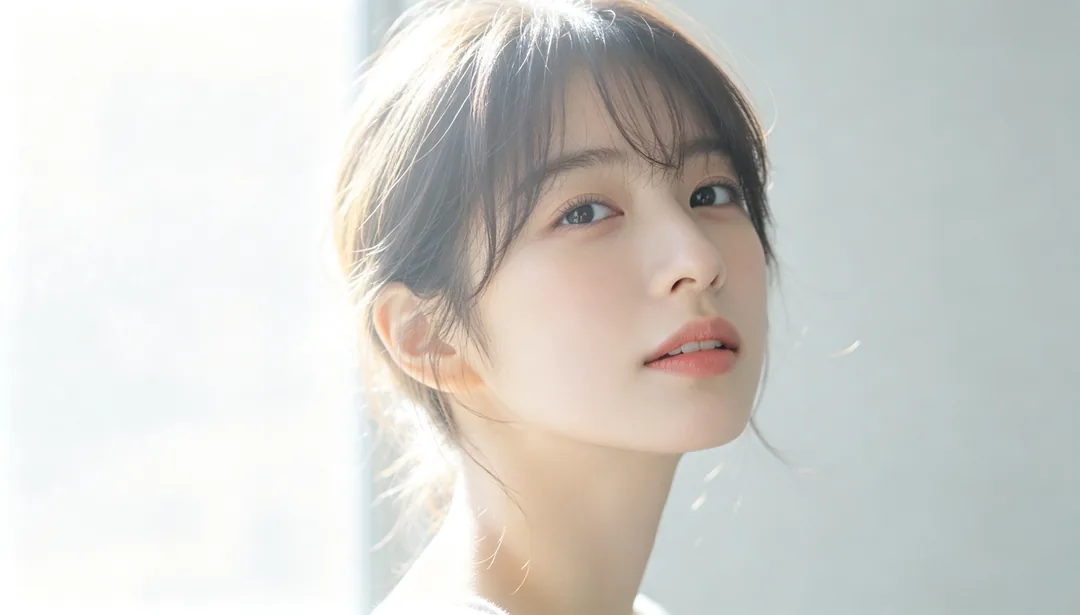
Japanese Soft Focus
Low-contrast, diffused light for a sweet, airy Japanese editorial feel
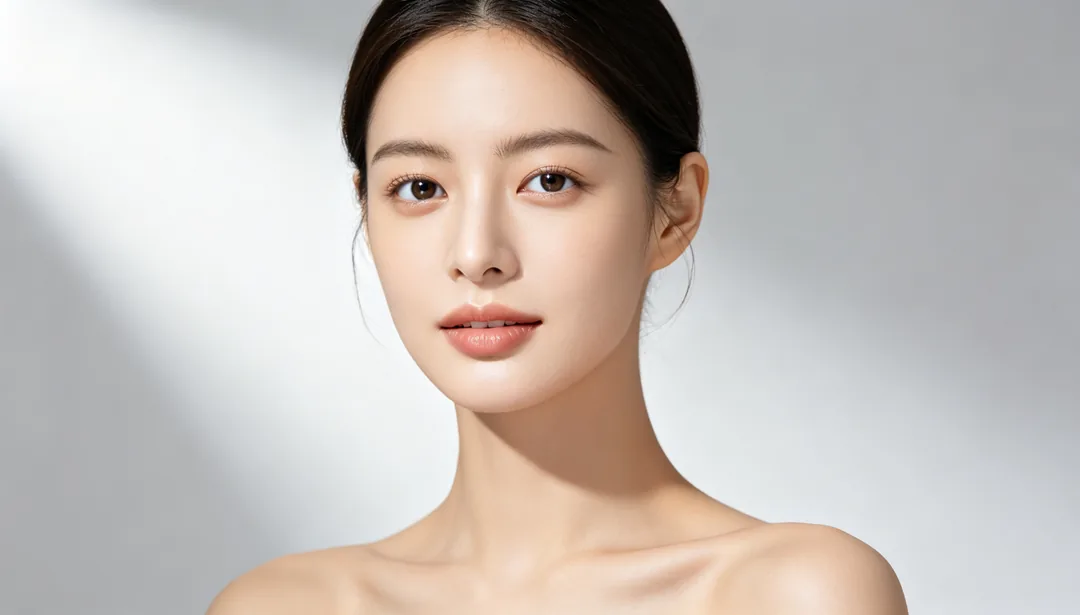
Refined Beauty
Moderate skin smoothing with a subtly slimmer face and brighter eyes

Sakura Pink Tone
A soft romantic pink color shift evoking cherry-blossom season
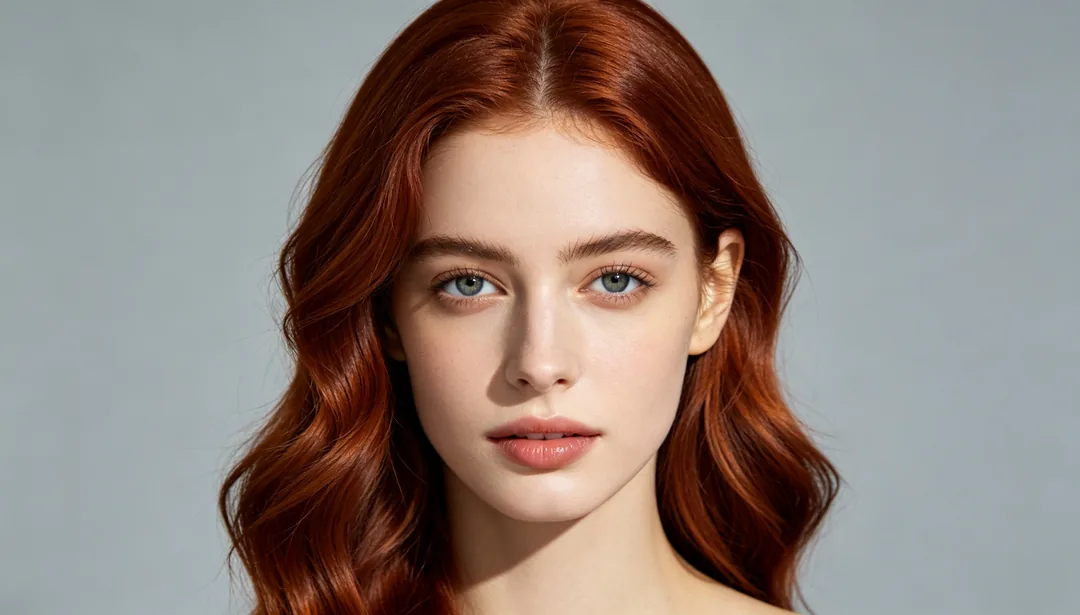
Hair Color Change
Previews a new natural hair color while keeping the same hairstyle
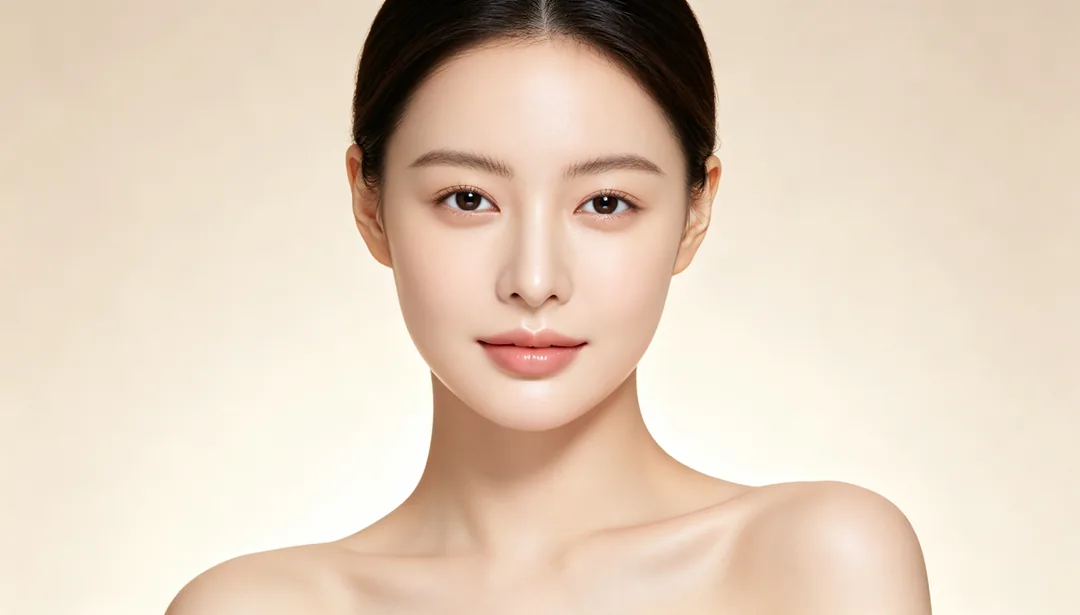
Baby-Soft Skin
An extremely smooth, cream-like skin texture reminiscent of a baby's skin
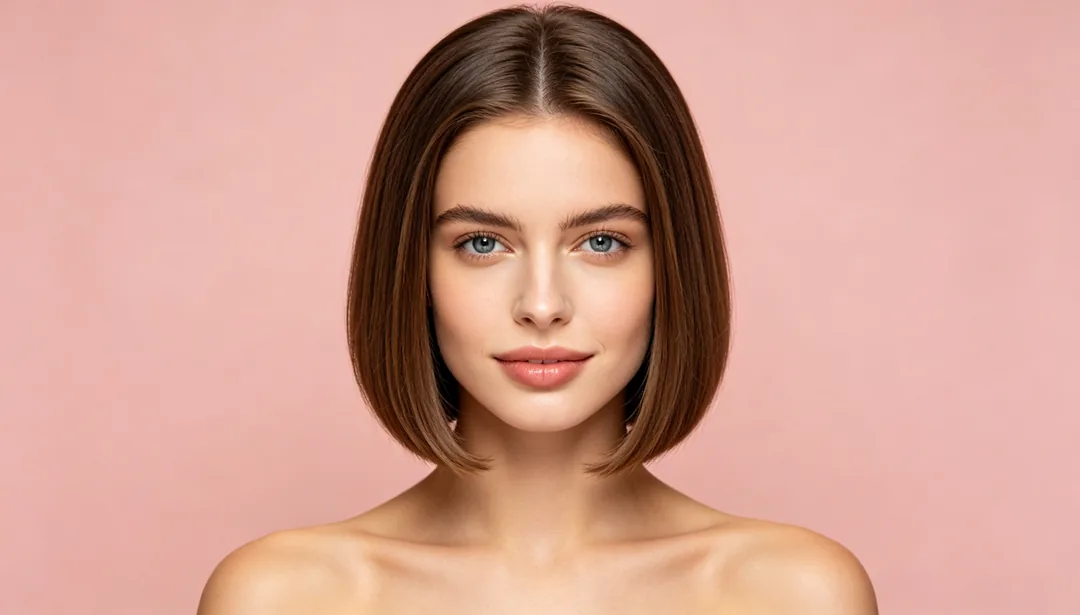
Hairstyle Try-On
Previews a different hair length or texture, from long waves to a short cut

Waist Slimming
Softly tapers the waistline for a slimmer curve while keeping balance believable