AI Headshot Generator & Photo Retouch
Turn a selfie into a headshot or retouch a portrait without opening a photo editor. Upload a face photo and pick a look: the headshot styles give a clean professional photo for LinkedIn or a resume, and most other styles change one thing, such as skin, makeup, colour, lighting, face shape or hair, and leave the rest of the photo as it was.
It suits anyone who needs a better profile photo, such as a LinkedIn headshot, real estate headshots or matching team headshots for a company website, wants to try a makeup look or hairstyle before committing to it, or needs to fix the light in a portrait they already like.
Typical uses are LinkedIn and resume headshots, dating profiles, livestream and short-video covers, and portraits for social media.
50 styles
Your photo is never used to train AI models.
Choose a style
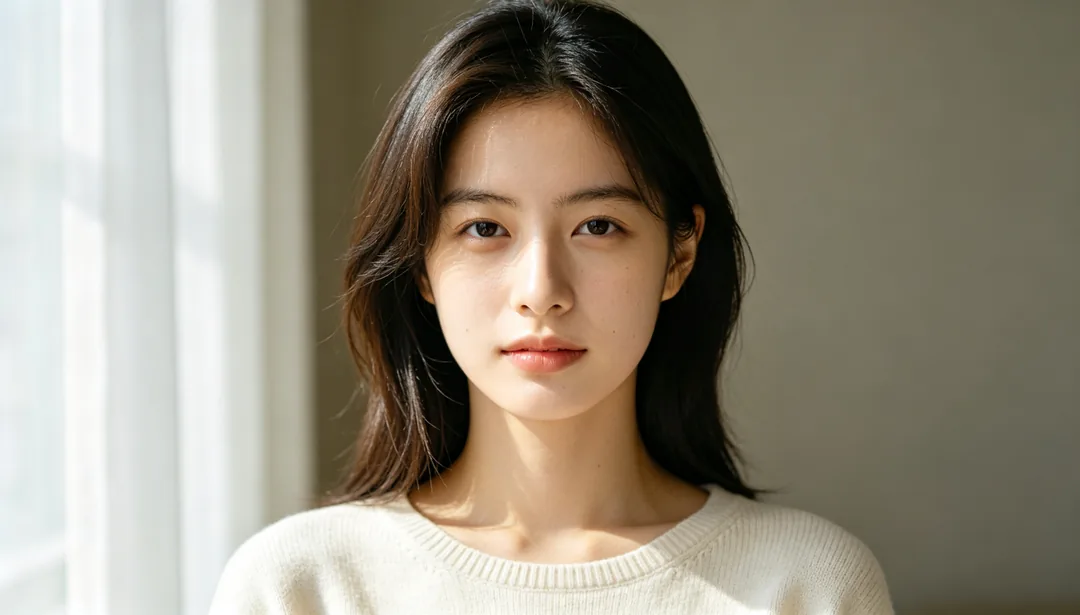
Natural Subtle
Light skin smoothing and gentle brightening so the retouch stays invisible
Details: Natural Subtle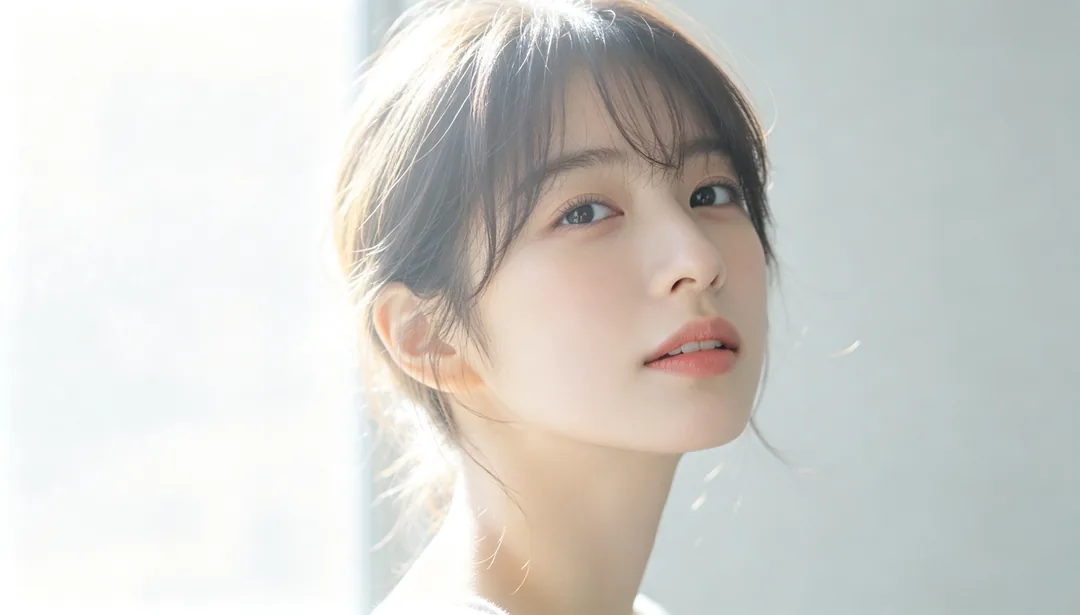
Japanese Soft Focus
Low-contrast, diffused light for a sweet, airy Japanese editorial feel
Details: Japanese Soft Focus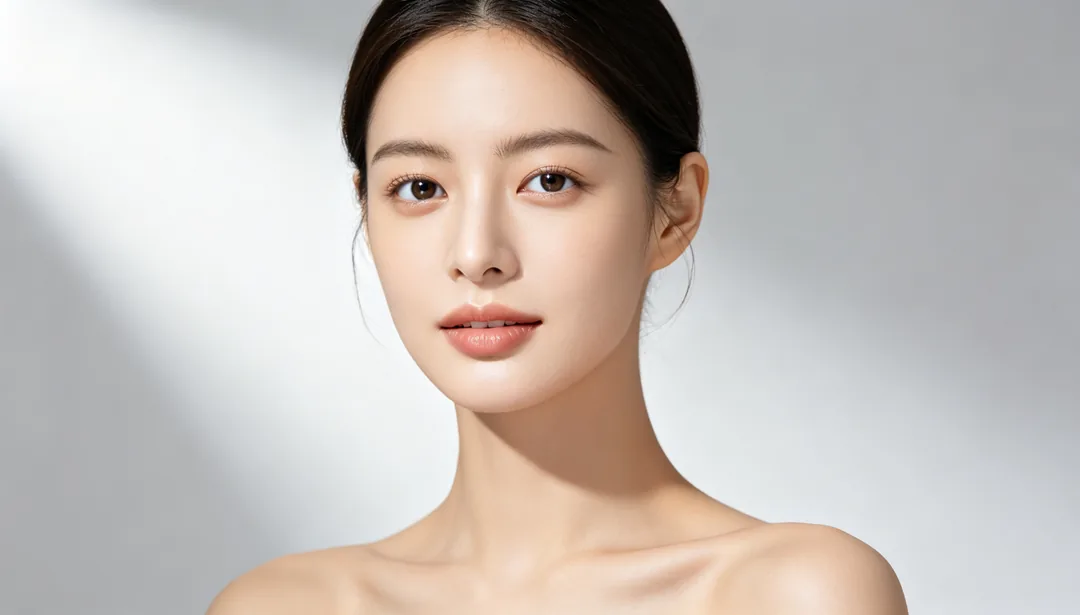
Refined Beauty
Moderate skin smoothing with a subtly slimmer face and brighter eyes
Details: Refined Beauty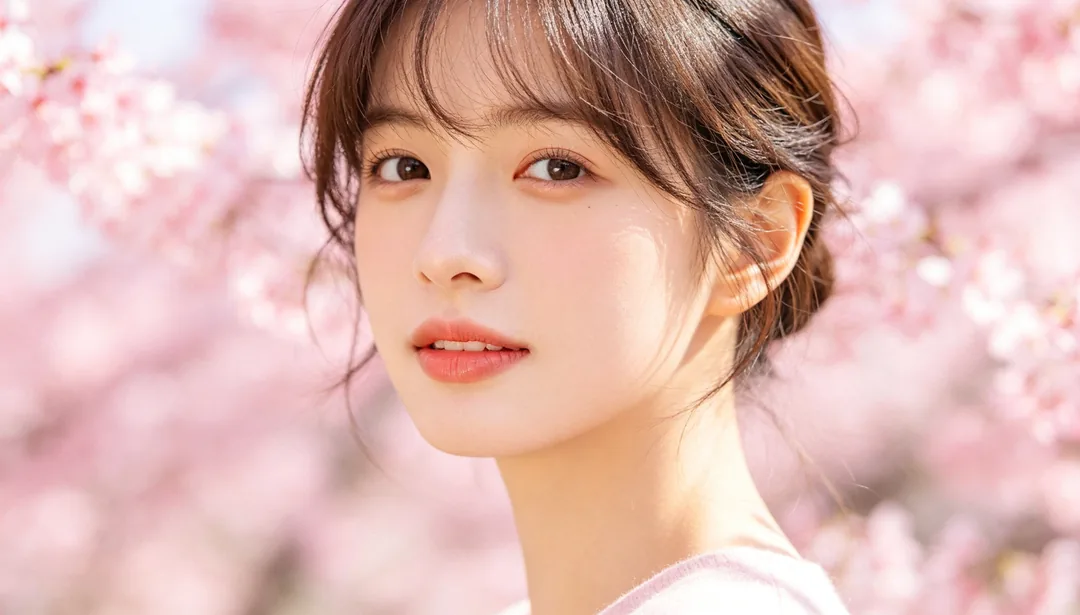
Sakura Pink Tone
A soft romantic pink color shift evoking cherry-blossom season
Details: Sakura Pink Tone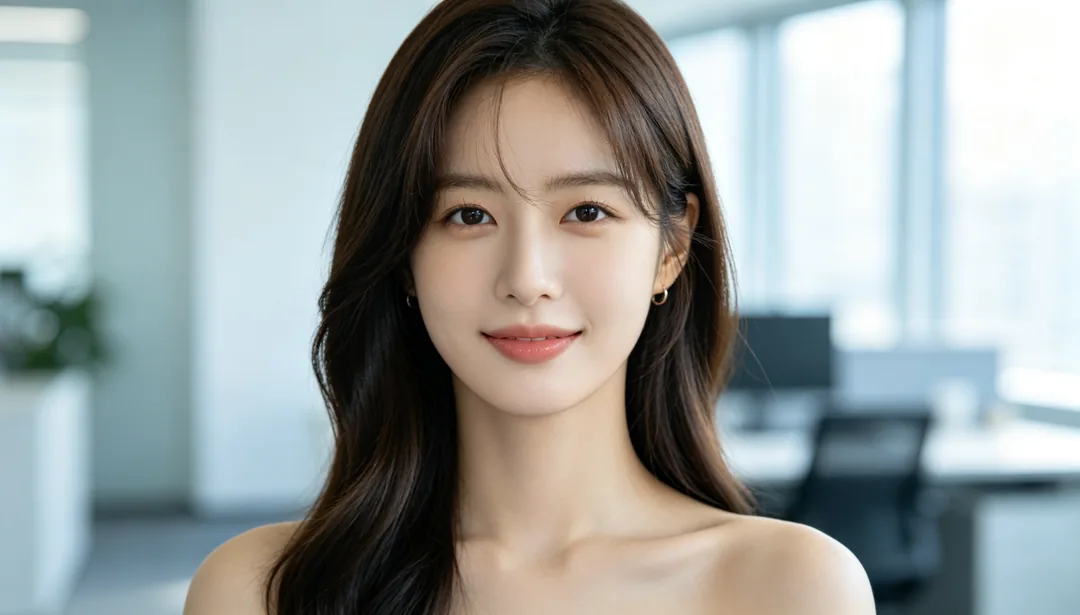
Background Replace
Cuts the person out cleanly and composites them into a new well-matched scene
Details: Background Replace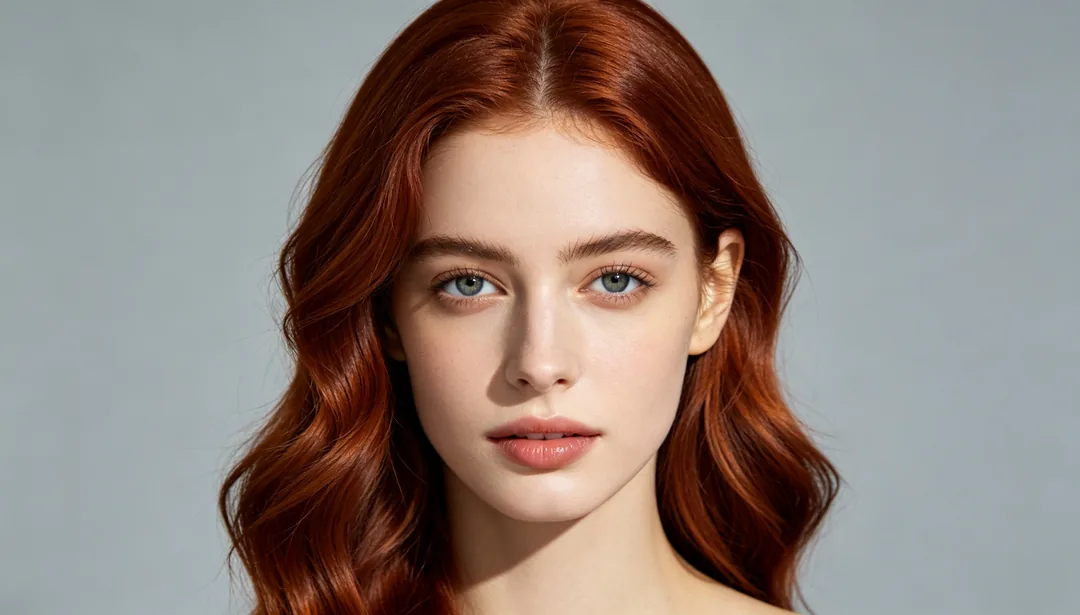
Hair Color Change
Previews a new natural hair color while keeping the same hairstyle
Details: Hair Color Change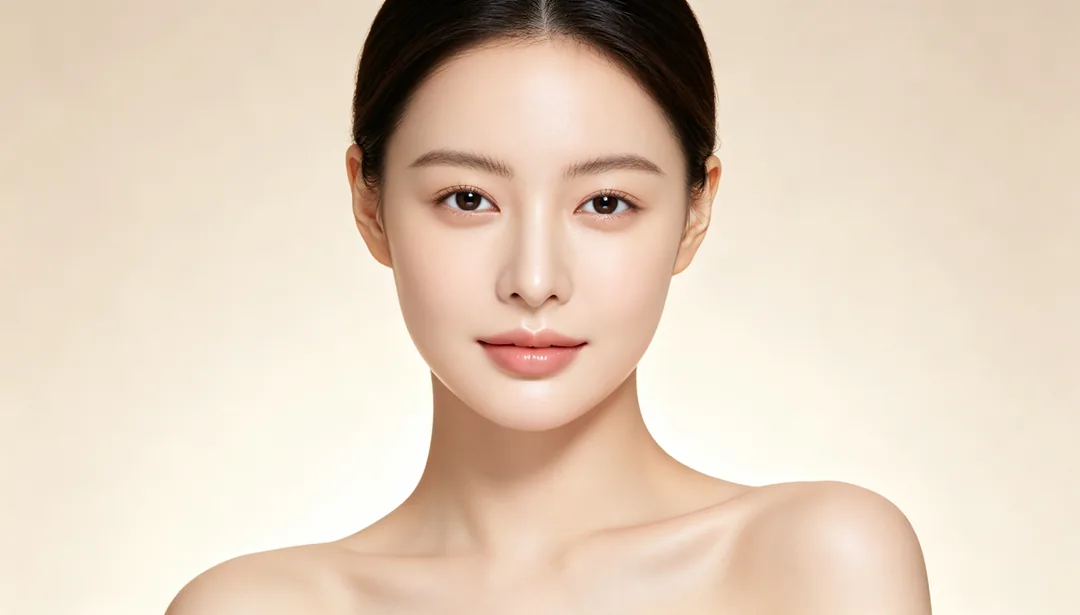
Baby-Soft Skin
An extremely smooth, cream-like skin texture reminiscent of a baby's skin
Details: Baby-Soft Skin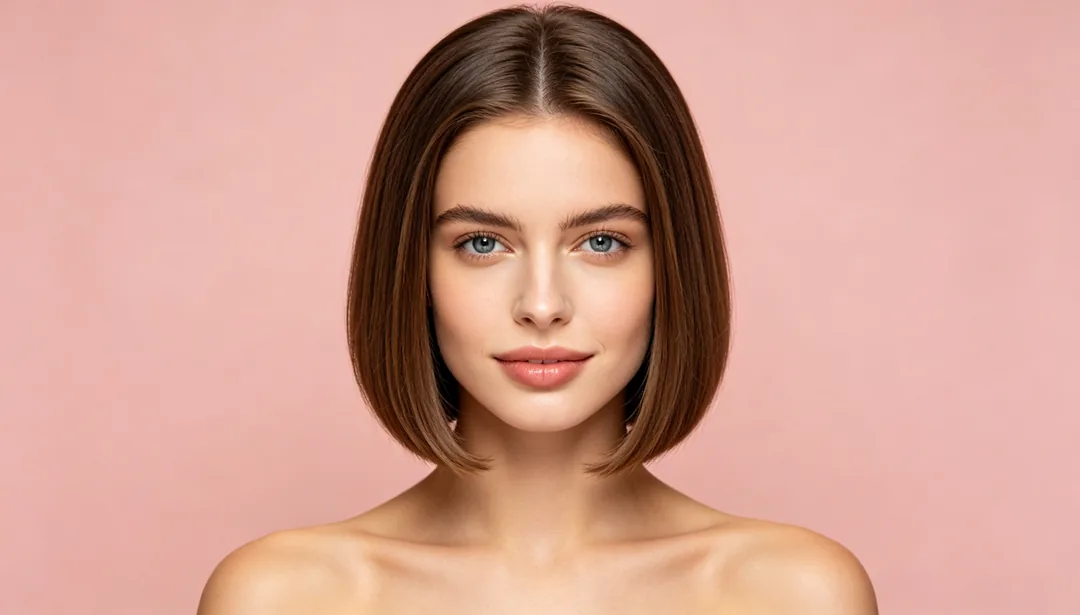
Hairstyle Try-On
Previews a different hair length or texture, from long waves to a short cut
Details: Hairstyle Try-On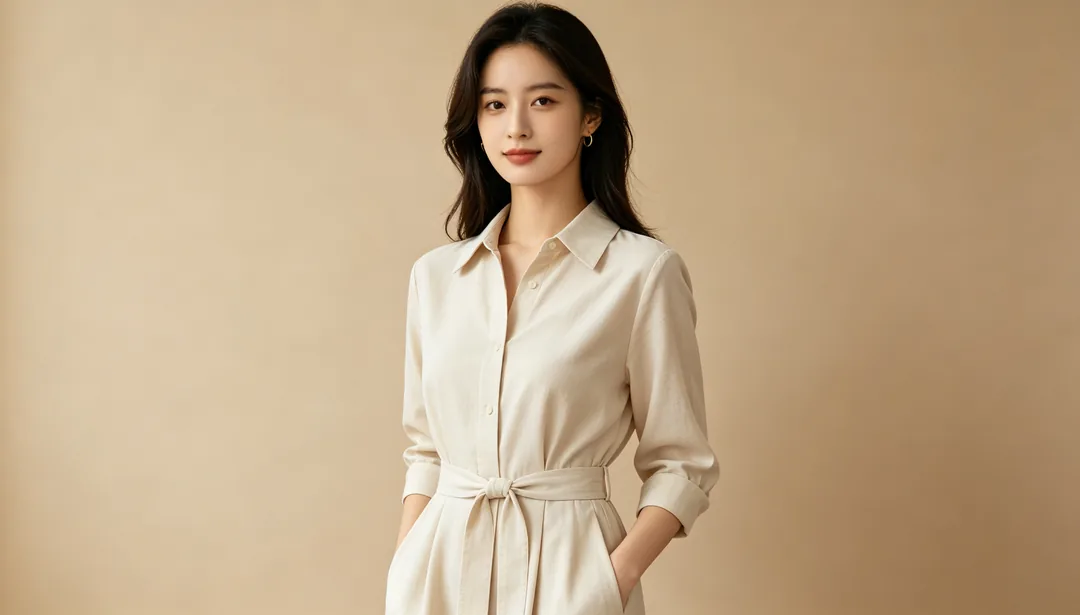
Waist Slimming
Softly tapers the waistline for a slimmer curve while keeping balance believable
Details: Waist Slimming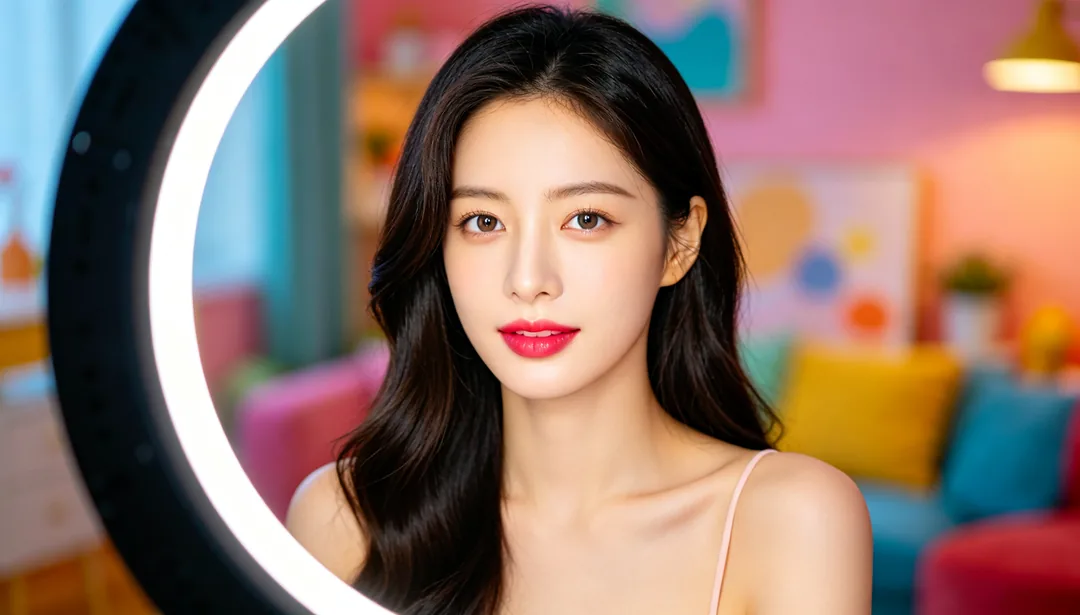
Livestream Beauty
High-saturation, screen-ready beauty tuning with subtle face slimming for livestreams
Details: Livestream Beauty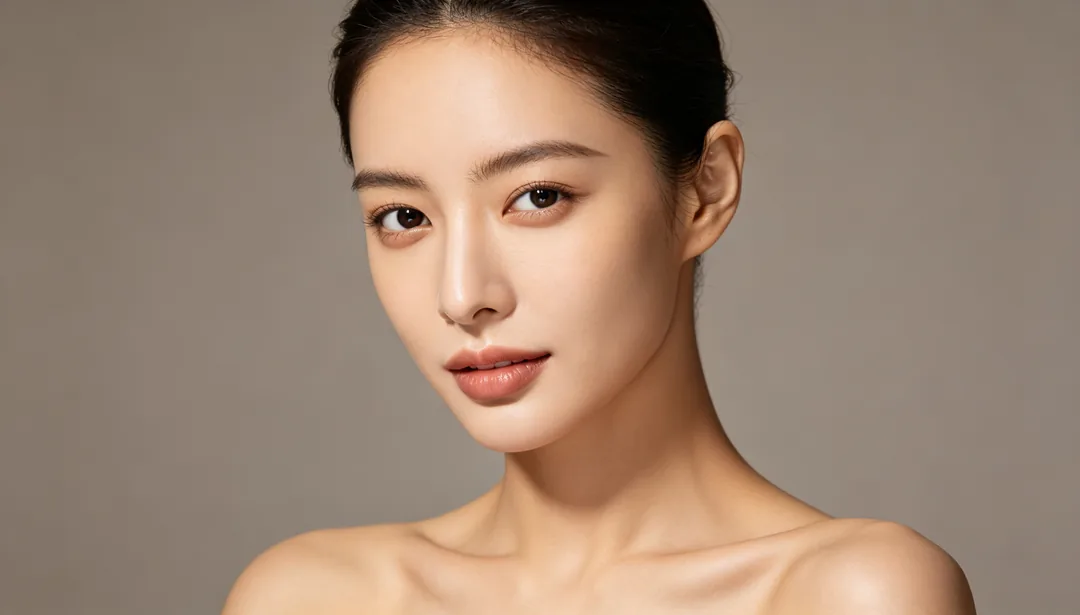
Slim Face
Smart adjustment of the face shape for a subtly slimmer jawline and cheek contour
Details: Slim Face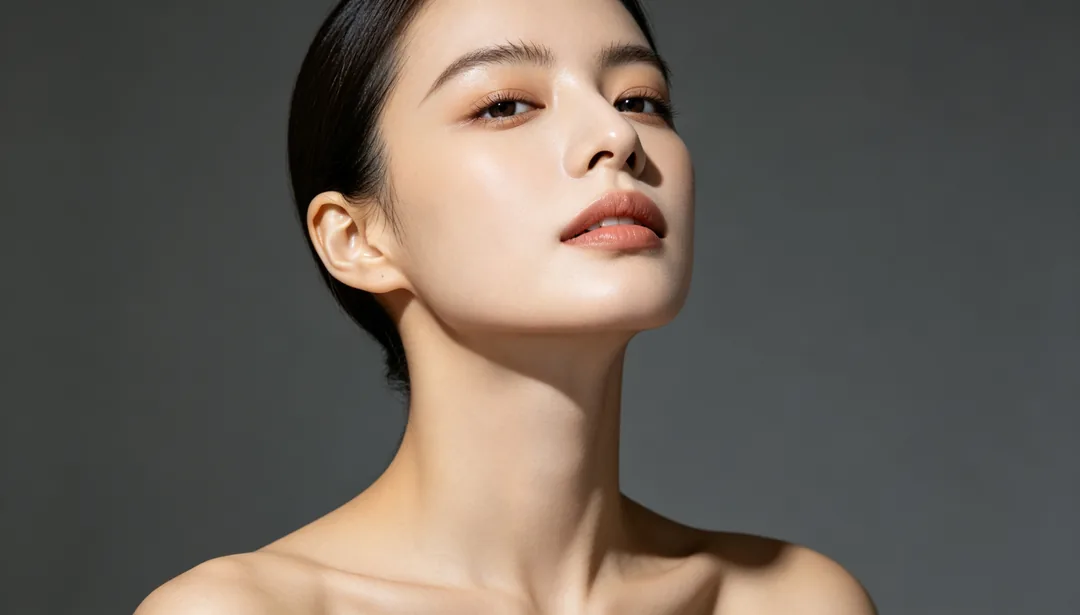
Chin Sculpting
Softly tapers the chin toward a V-shape and tightens the jawline
Details: Chin Sculpting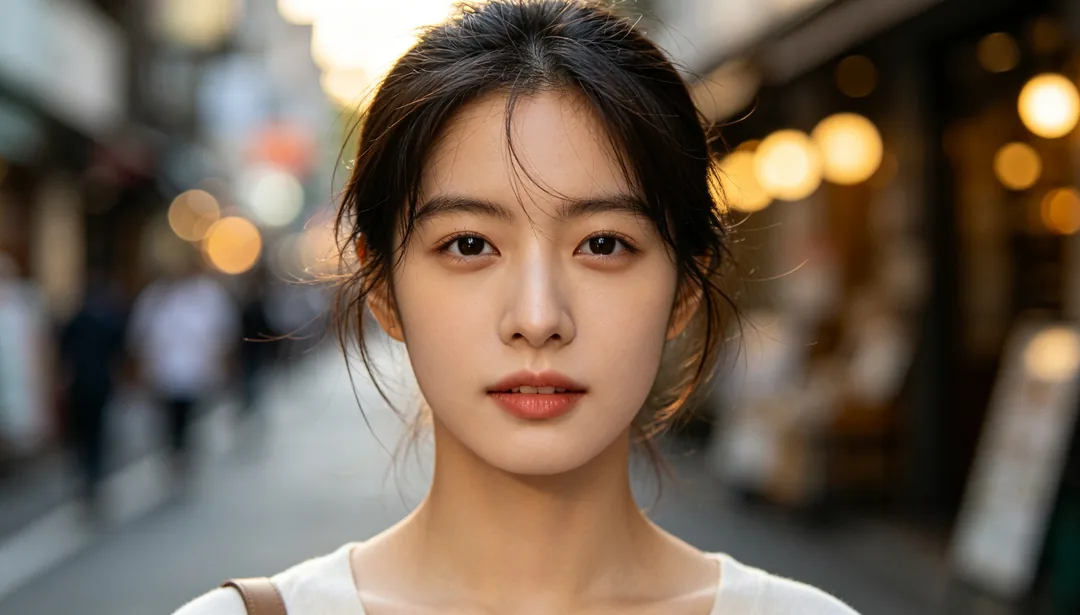
Background Blur
Keeps the person sharp while blurring the background into a large-aperture bokeh
Details: Background Blur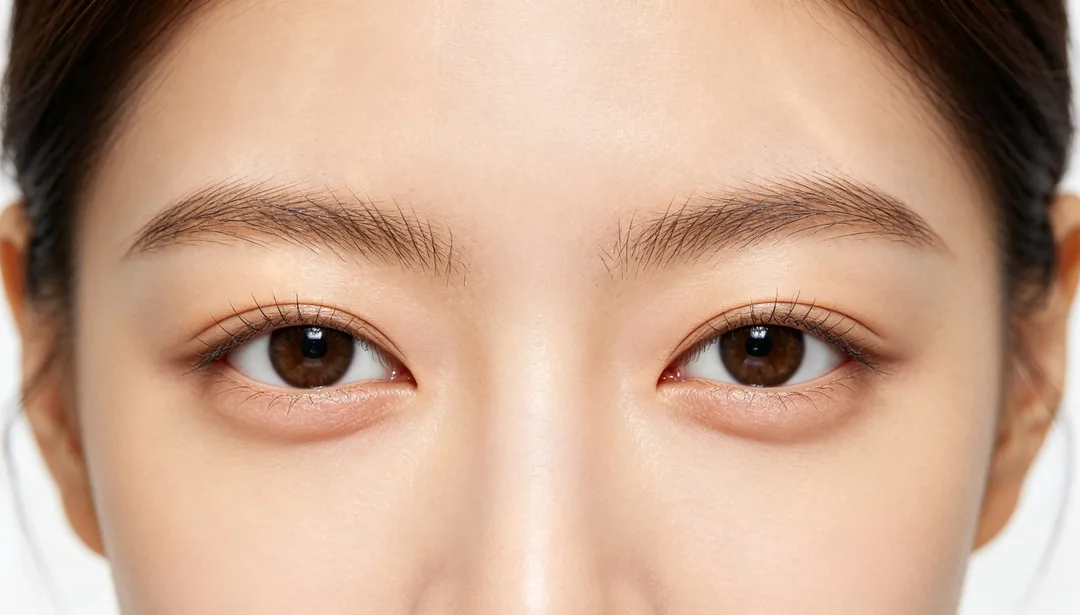
Eyebrow Shaping
Grooms and reshapes the eyebrows into clean, evenly arched lines
Details: Eyebrow Shaping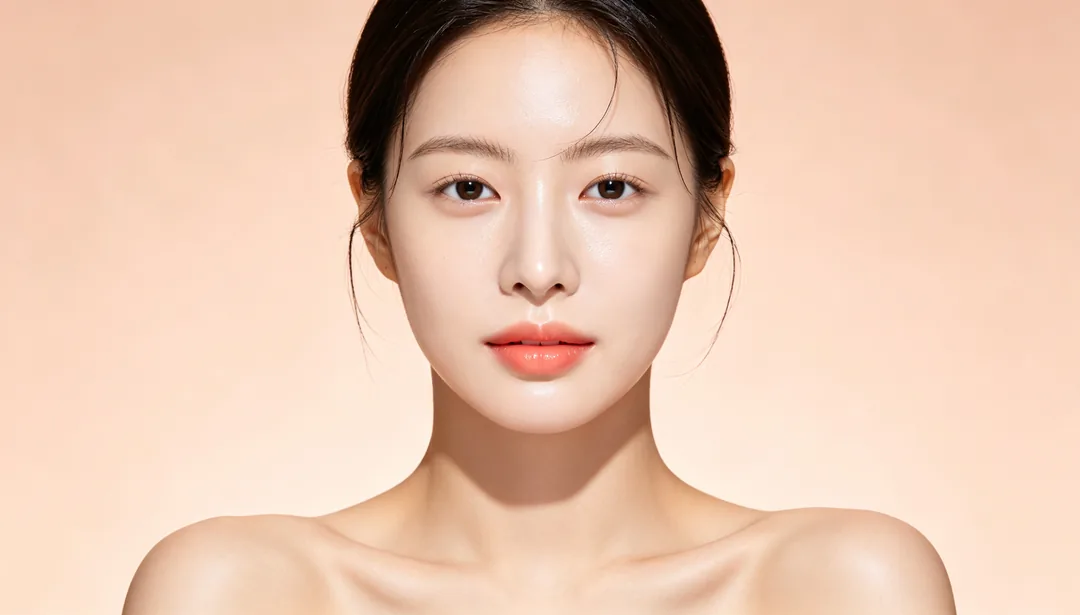
Korean Bare Makeup
A clear, dewy base with softly defined brows and eyes for a fresh bare-faced look
Details: Korean Bare Makeup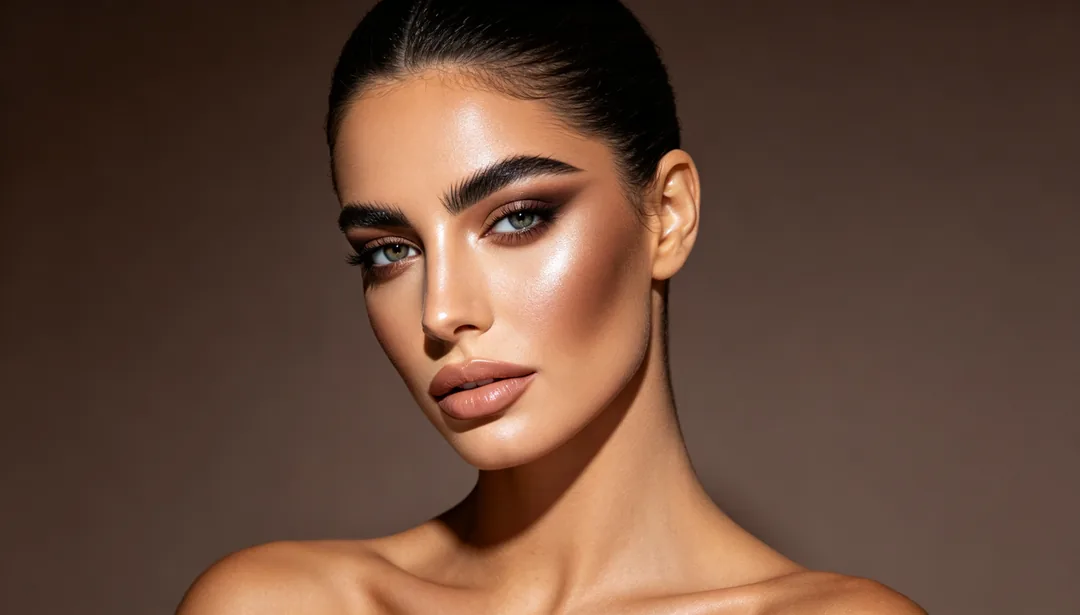
Western Contour
Strong contour with highlight-and-shadow modeling and bold brows
Details: Western Contour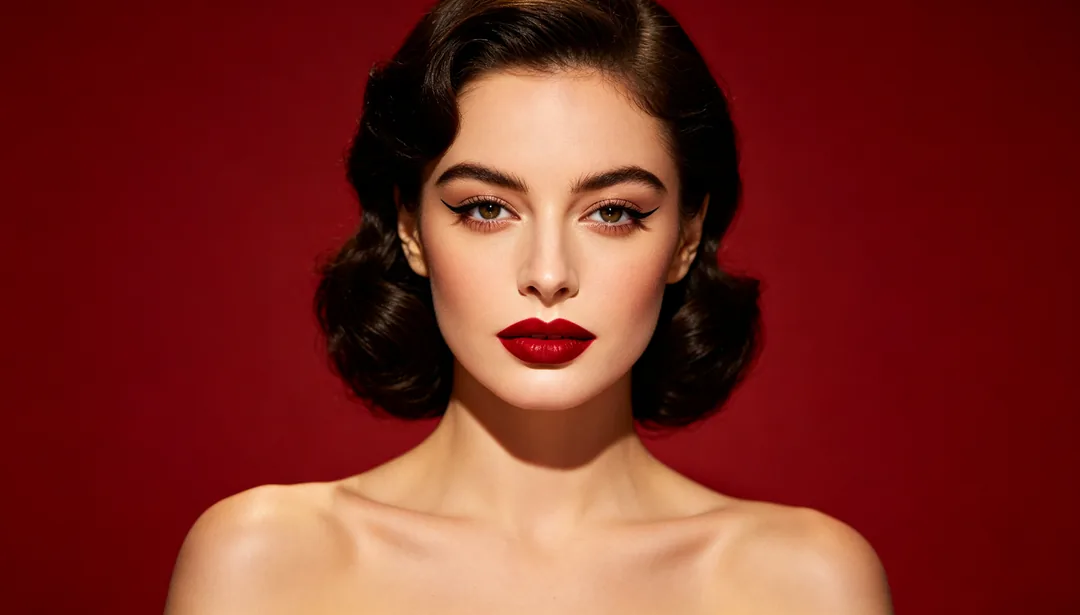
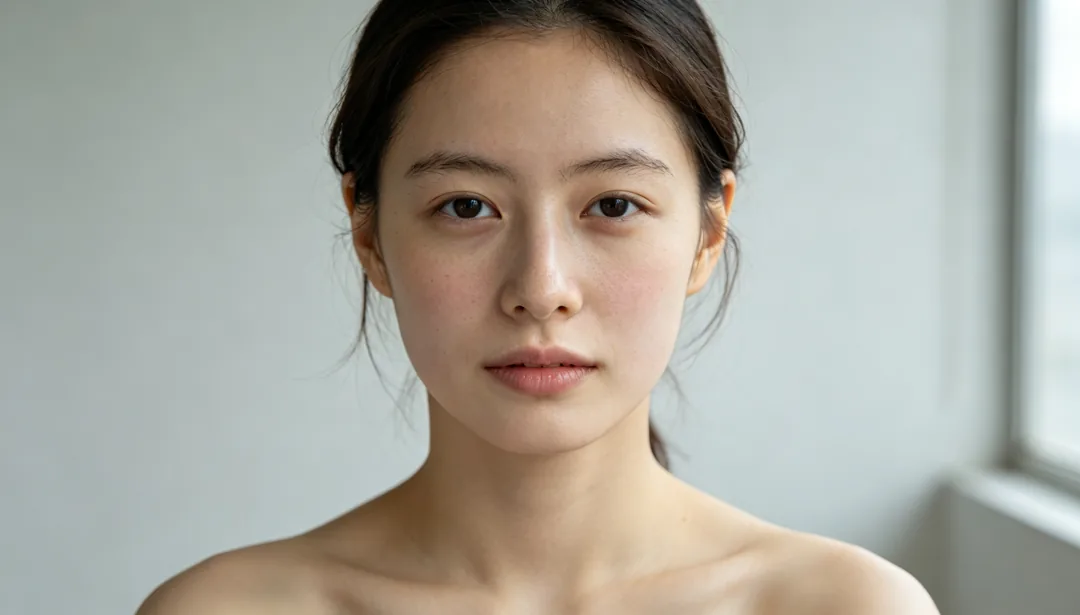
Fresh No-Makeup Look
An extremely natural finish that reads as if wearing no makeup at all
Details: Fresh No-Makeup Look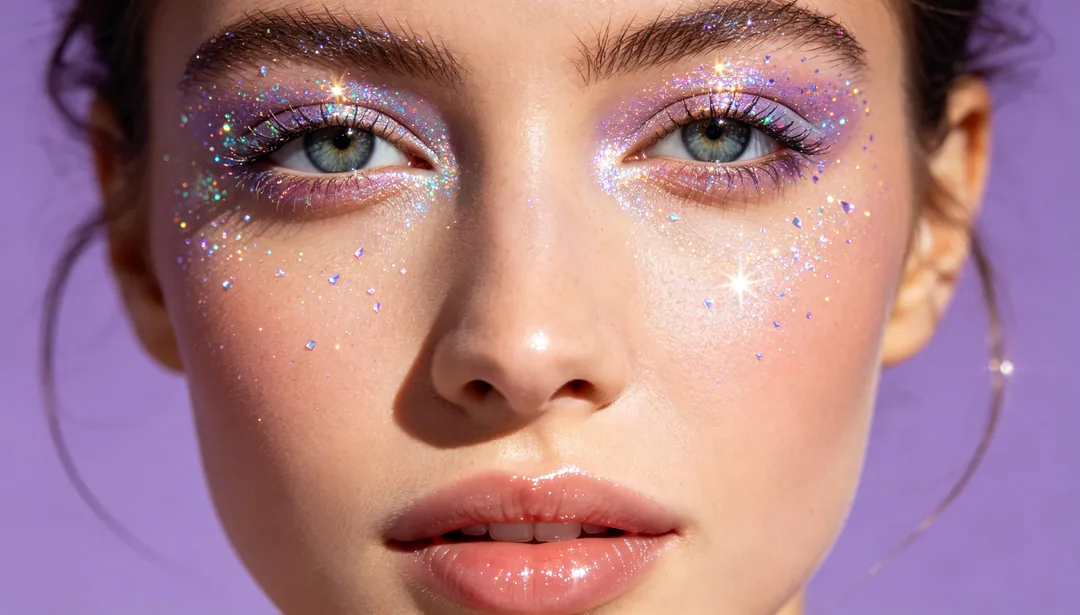
Festival Glitter
Shimmering glitter around the eyes for a celebratory, festive sparkle
Details: Festival Glitter
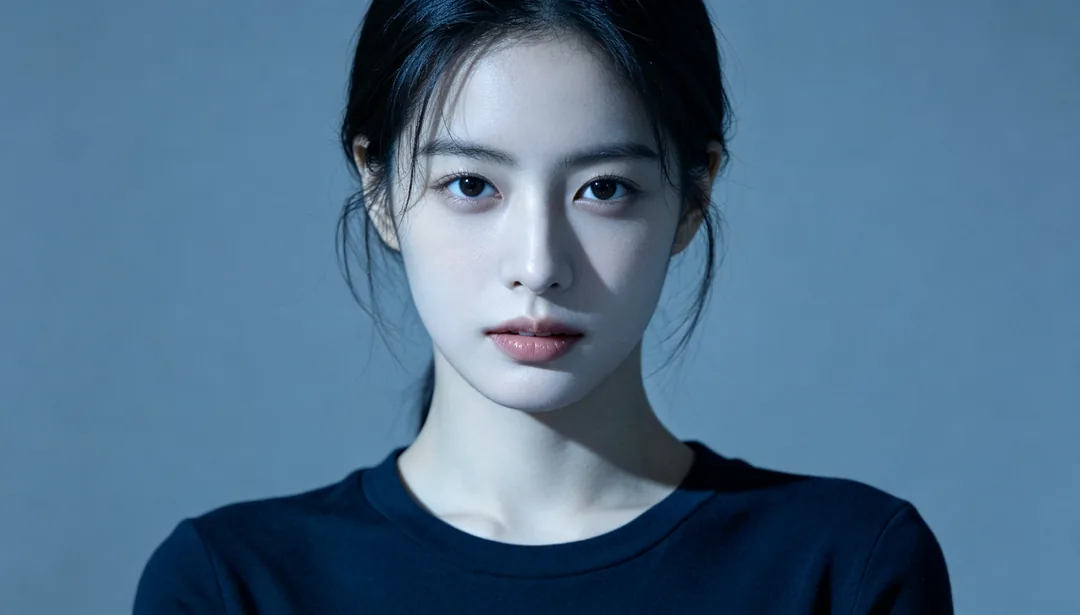
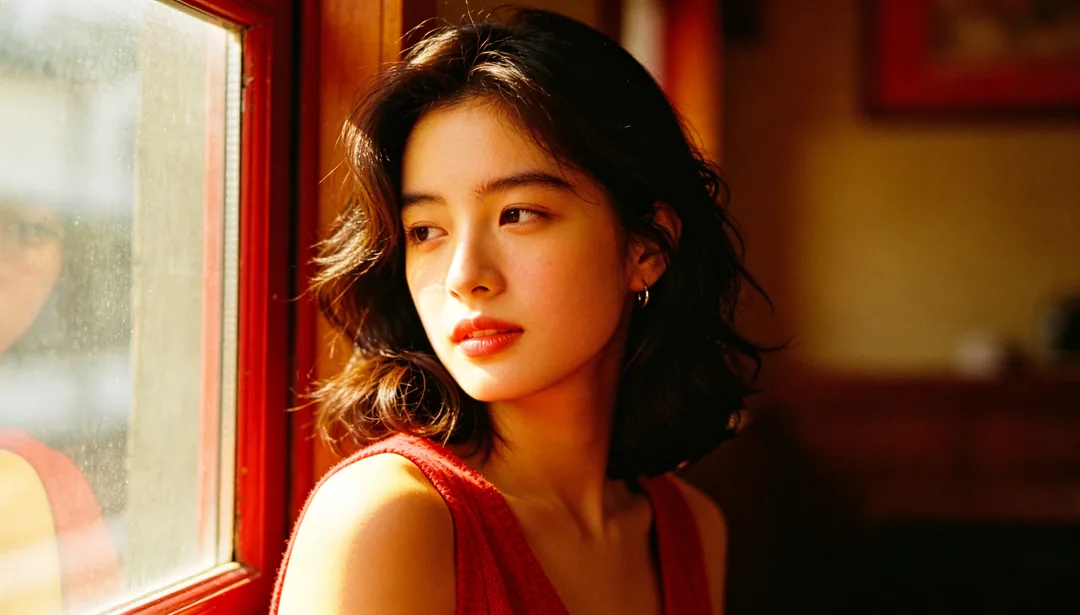
Classic Warm Film
A warm classic negative-film color palette with fine organic grain
Details: Classic Warm Film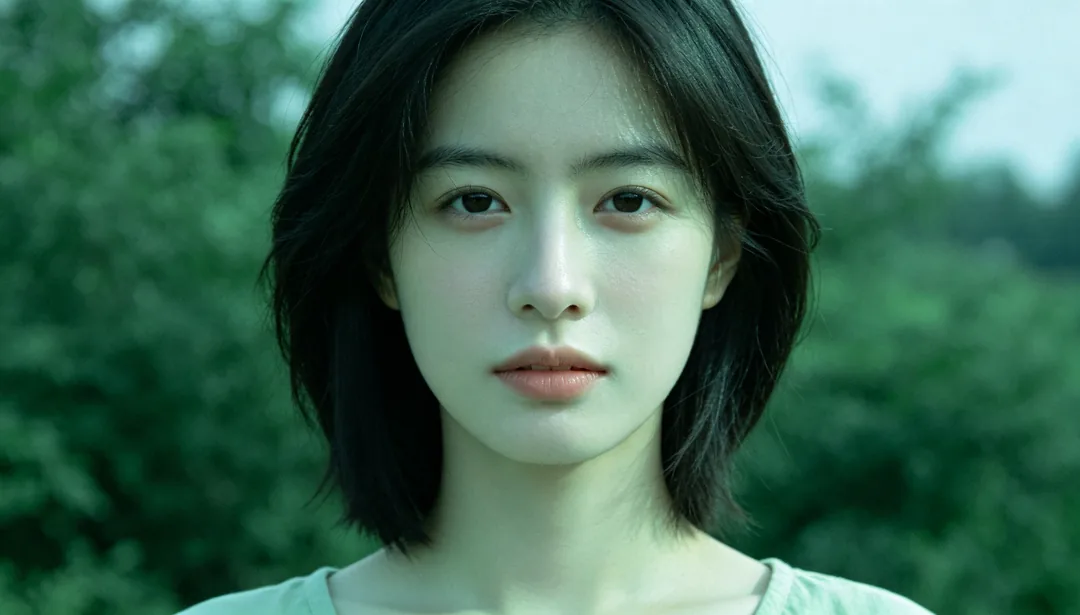
Classic Cool Film
A cool, green-shifted classic film color palette with soft fine grain
Details: Classic Cool Film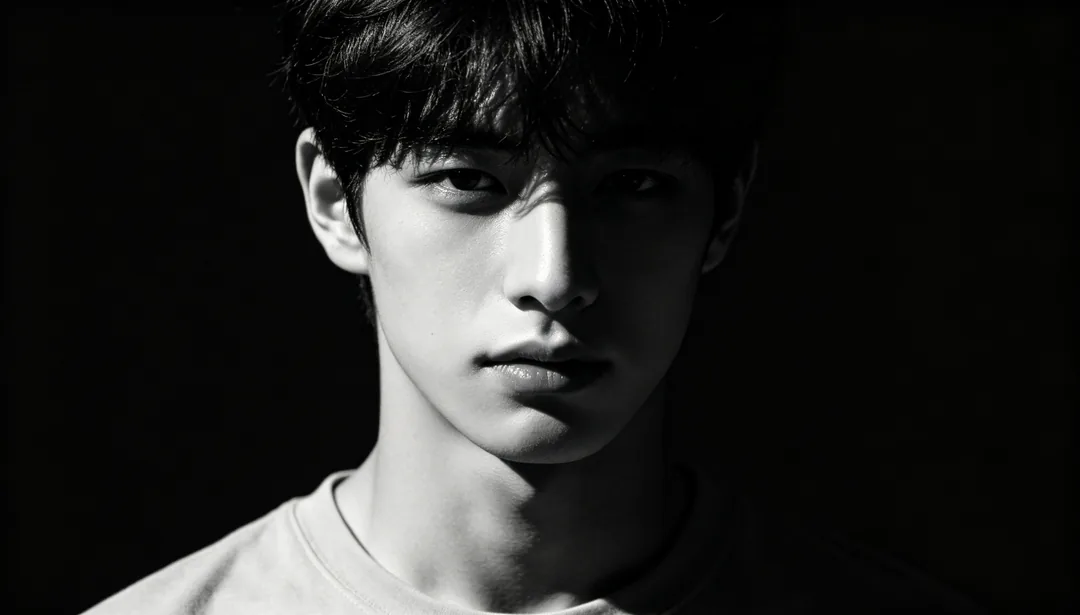
Dramatic Black & White
A high-contrast monochrome grade for a cinematic, dramatic mood
Details: Dramatic Black & White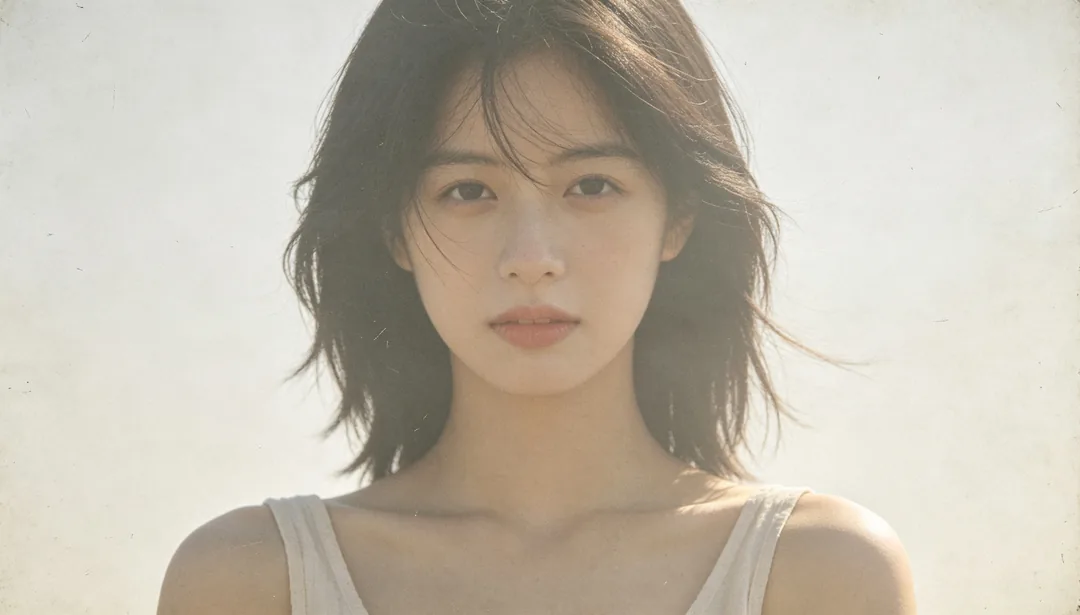
Faded Vintage
Lowered saturation and lifted blacks for a sun-faded, nostalgic feel
Details: Faded Vintage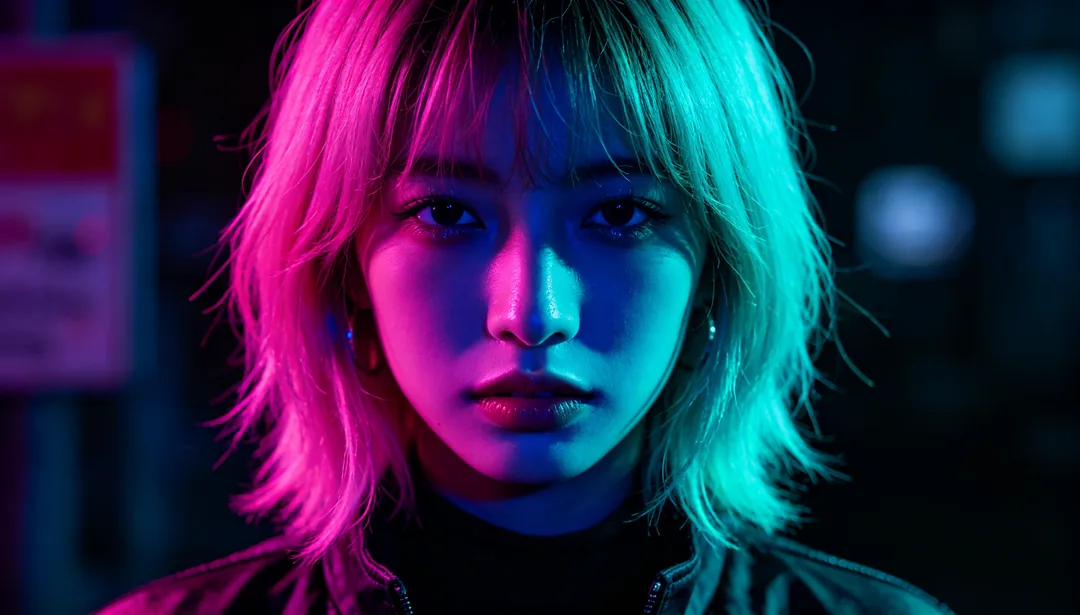
Cyberpunk Neon
Saturated neon color grading evoking a futuristic night-city glow
Details: Cyberpunk Neon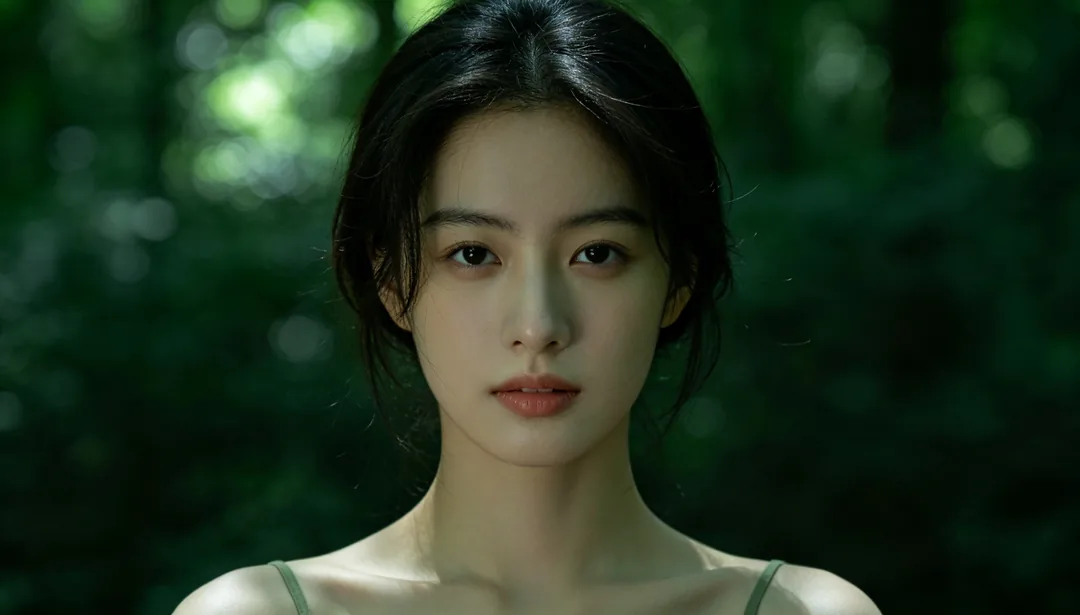
Forest Green Tone
A muted green color shift evoking a fresh, natural woodland mood
Details: Forest Green Tone
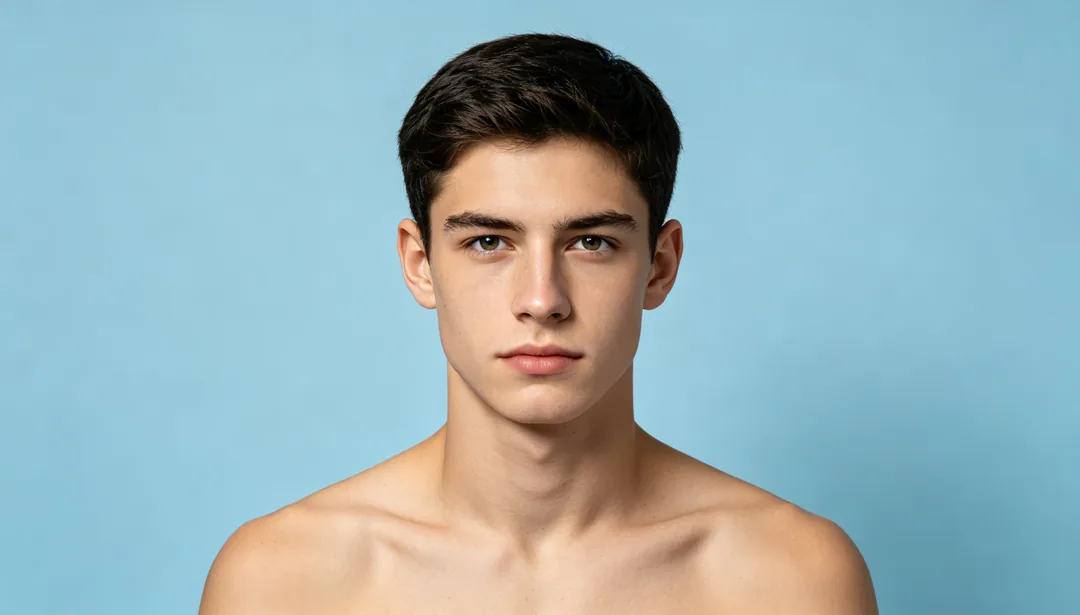
ID Photo Optimization
Evens out skin tone and clears blemishes while keeping a true, official-use likeness
Details: ID Photo Optimization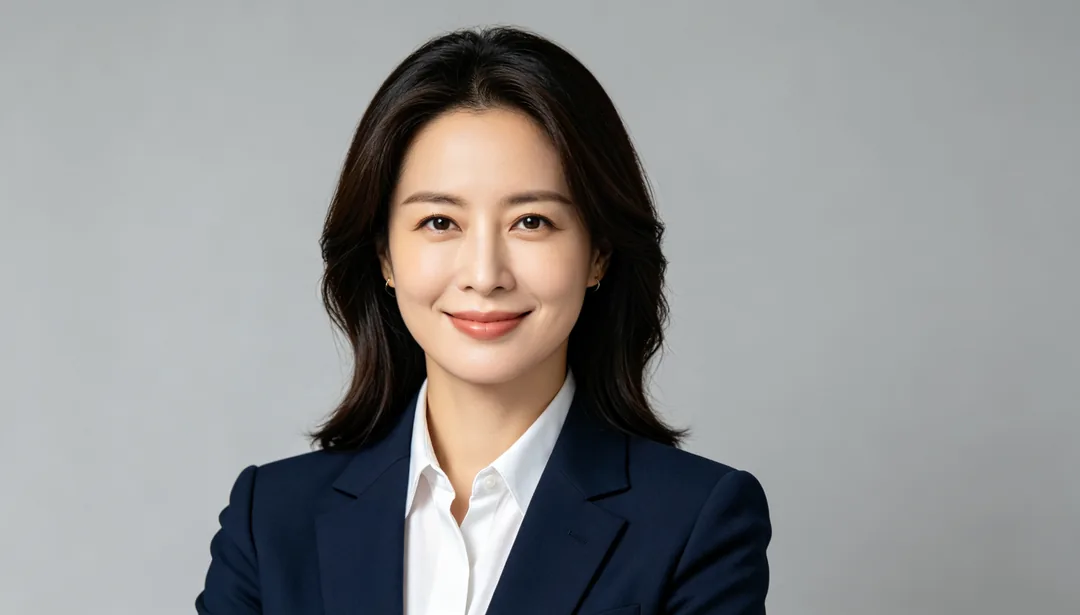
Professional Headshot
Business-appropriate makeup enhancement with confident studio-style lighting
Details: Professional Headshot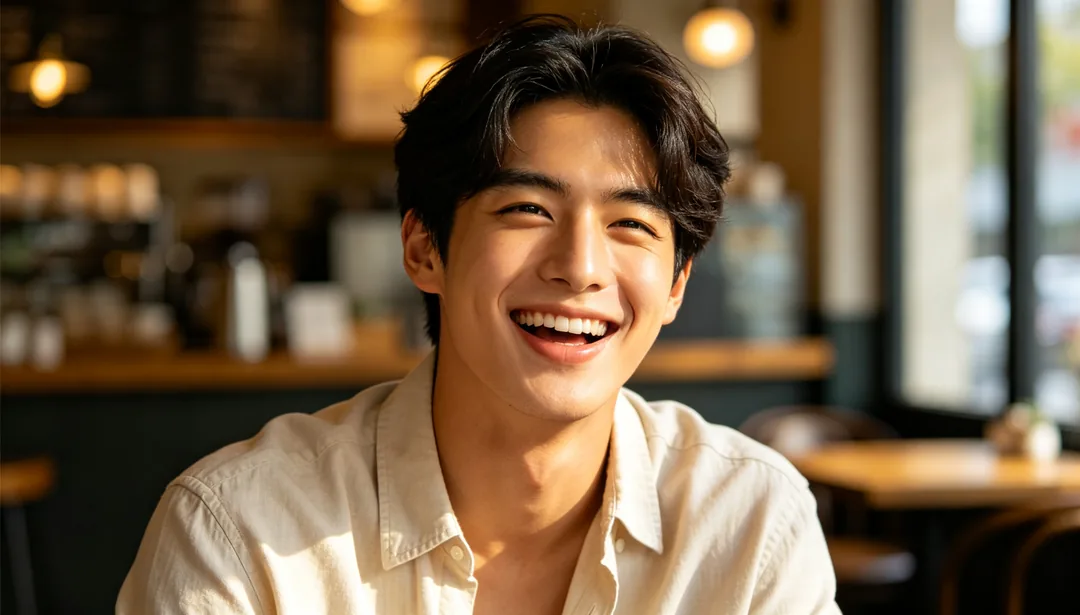
Dating Profile Glow
Warmer light and a brighter gaze to boost approachability for a social profile
Details: Dating Profile Glow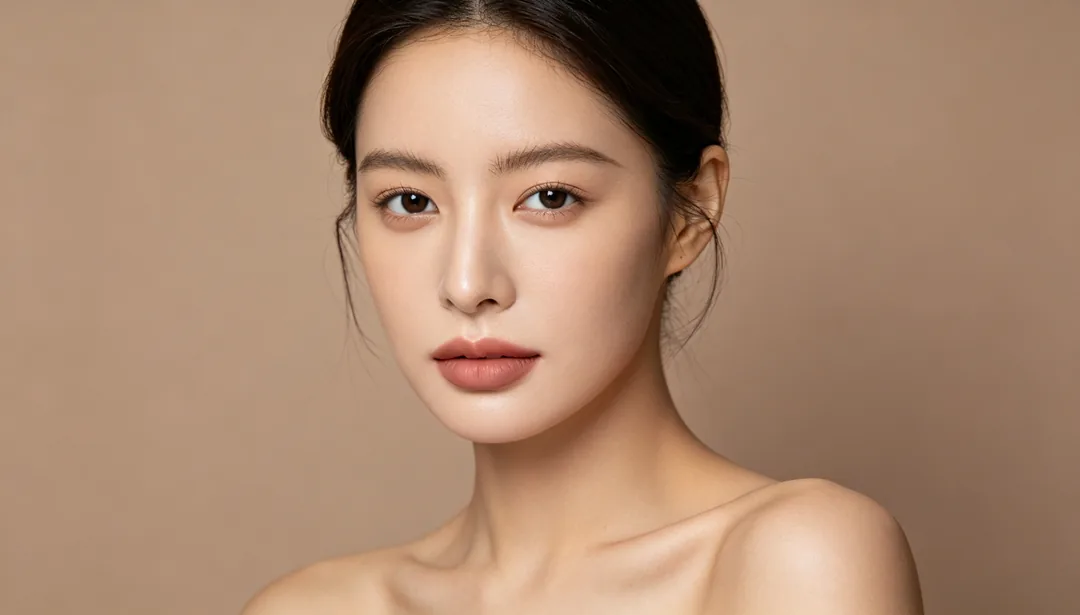
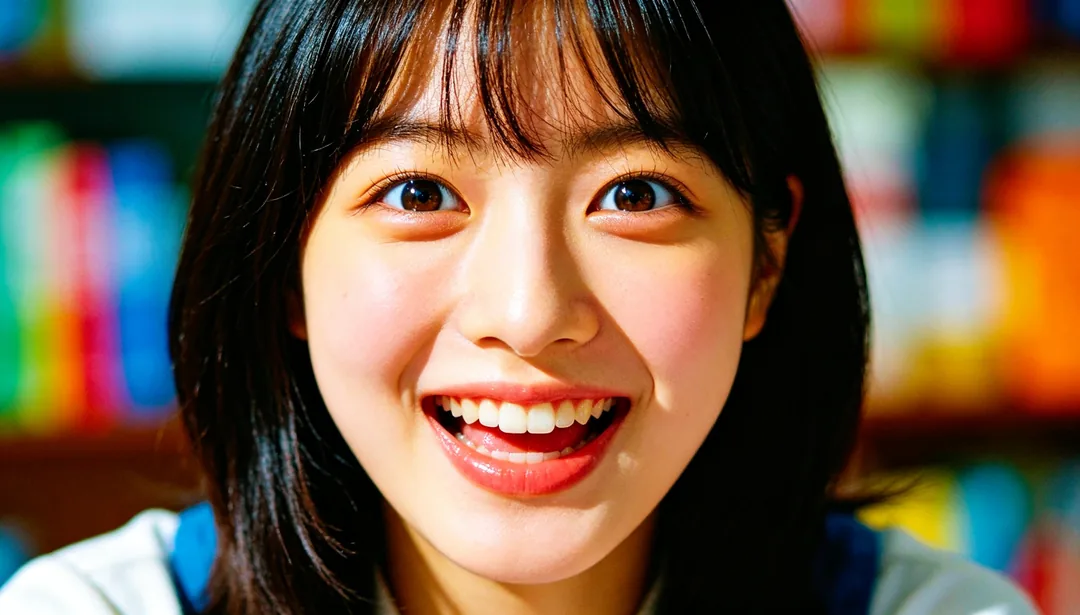
Short Video Cover
High-recognition optimization tuned for small thumbnail visibility
Details: Short Video Cover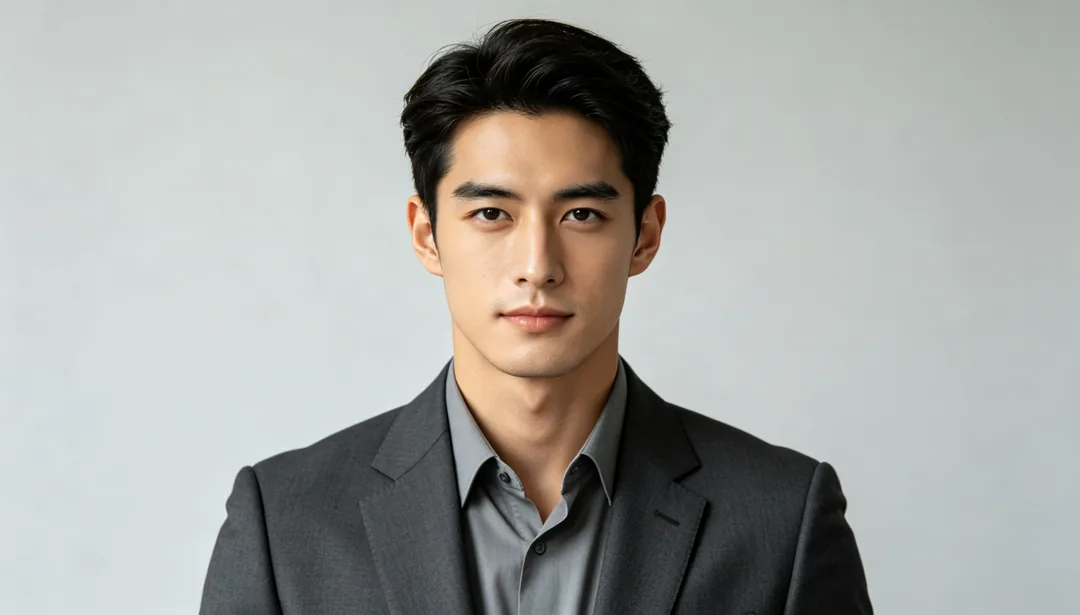
Resume Headshot
A neat, formal headshot with a plain background for a trustworthy resume photo
Details: Resume Headshot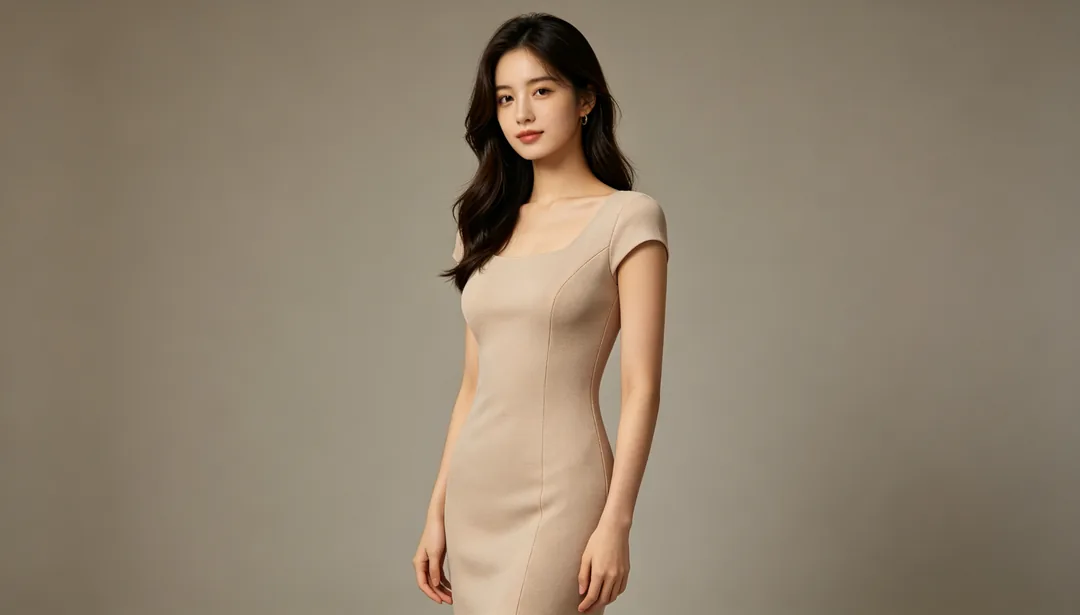
Body Slimming
An overall natural adjustment of body proportions for a leaner silhouette
Details: Body Slimming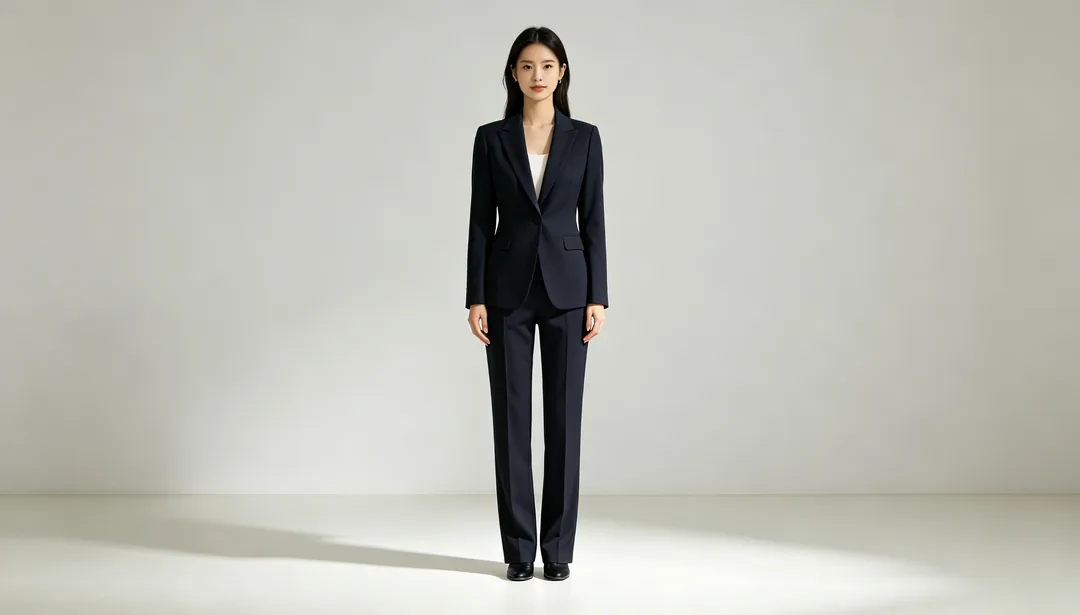
Leg Lengthening
Subtly elongates leg proportions relative to the torso for a longer silhouette
Details: Leg Lengthening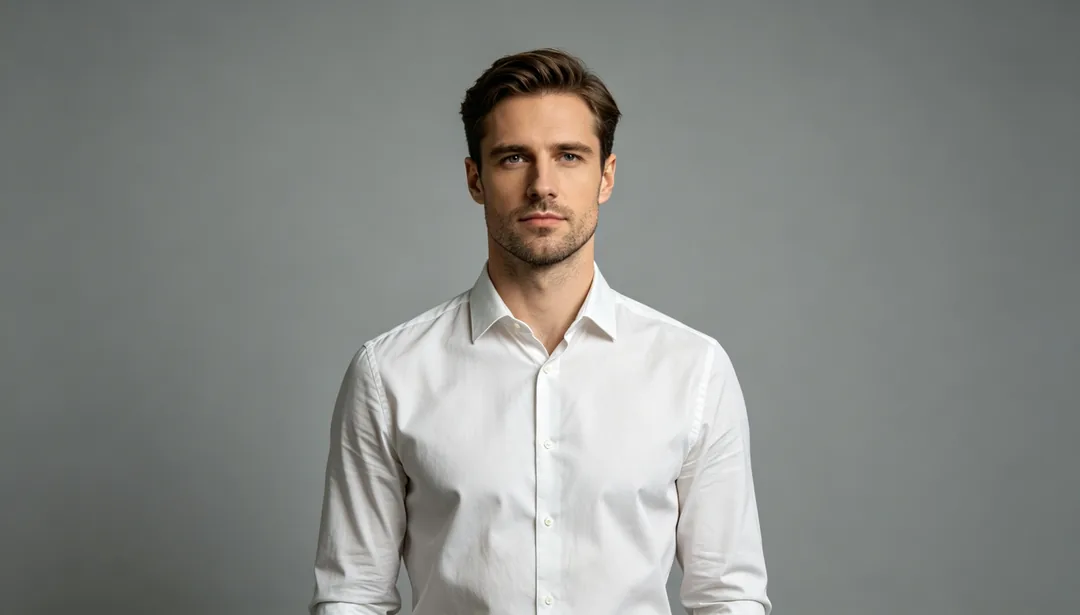
Posture Correction
Straightens rounded shoulders and neckline for an upright, natural stance
Details: Posture Correction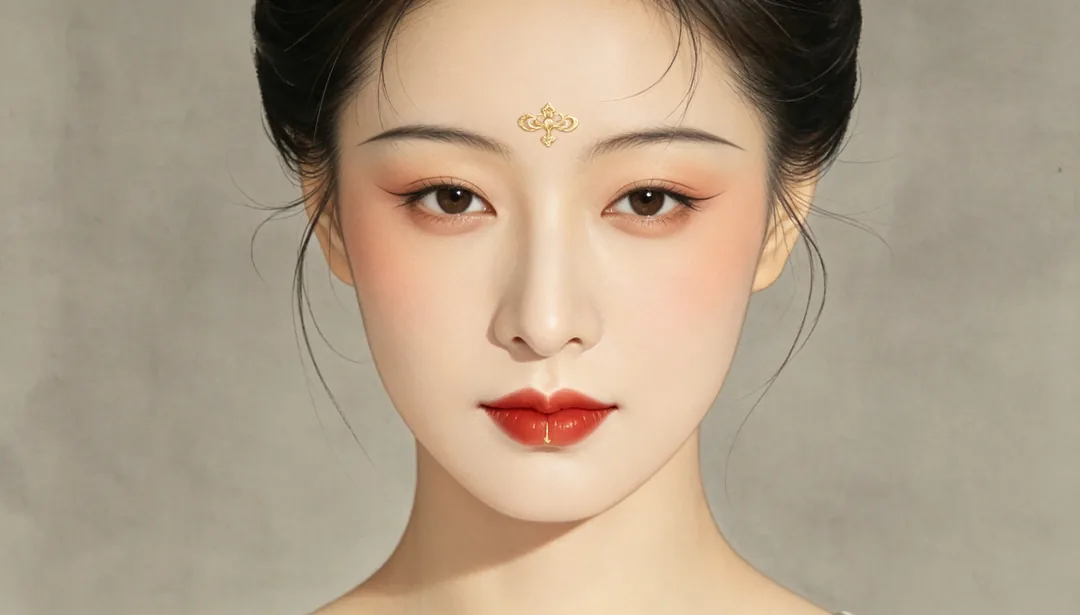
Chinese Classical Makeup
Willow-leaf brows, vermilion lips, and a delicate forehead ornament in classical Chinese style
Details: Chinese Classical Makeup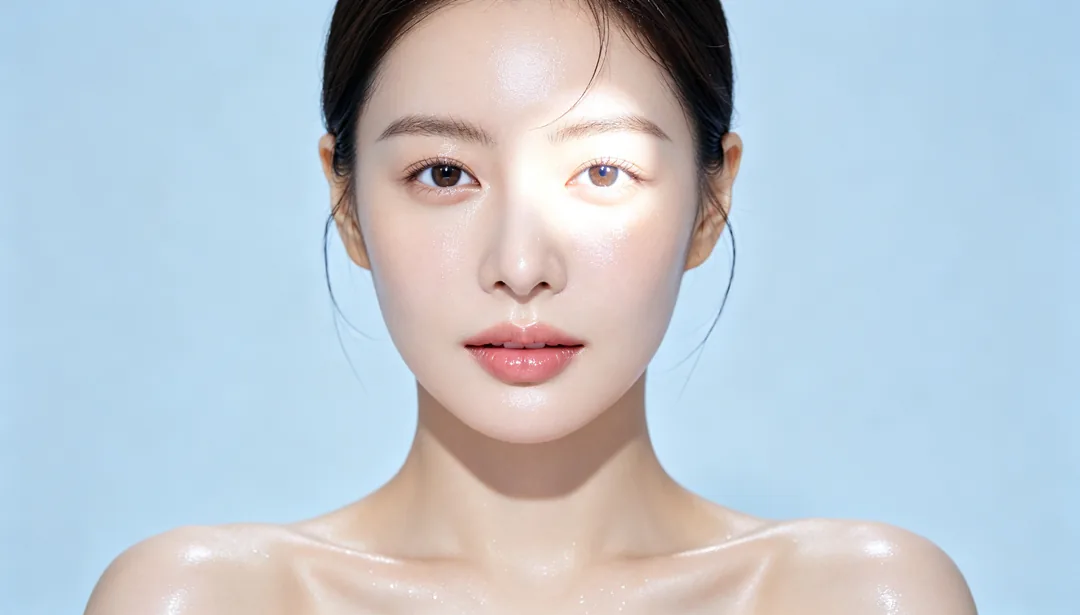
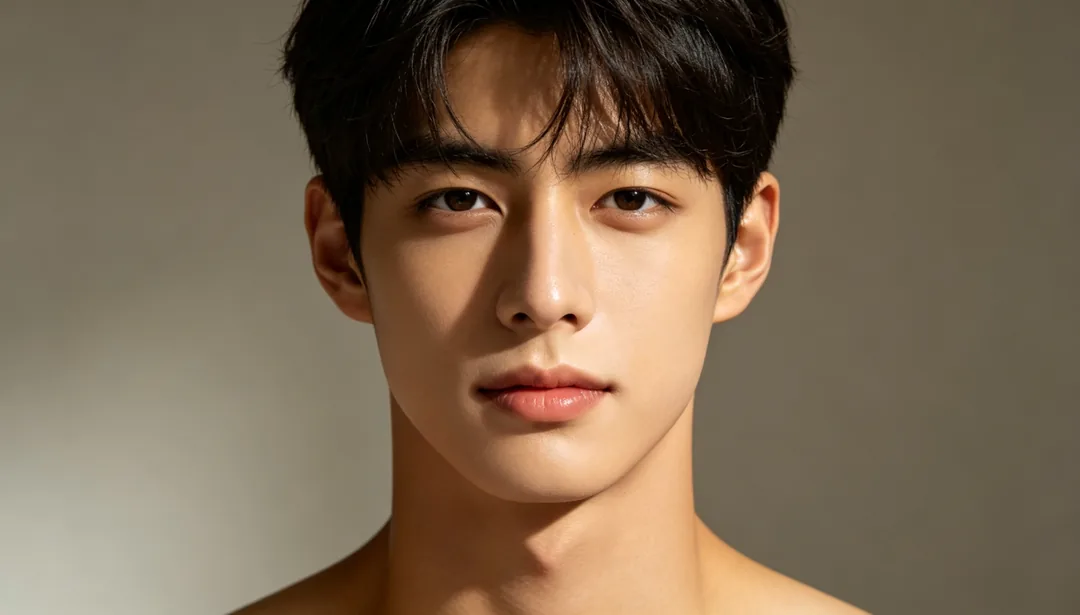
Light & Shadow Fix
Fills harsh shadows and balances exposure for even, natural lighting
Details: Light & Shadow Fix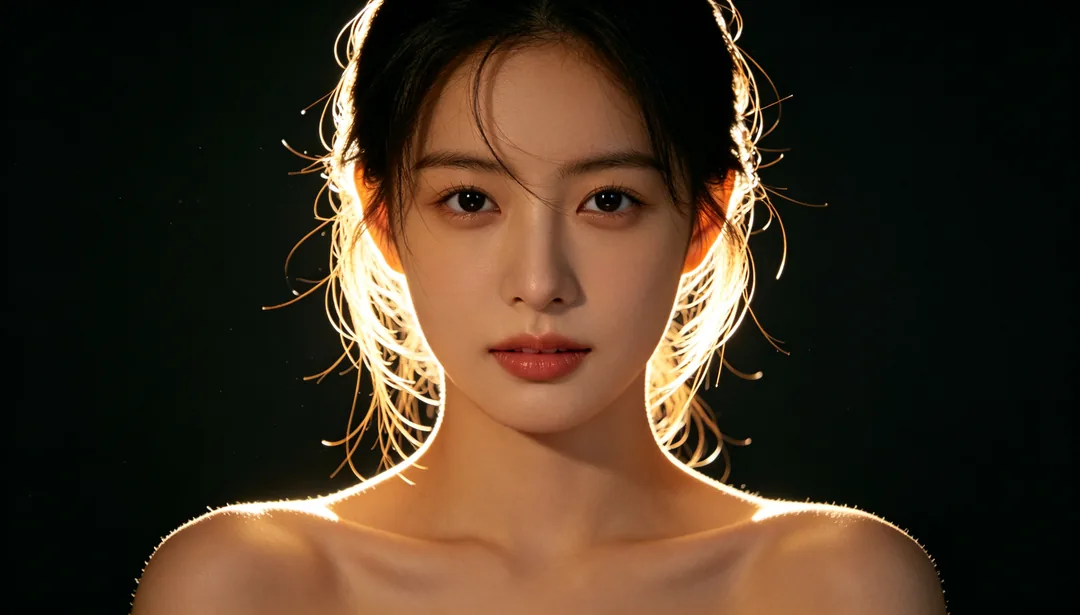
Rim Light Add
Adds a soft glowing edge light along the hair and shoulders for separation from the background
Details: Rim Light Add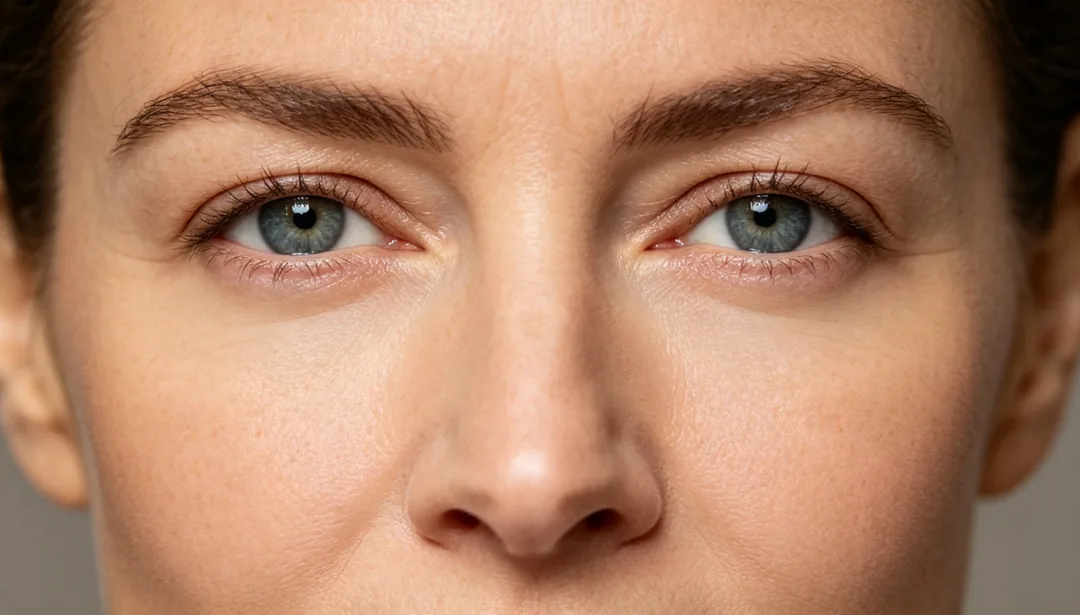
Dark Circle Removal
Brightens and evens out the shadowed under-eye area for a rested look
Details: Dark Circle Removal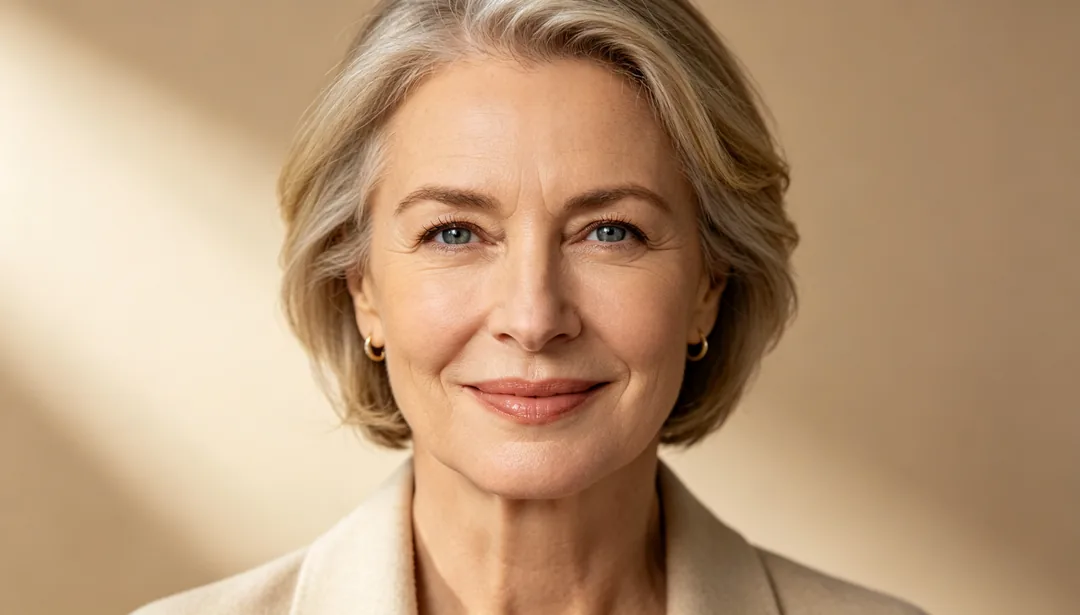
Wrinkle Smoothing
Softens visible fine lines and expression creases while keeping natural age impression
Details: Wrinkle Smoothing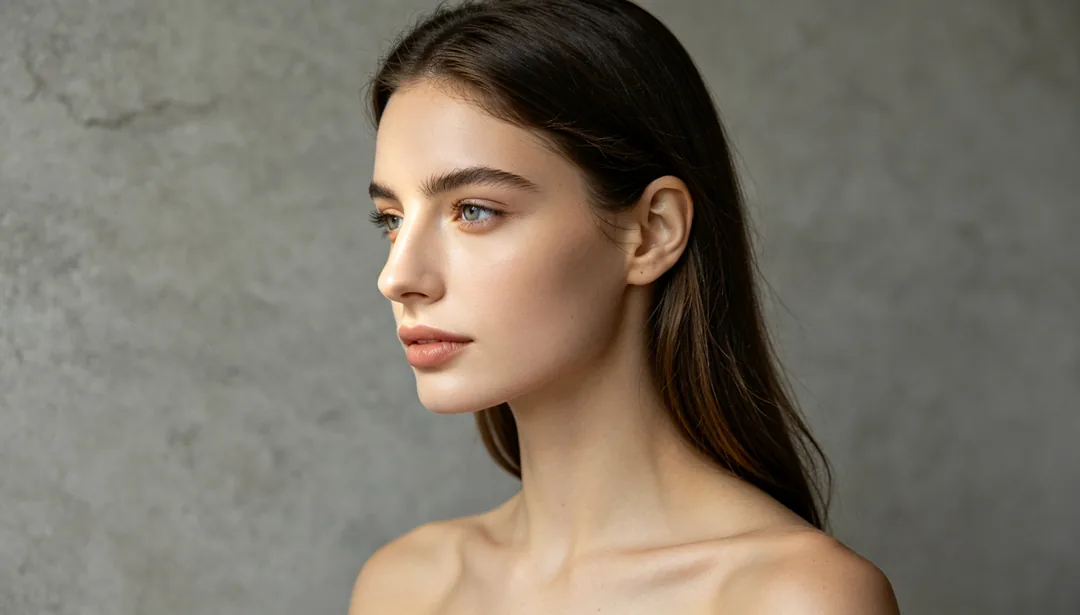
Nose Refinement
Straightens the nose bridge and narrows the nostrils for a cleaner profile
Details: Nose Refinement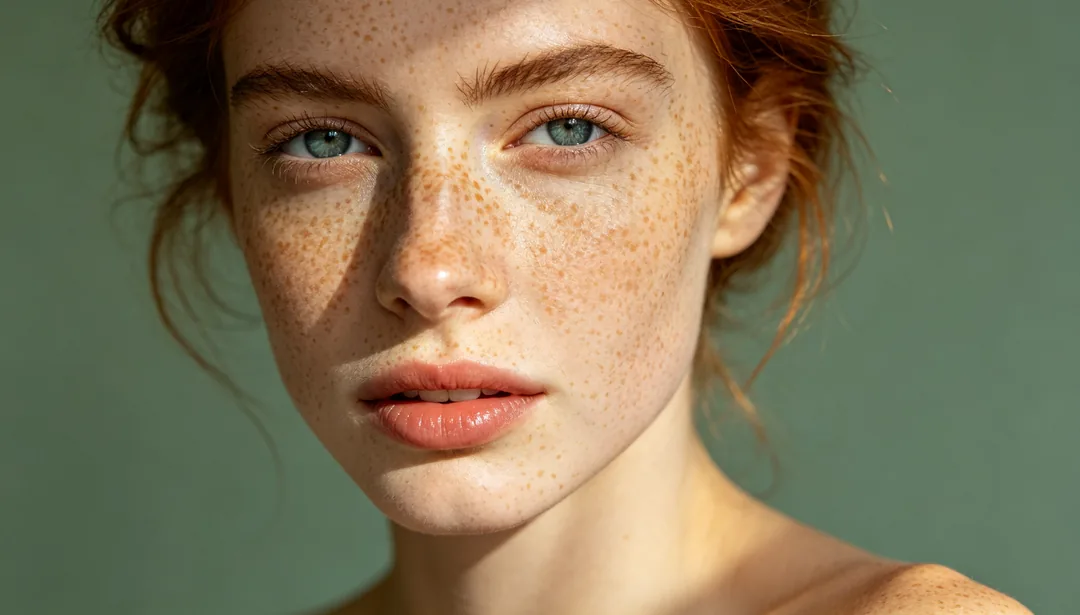
Freckles Preserved
Clears blemishes while deliberately keeping the sitter's natural freckles visible
Details: Freckles Preserved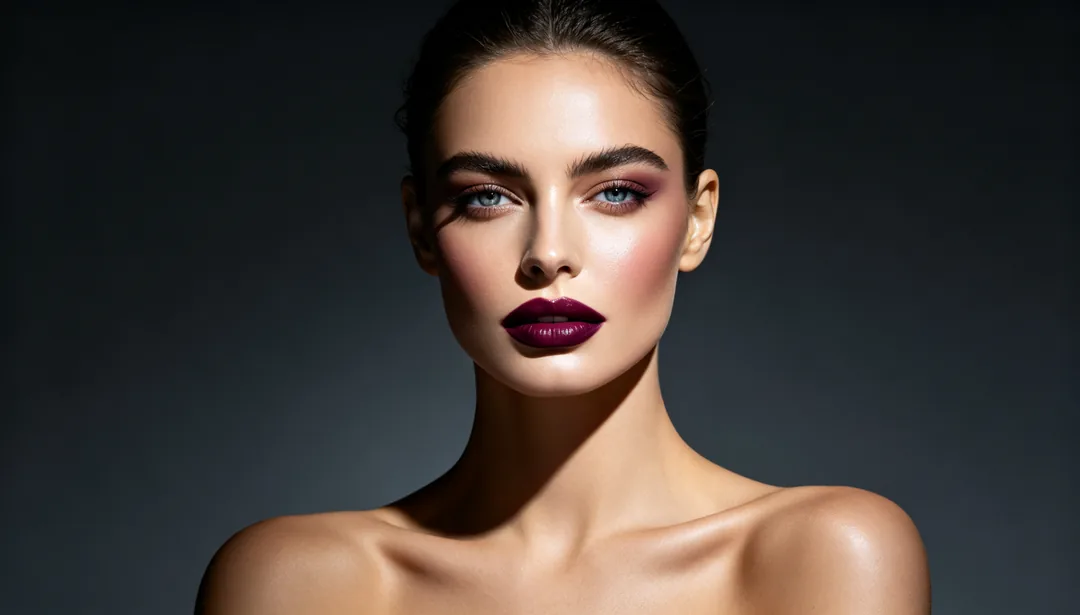
Magazine Editorial
Heavy retouch with enhanced makeup contrast and reshaped studio lighting
Details: Magazine Editorial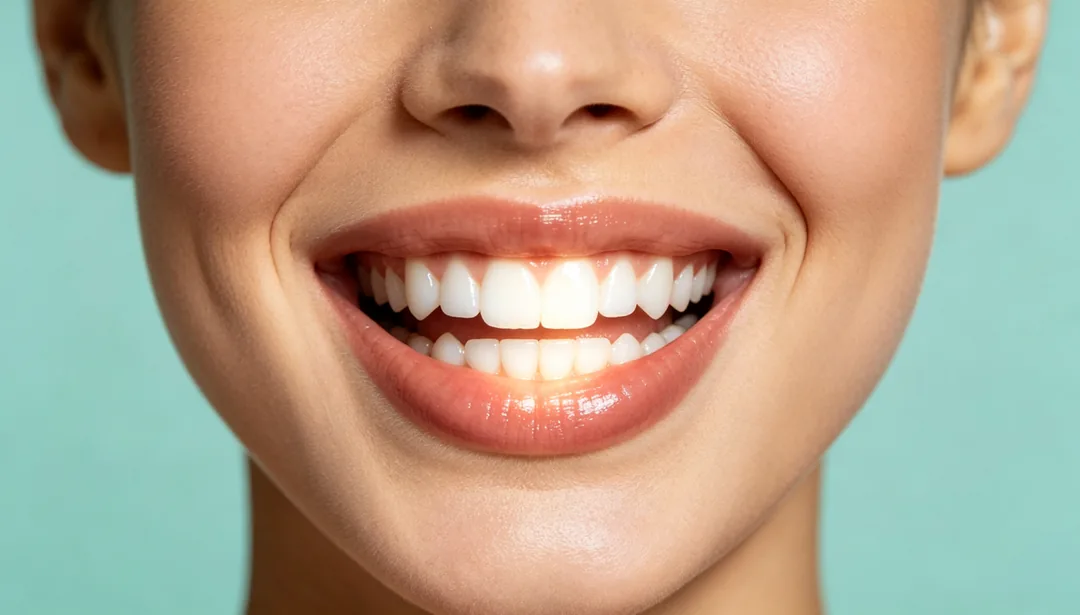
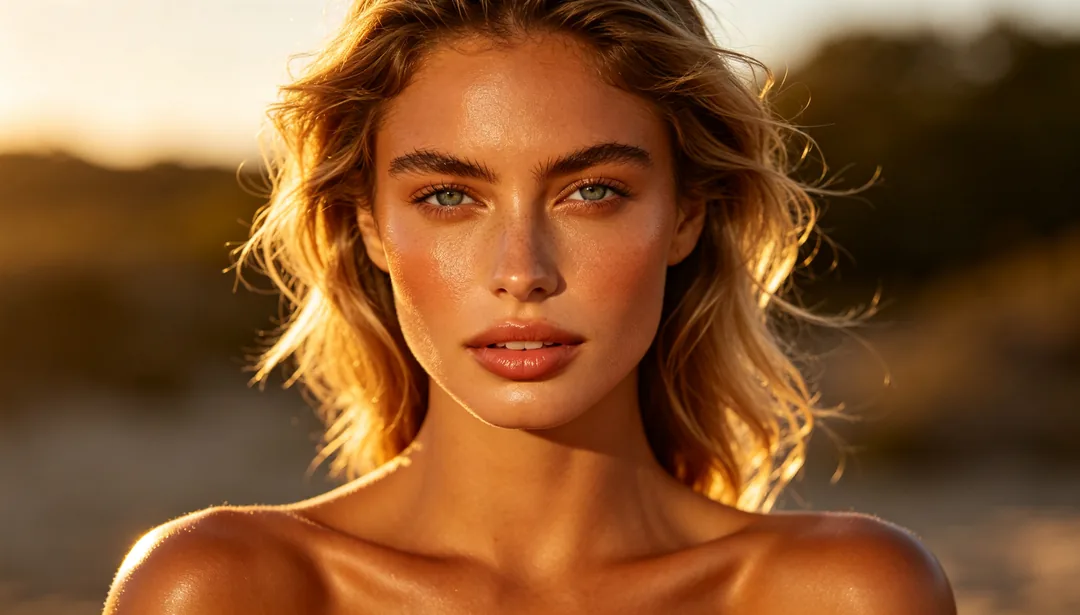
Sun-Kissed Glow
A healthy bronze tone with a natural dewy glow, as if lit by soft sunlight
Details: Sun-Kissed Glow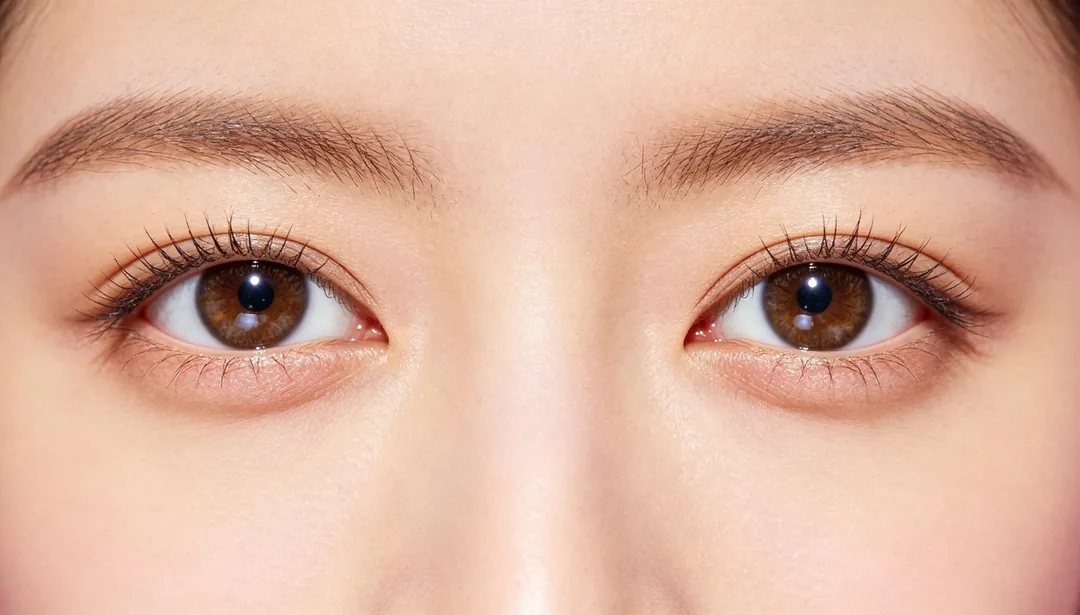
Sparkling Big Eyes
Subtly enlarges the eyes and adds a bright catchlight sparkle
Details: Sparkling Big Eyes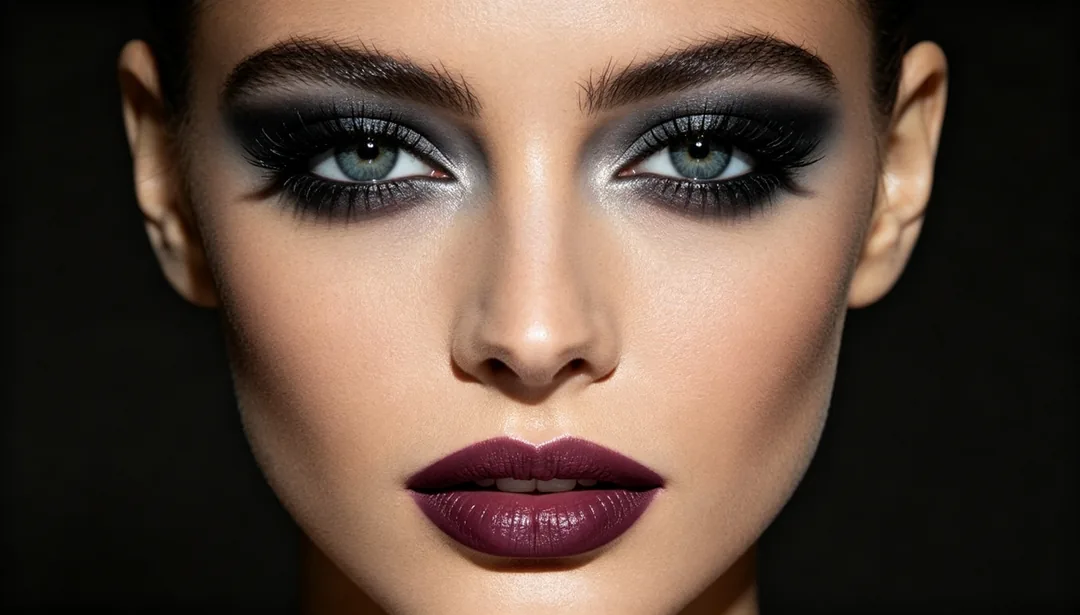
AI headshots and portrait retouching
Natural vs glam retouching
Natural Subtle, Fresh No-Makeup Look and Freckles Preserved keep changes barely visible. Magazine Editorial, Smoky Eye Glam and Festival Glitter go further, with visible makeup and a stronger finish.
AI headshots and profile photos
Professional Headshot, Resume Headshot, ID Photo Optimization and Dating Profile Glow turn a selfie into a headshot, tidying skin, light and background for photos that still have to look like you.
Light, colour and hair
Light & Shadow Fix and Rim Light Add correct the lighting; Classic Warm Film, Cool Blue Tone and Dramatic Black & White change the colour grade; Hair Color Change and Hairstyle Try-On show you a new look.
Photo tips for AI portrait retouching
- Start from a sharp, front-facing or three-quarter photo where the face fills a good part of the frame.
- Upload the original, not a version already run through a beauty filter; filters flatten the skin texture the natural styles try to keep.
- For profile photos, pick the natural styles: they are written not to reshape the face.
- Only retouch photos of yourself or of people who have agreed to it.
How it works
1
Upload a portrait
Add a clear photo of the face you want to retouch.
2
Pick a look
Choose what to change: skin, makeup, lighting, colour, face shape or hair.
3
Generate and compare
Generate, compare the result with your original and download the one you want.