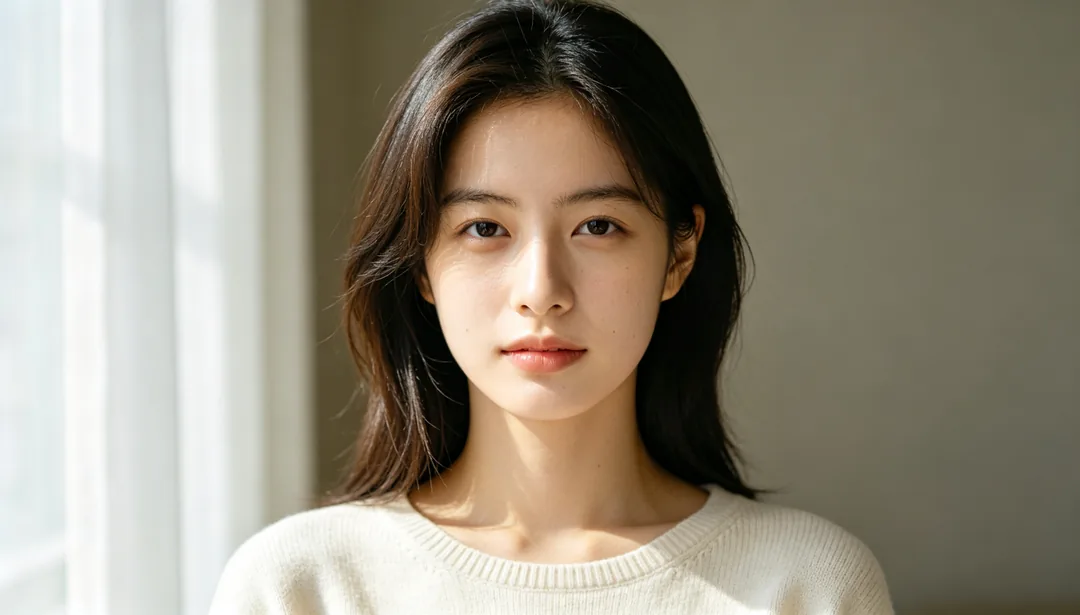
Natural Subtle Photo Filter
Your photo is never used to train AI models.
Light skin smoothing and gentle brightening so the retouch stays invisible
Tags
- natural
- subtle
- everyday
- undetectable
How it works
1
Upload a portrait
Add a clear photo of the face you want to retouch.
2
Pick a look
Choose what to change: skin, makeup, lighting, colour, face shape or hair.
3
Generate and compare
Generate, compare the result with your original and download the one you want.
More styles in Beauty Retouch
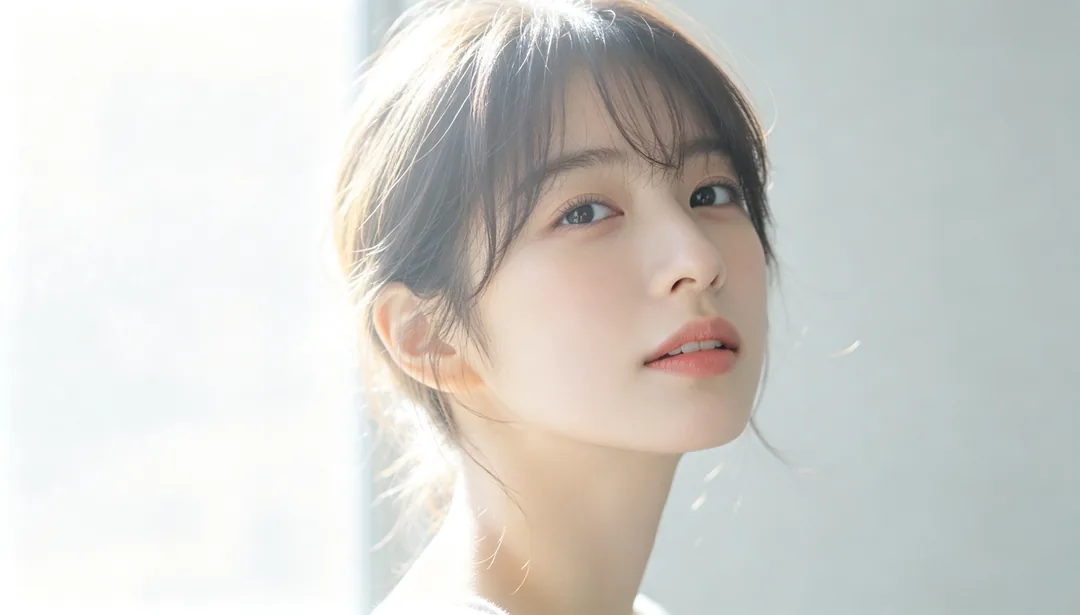
Japanese Soft Focus
Low-contrast, diffused light for a sweet, airy Japanese editorial feel
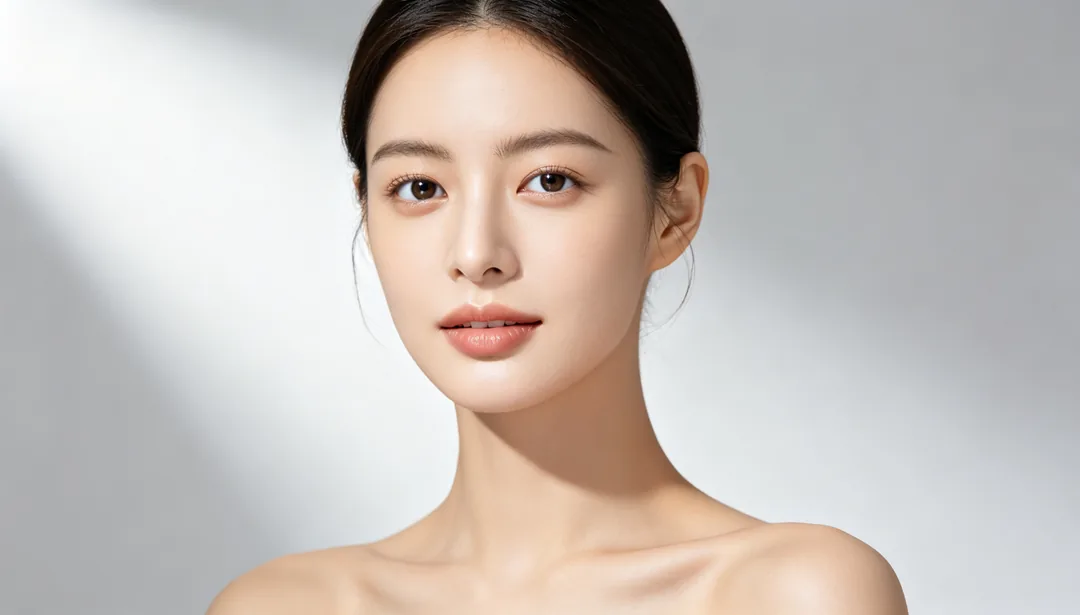
Refined Beauty
Moderate skin smoothing with a subtly slimmer face and brighter eyes
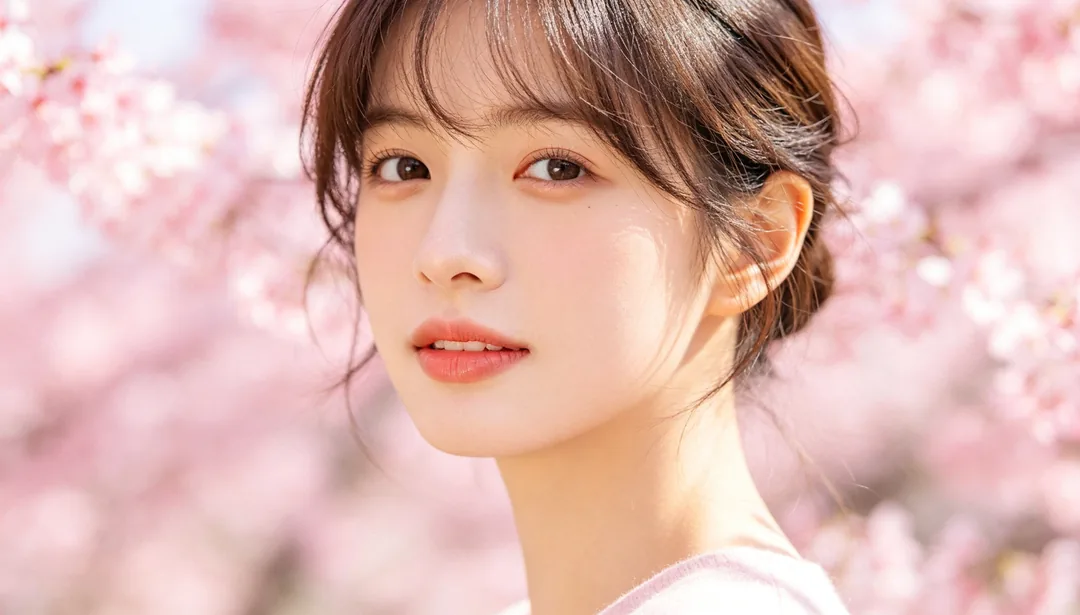
Sakura Pink Tone
A soft romantic pink color shift evoking cherry-blossom season
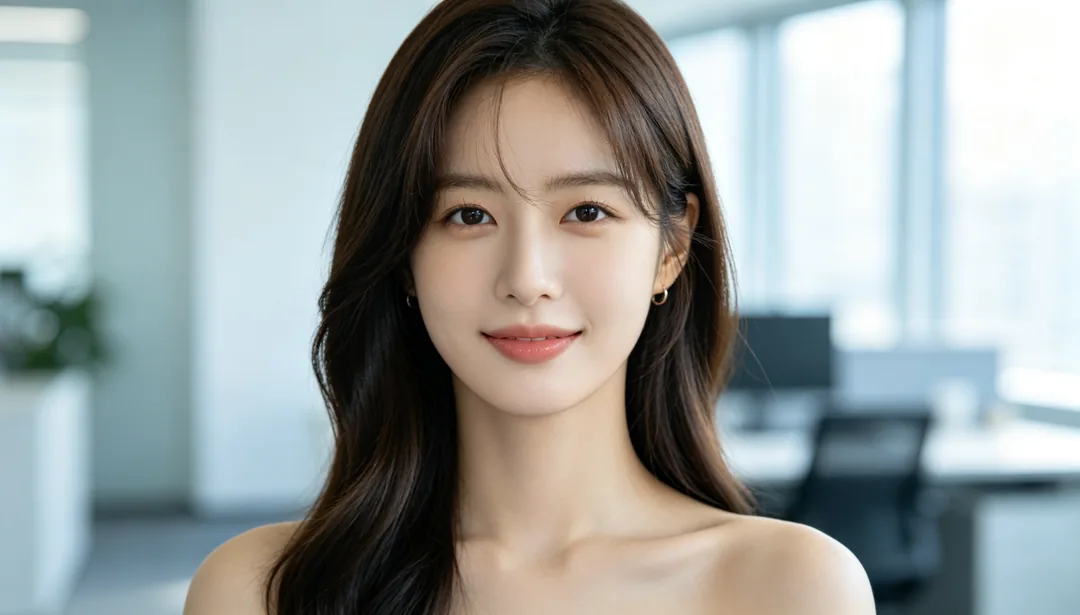
Background Replace
Cuts the person out cleanly and composites them into a new well-matched scene
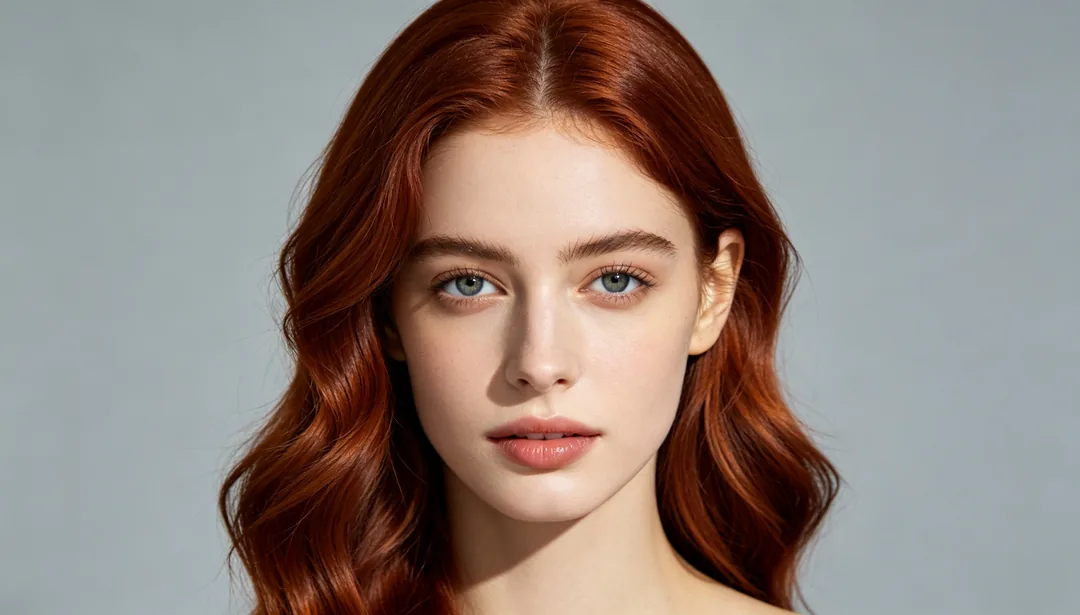
Hair Color Change
Previews a new natural hair color while keeping the same hairstyle
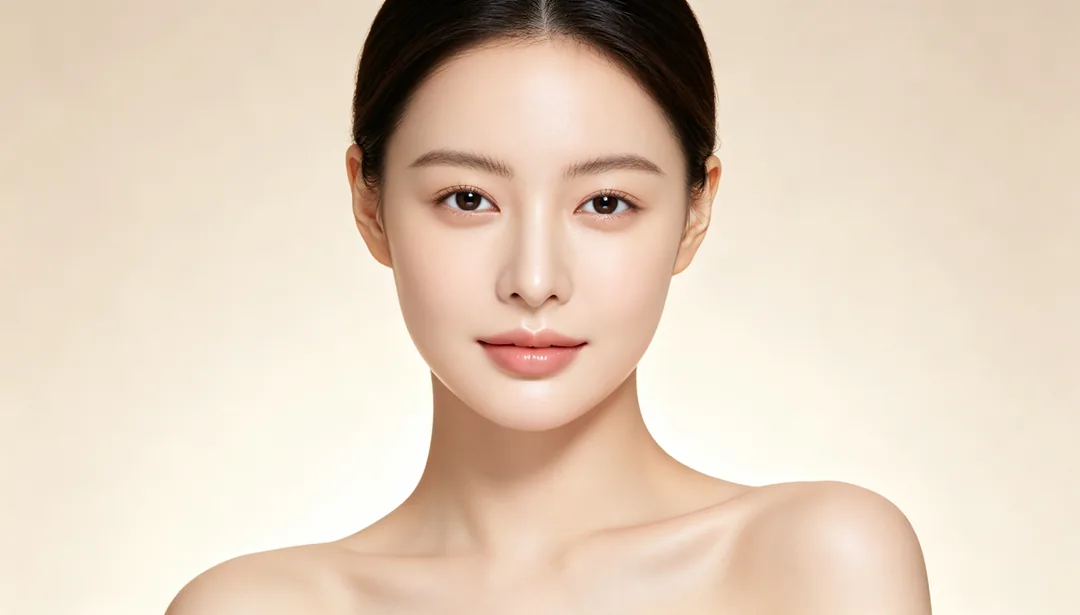
Baby-Soft Skin
An extremely smooth, cream-like skin texture reminiscent of a baby's skin
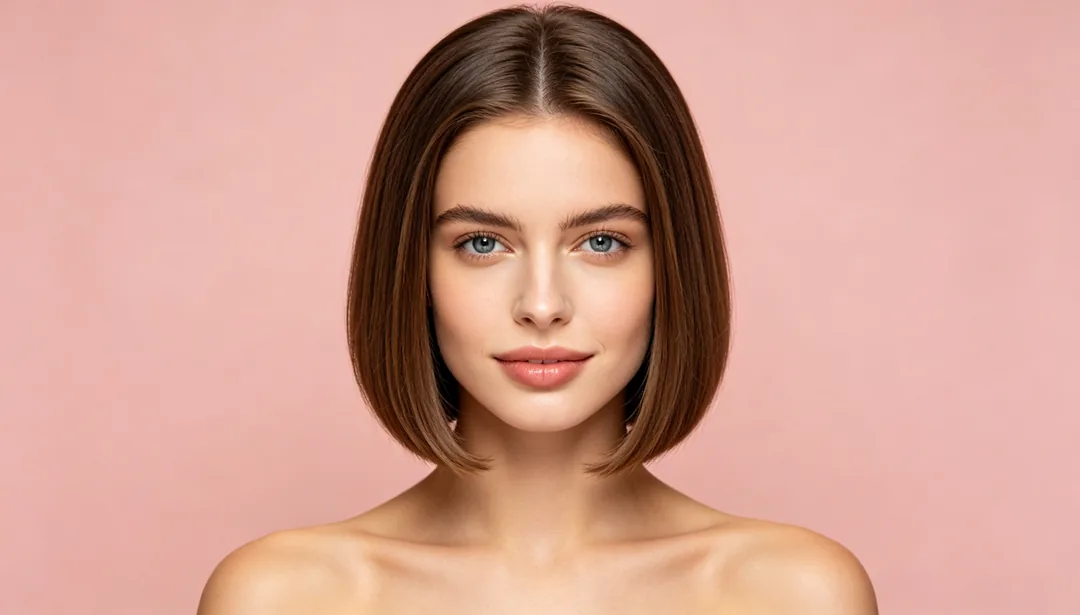
Hairstyle Try-On
Previews a different hair length or texture, from long waves to a short cut

Waist Slimming
Softly tapers the waistline for a slimmer curve while keeping balance believable