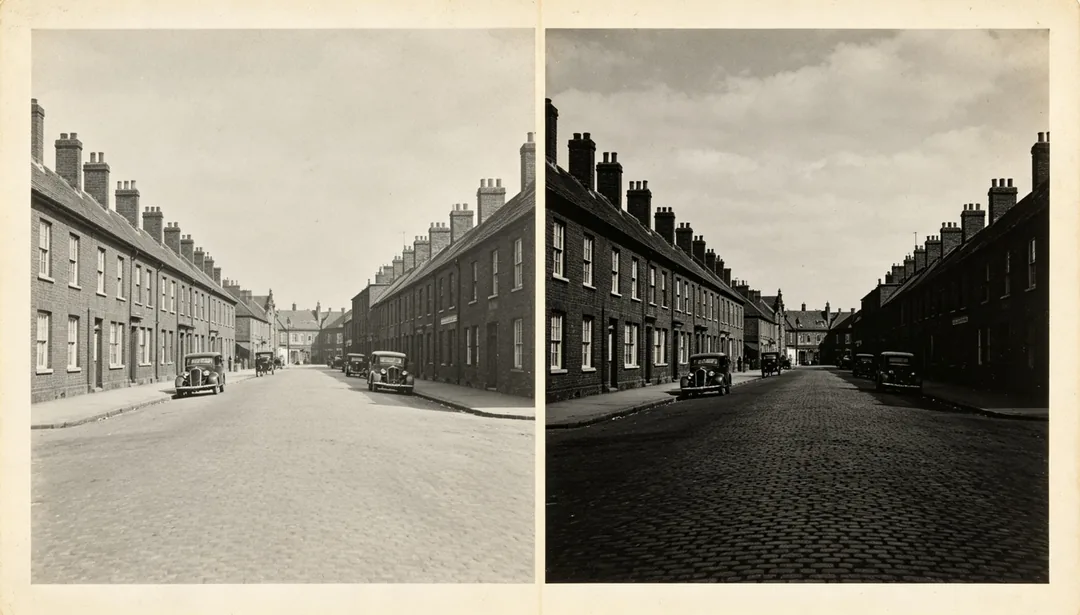
Contrast Balance: Old Photo Restoration Styles
Your photo is never used to train AI models.
Optimizes the overall contrast and brightness of the photo for a balanced tonal range.
Tags
- contrast
- brightness
- balance
- tone
How it works
1
Upload the scan
Add a scan or photo of the old print. Add extra copies if you have several damaged versions of the same picture.
2
Pick a restoration style
Choose the era, colour finish or repair you want.
3
Generate and download
Generate, compare with the original and download the version you want to keep.
More styles in Photo Restore
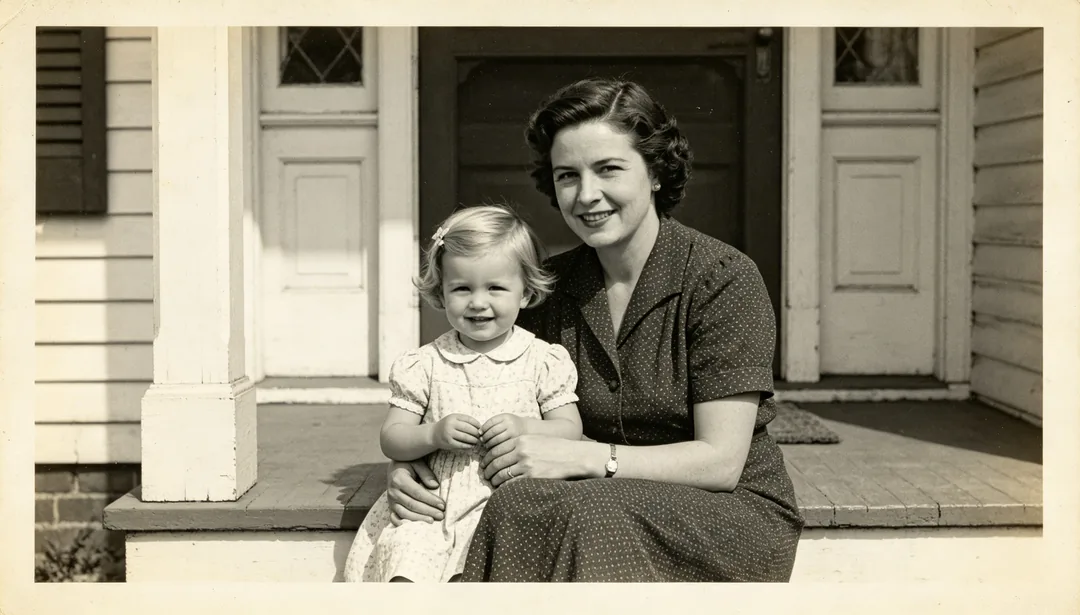
Quick Enhance
A fast pass that applies light 2x super-resolution and gentle facial enhancement to quickly sharpen an old photo.
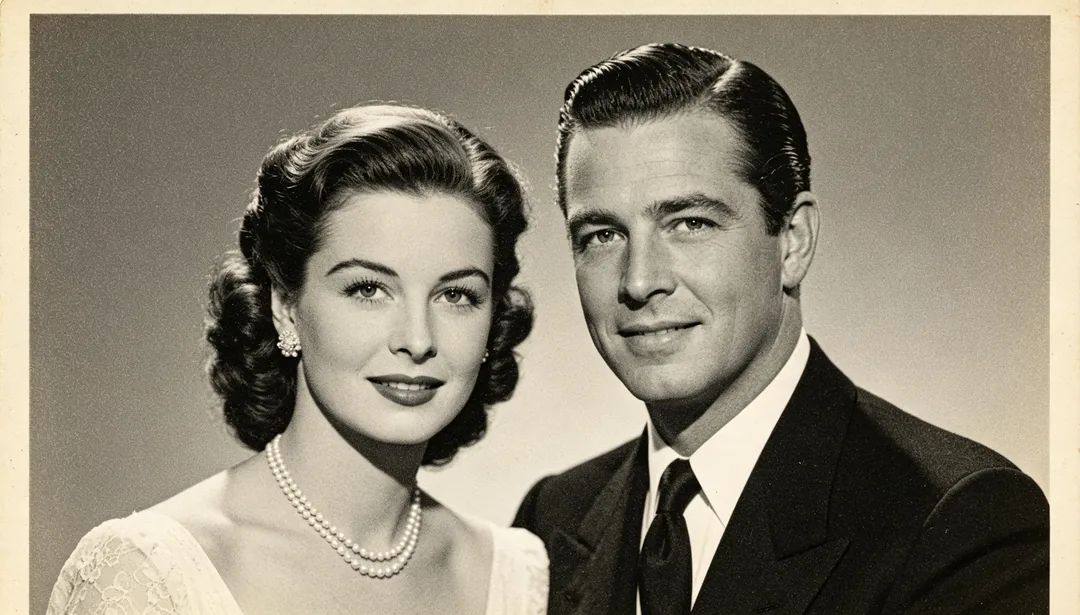
Standard Restore
A standard restoration pipeline combining 4x super-resolution, facial enhancement, and denoising for most old photos.
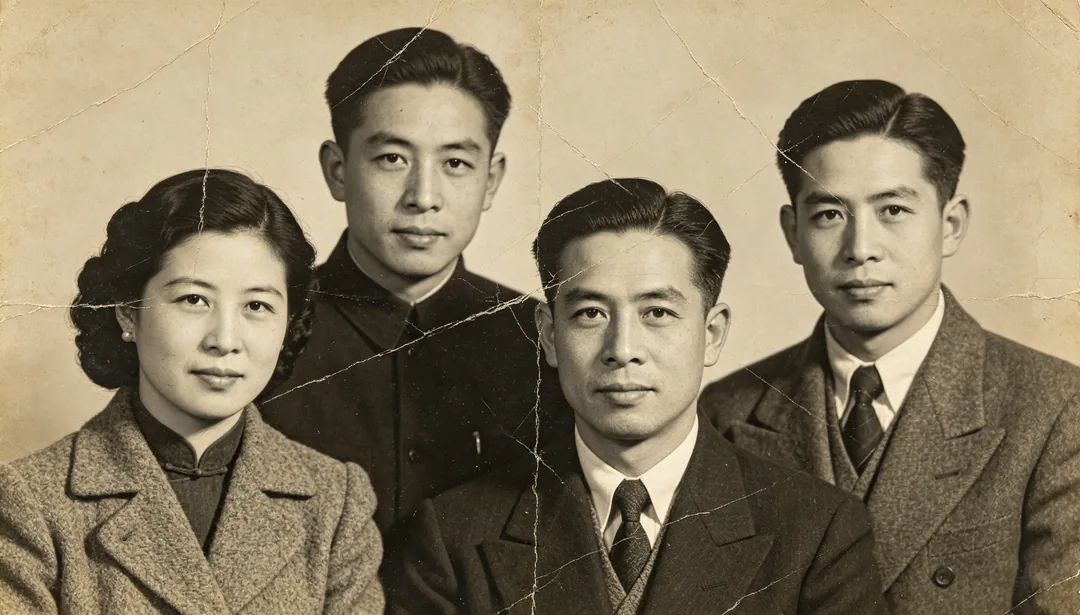
Deep Restore
A full deep-restoration pipeline with 8x super-resolution for heavily damaged or extremely blurry old photos.
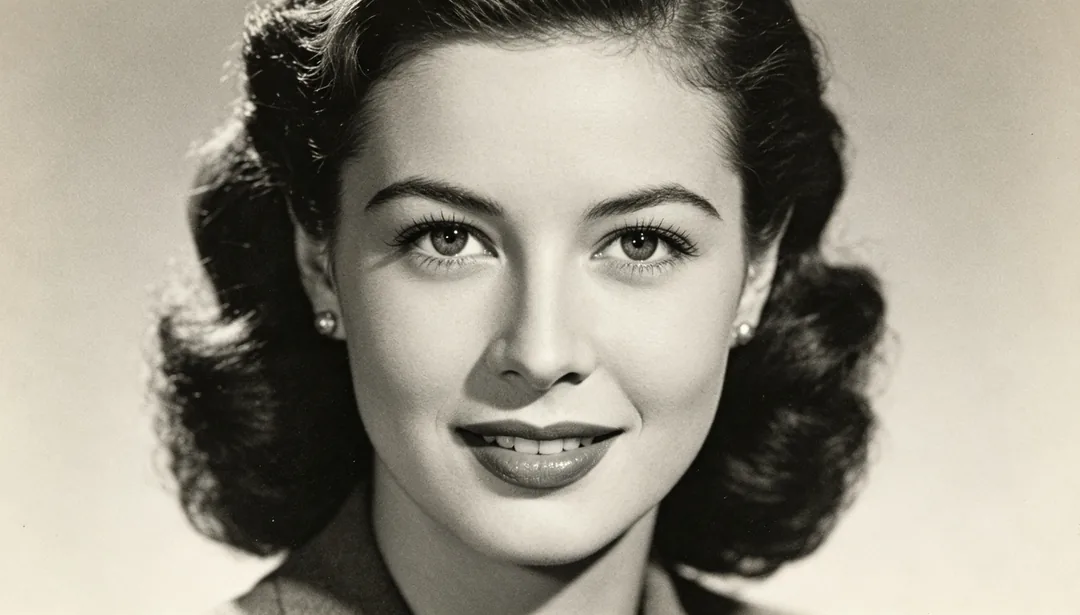
Face Focus
Sharpens only the facial features for clarity while leaving the rest of the frame untouched.
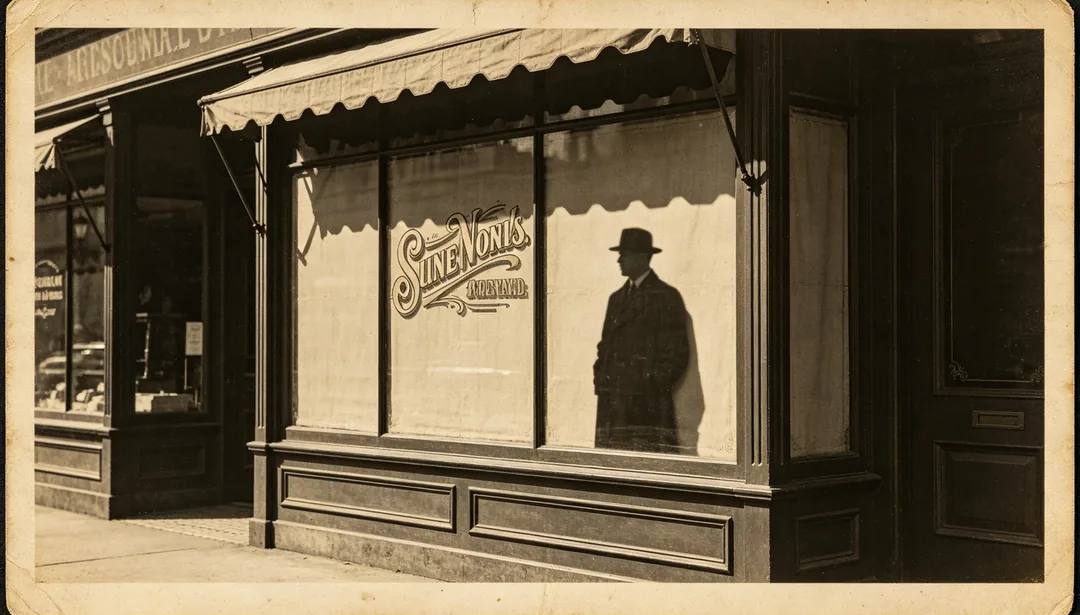
Edge Sharpen
Enhances the crispness of outlines, silhouettes, and printed text edges in the photo.
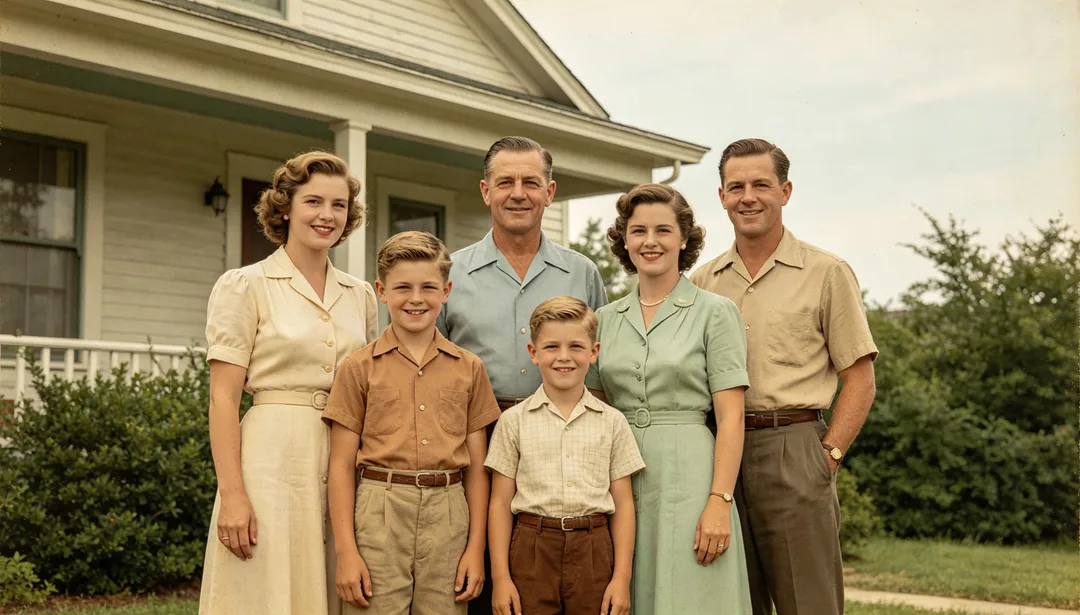
Natural Colorize
Restores believable, true-to-life natural colors to a black-and-white photo.
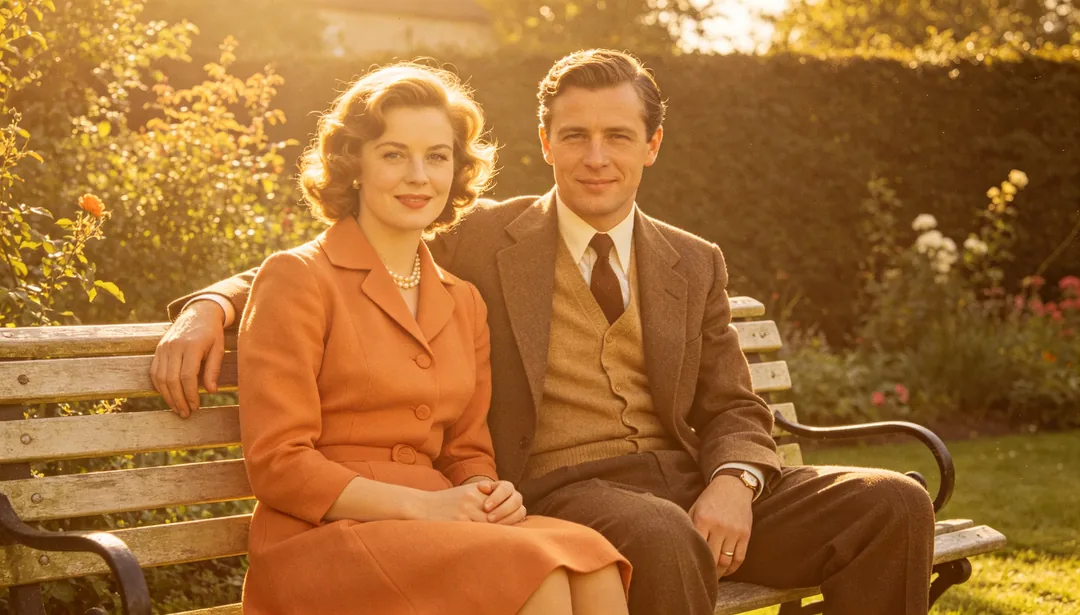
Warm Tone Colorize
Colorizes a black-and-white photo with a warm golden palette for a cozy, nostalgic mood.
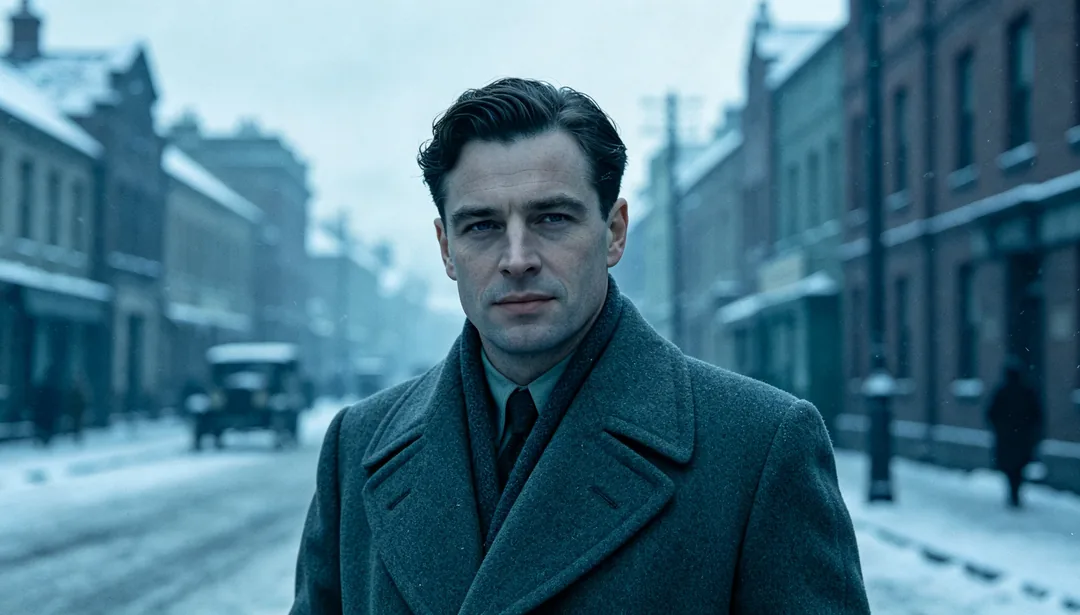
Cool Tone Colorize
Colorizes a black-and-white photo with a cool bluish palette for a calm, subdued mood.